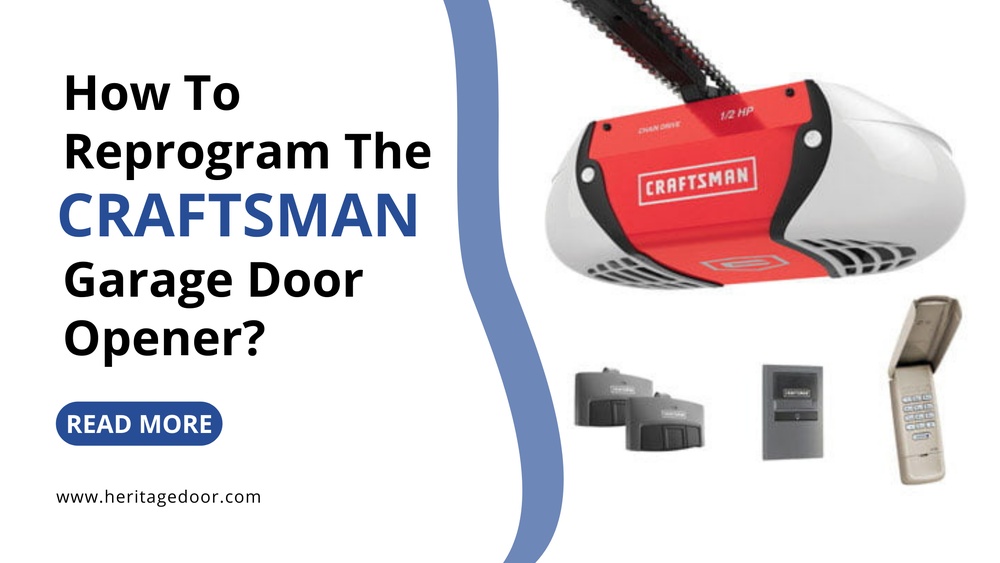
Resetting a Craftsman garage door opener can feel confusing if you’ve never done it before. Maybe your remote stopped working, or you just moved into a new home and want to clear old codes. Sometimes, the garage door opener acts up after a power outage or you want to connect it with a smart home system. Whatever the reason, a reset is a simple way to solve many common problems.
Understanding how to reset your opener gives you more control over your garage’s security and convenience. In this guide, you’ll learn clear, beginner-friendly steps to reset a Craftsman garage door opener, avoid common mistakes, and keep your system running smoothly.
Why Reset Your Craftsman Garage Door Opener?
People often reset their garage door opener for these reasons:
- Lost or stolen remotes: To prevent unauthorized access, clearing old codes is smart.
- New house: When you move in, you don’t know who else might have a remote.
- Opener not responding: Resetting helps fix issues like remote not working or system glitches.
- Connecting new remotes: You need to reset the system to pair new devices.
- After a power surge: Sometimes, a reset is needed to restore normal operation.
A reset wipes out stored codes and gives your system a fresh start. This is a basic but powerful way to boost security and solve technical problems.
Understanding Your Craftsman Garage Door Opener
Before starting, it helps to know your opener’s model and main parts. Most Craftsman openers use a “Learn” button for resetting and programming. The location and color of this button can vary.
Common Learn button colors:
- Yellow
- Purple
- Red/Orange
- Green
Each color sometimes means a different remote frequency or programming step. Check your opener’s motor unit (the box on the ceiling) for the button. It’s often under a small plastic cover near the antenna wire.
Most openers made after 1997 support rolling code technology for better security. If your opener is older, the steps may look a little different.
What You Need Before You Start
Resetting your Craftsman opener is easy, but gather these first:
- A sturdy ladder (so you can reach the motor unit)
- Your remote controls (old and new, if reprogramming)
- A flashlight (for dark garages)
- Your garage door manual (optional, but helpful)
Safety tip: Make sure the garage area is clear. Don’t let children or pets near while you work.
Step-by-step Guide: How To Reset Your Craftsman Garage Door Opener
Follow these steps for a full reset. The process takes about 5–10 minutes.
1. Disconnect Power (optional For Safety)
While not required, some people prefer unplugging the opener for safety. This prevents accidental activation. If you feel confident, you can skip this, but it’s a good habit if you’re new to repairs.
2. Locate The “learn” Button
- Climb the ladder and look at the back or side of the main motor unit.
- Find a small button labeled “Learn”. It may be under a light cover.
- The button color tells you about your opener’s age and remote frequency.
3. Clear All Remote Codes
- Press and hold the Learn button for about 6–10 seconds.
- Watch for the indicator light next to the button. It will turn off or blink.
- Once the light goes out, release the button.
- All remote controls and keypads are now erased from memory.
Example: If you had three remotes programmed, all will stop working until reprogrammed.
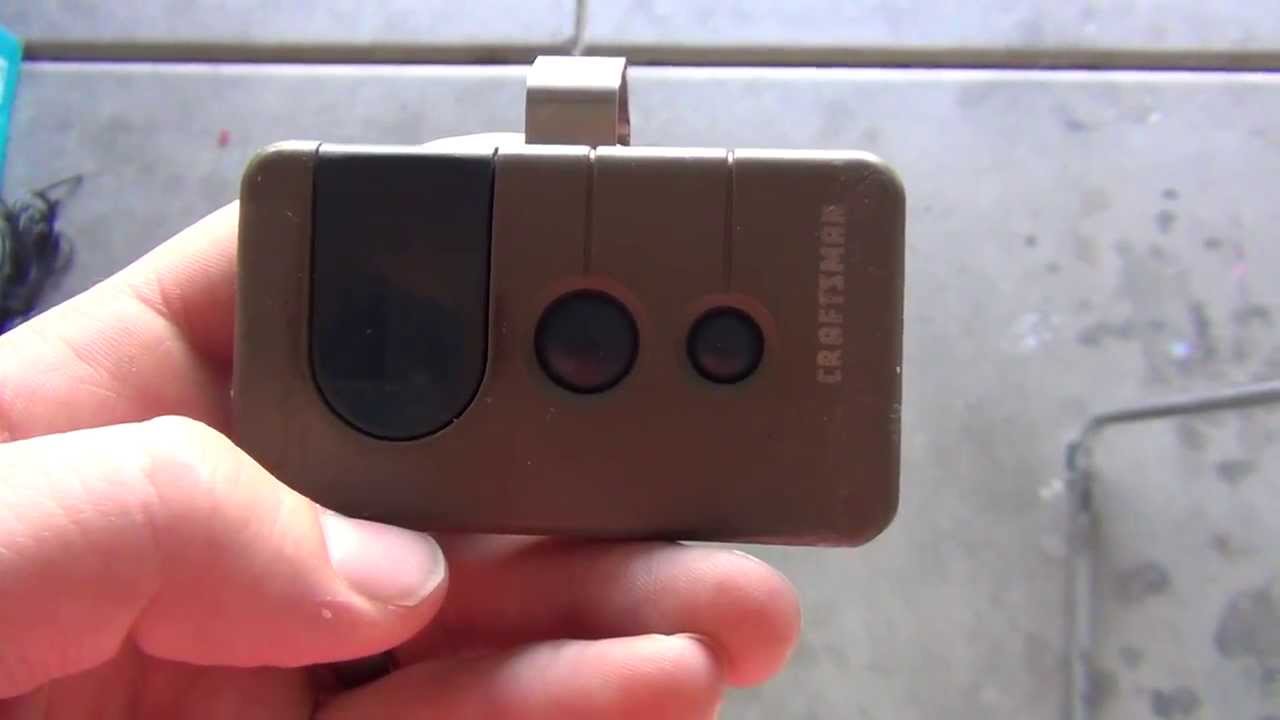
4. Reprogram Your Remote Controls
- Press and release the Learn button (do NOT hold it).
- The indicator light will turn on for 30 seconds.
- Within those 30 seconds, press and hold the button on your remote.
- When the opener light blinks or clicks, programming is complete.
- Repeat for each remote or keypad.
Tip: Different models may have a slight difference in how long you hold the remote button. If the remote doesn’t program, try again with a shorter or longer press.
5. Test The Remotes
- Stand a few feet away and press the remote.
- The garage door should open or close smoothly.
- If not, repeat the programming steps.
6. Restore Power (if Disconnected)
- Plug the opener back in.
- Test the wall control, keypad, and remotes.

Credit: www.ccmgaragedoor.com
Quick Comparison: Common Craftsman Learn Button Colors
Understanding your opener’s Learn button color can help you find the right instructions. Here’s a simple comparison:
| Learn Button Color | Remote Frequency | Typical Year Range | Programming Note |
|---|---|---|---|
| Yellow | 390 MHz / Security+ 2.0 | 2011–Present | Rolling code, newer remotes |
| Purple | 315 MHz / Security+ | 2005–2011 | Rolling code, easy to program |
| Red/Orange | 390 MHz / Security+ | 1997–2005 | Older rolling code |
| Green | 390 MHz | 1993–1997 | Fixed code, less secure |
If your opener is older than 1993, check the manual or contact Craftsman support for special instructions.
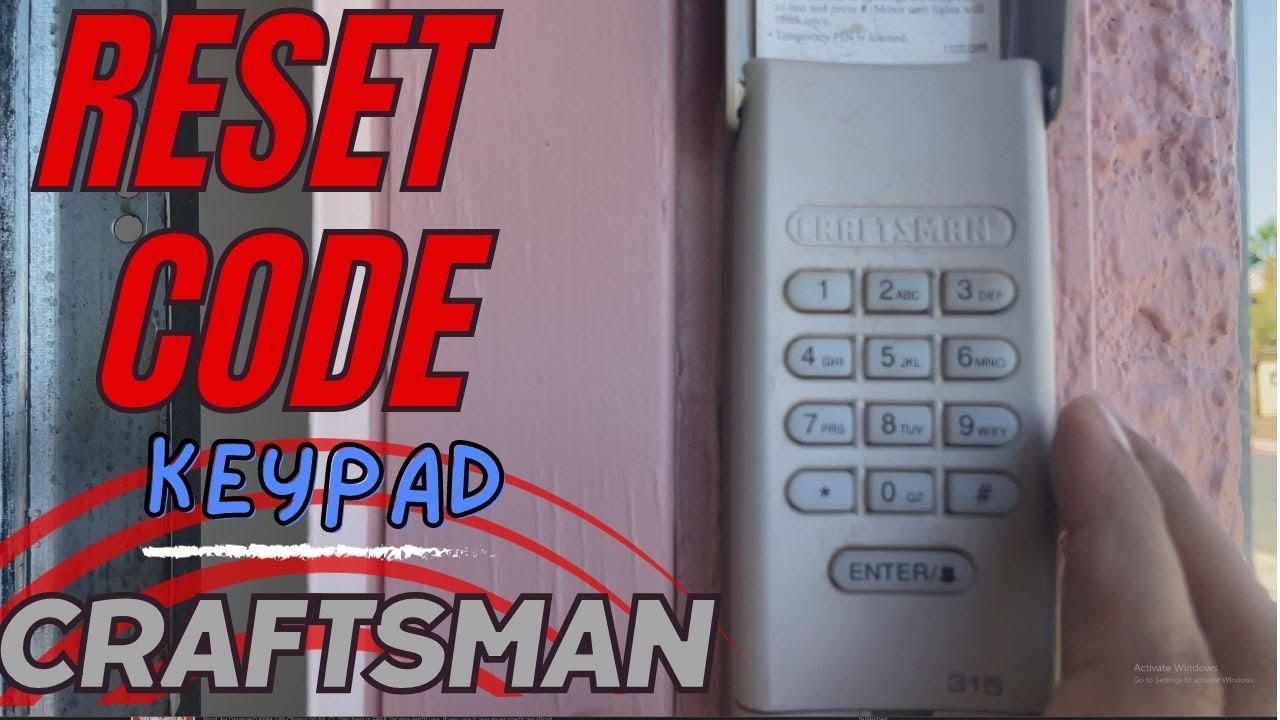
Resetting A Craftsman Keypad
Many homes have a wireless keypad outside the garage. After resetting the opener, you’ll need to reprogram this too.
- Press and release the Learn button on the motor unit.
- Within 30 seconds, enter your chosen PIN on the keypad.
- Press the “Enter” button.
- The opener light will blink if the code is accepted.
If your keypad doesn’t respond, check for old batteries or try a different PIN. Some keypads need a longer button press to program.
Troubleshooting Common Problems
Sometimes, a reset doesn’t fix the issue. Here’s how to solve the most common problems:
- Remote still not working
- Check the battery. Weak batteries often cause signal loss.
- Make sure the remote is compatible with your opener’s frequency.
- Stand closer to the opener during programming.
- Keypad not responding
- Try new batteries.
- Clear the opener’s memory and reprogram again.
- Make sure you press the buttons firmly.
- Door won’t move after reset
- Check for lock settings on the wall control panel.
- Make sure the opener is plugged in and power is restored.
- Inspect the safety sensors at the bottom of the door.
Practical Example: Resetting After Buying A New House
Imagine you just moved into a new house. You find a Craftsman opener, but you don’t know who had access before you. Here’s what to do:
- Follow the reset steps above to clear all old codes.
- Program your own remotes and set a new keypad PIN.
- Test all devices to make sure only your remotes work.
This simple process protects your home and gives you peace of mind.
How A Reset Improves Security
Every time you reset and program new remotes, you lock out anyone with an old code. This is important if:
- You lost a remote in a public place.
- Gave a remote to a service person or neighbor who no longer needs access.
- Moved into a new property.
Non-obvious insight: Many people forget to reset the opener when selling or buying a house, leaving their garage vulnerable. Always reset after a change in ownership.
Safety Tips During Reset
- Unplug the opener if you’re worried about electric shock.
- Don’t stand under the door when testing remotes.
- Keep remotes away from children.
- Use a sturdy ladder and work with a helper if possible.
When To Call A Professional
Most resets are simple, but call a technician if:
- The Learn button is broken or missing.
- The opener is not responding at all (even with new batteries).
- You see sparks, smoke, or hear unusual noises.
- The system is very old (pre-1993) and the instructions don’t work.
Professional help ensures your system is safe and reliable.
Comparing Craftsman With Other Brands
How does Craftsman stack up against other brands like Chamberlain or Genie? The basic reset steps are similar, but Craftsman is known for:
| Brand | Reset Method | Programming Ease | Security Features |
|---|---|---|---|
| Craftsman | Learn button | Beginner-friendly | Rolling code, Security+ 2.0 |
| Chamberlain | Learn button | Beginner-friendly | Rolling code, MyQ compatible |
| Genie | Learn button or code switch | Somewhat easy | Intellicode security |
Non-obvious insight: Craftsman openers are often built by the same company as Chamberlain, so steps are almost identical. If your Craftsman manual is missing, Chamberlain guides usually apply.
Credit: www.youtube.com
Keeping Your Opener Working Smoothly
Resetting is just one part of garage door opener maintenance. Here’s how to keep your system in top shape:
- Replace remote batteries every year.
- Check for loose wires or worn parts monthly.
- Lubricate metal parts (like rollers and tracks) twice a year.
- Test the safety sensors regularly—block the beam and make sure the door reverses.
- Write down your opener’s serial number and settings for easy reference.
Data: How Often Do People Reset Garage Door Openers?
Surveys show that most homeowners reset their openers only after major changes:
| Reason for Reset | Percentage of Homeowners |
|---|---|
| Lost remote | 42% |
| Moved into new house | 33% |
| Technical problems | 18% |
| Routine security | 7% |
Most people wait for a problem before resetting. Doing it as routine maintenance (once a year) can add peace of mind and prevent surprises.
Credit: www.youtube.com
Where To Find More Help
If you need more details, check the official Craftsman Support page for manuals and troubleshooting guides.
Frequently Asked Questions
How Do I Know If My Craftsman Opener Needs A Reset?
If your remote stops working, you lost a remote, or just moved in, it’s a good idea to reset. Also, if you notice the door opening randomly, someone else may have access—so reset right away.
Will Resetting My Craftsman Opener Erase My Keypad Code?
Yes, a full reset will erase all paired devices, including keypads. You need to reprogram the keypad after resetting.
Can I Reset My Craftsman Opener Without A Ladder?
Usually, you need a ladder to reach the motor unit’s Learn button. If your opener is installed low or you have long arms, you might reach it, but a ladder is safest.
What If My Opener Is Too Old For These Instructions?
If your opener was made before 1993, it may use dip switches instead of a Learn button. Check your manual or contact support for model-specific steps.
Is There A Way To Reset Just One Remote, Not All?
No, the Craftsman reset clears all codes at once. You must reprogram every remote and keypad after a reset.
Resetting a Craftsman garage door opener is a simple process once you know the steps. It’s an easy way to solve remote problems, improve security, and make your garage safer. With regular maintenance and quick resets when needed, you can trust your opener to work smoothly for years to come.