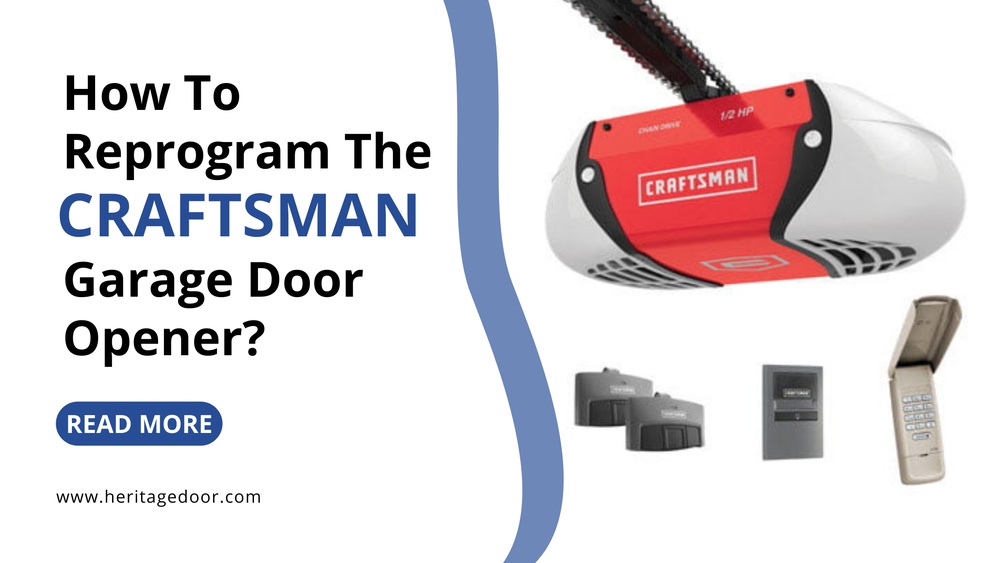
If you own a Craftsman garage door opener, programming it correctly is key to using all its features. Many homeowners find the process confusing, especially if they are setting it up for the first time. The good news is, with clear steps and simple instructions, you can program your Craftsman garage door opener in less than 30 minutes—even if you’ve never done it before.
This guide explains every part of the process, offers practical tips, and answers common questions, so you can get your garage door working smoothly and safely.
Understanding Craftsman Garage Door Opener Basics
Before you start programming, it’s important to understand how your Craftsman garage door opener works. Most models use a remote control, a wall-mounted keypad, and a motor unit with a “Learn” or “Program” button. These openers use a rolling code system, which means the code changes every time you use your remote. This keeps your garage more secure.
Key features to know:
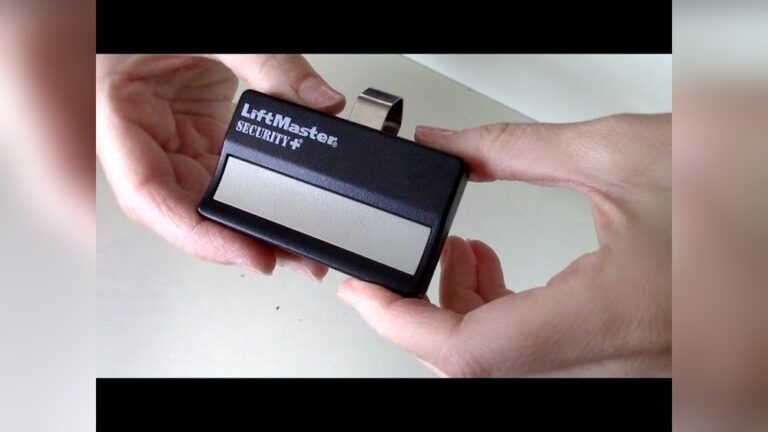
- Remote controls: Usually small, handheld devices that open and close the door from a distance.
- Wall keypads: Mounted near the garage door, letting you enter a code to operate the door.
- Program button: Located on the motor unit. This starts the programming process.
Common Craftsman models include:
- 1/2 HP Chain Drive
- 3/4 HP Belt Drive
- Smart Series with Wi-Fi
While features may vary, the programming steps are similar for most Craftsman models.
Tools And Preparation
You don’t need many tools to program your garage door opener, but a little preparation can save time.
What you’ll need:
- Ladder (to reach the motor unit)
- Remote control(s) to program
- Access to the wall keypad (if you have one)
- The Craftsman opener manual (optional but helpful)
- Pen and paper to note down codes (if needed)
Safety tip: Unplug the opener before touching wires or if you plan to reset the system. Always keep children and pets away during setup.
Programming The Remote Control
Programming a remote is the most common task. Here’s how you can do it step by step:
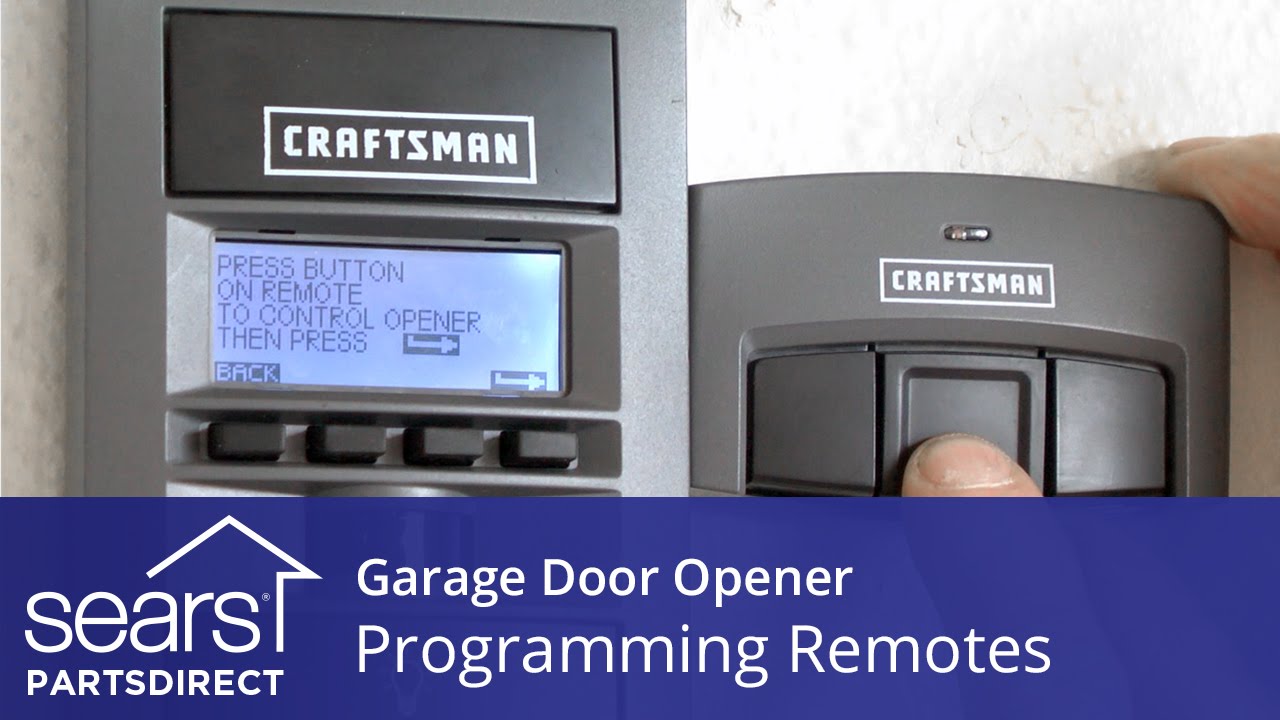
- Locate the Learn Button: This button is usually on the back or side of the opener’s motor unit. It may be colored (red, yellow, purple, or green).
- Prepare the Remote: Hold the remote close to the motor unit—about 3-5 feet away.
- Press the Learn Button: Use a ladder if needed. Press and release the Learn button. A small LED light will come on.
- Press the Remote Button: Within 30 seconds, press and hold the button you want to program on your remote.
- Watch for the Light: The opener light will blink or you’ll hear a click. This means the programming is successful.
- Test the Remote: Move a few steps away and press the button. The garage door should open or close.
Troubleshooting tips:
- If it doesn’t work, repeat the process. Make sure you press the remote button within 30 seconds of the Learn button.
- If you have multiple remotes, program each one separately.
Real example: Sarah, a new homeowner, programmed two remotes in 10 minutes following these steps. She found marking the Learn button location with tape helpful for future reference.
Programming The Wall Keypad
If your Craftsman opener has a keypad, you can set a PIN for keyless entry. This is useful for family members or kids who don’t carry remotes.
Steps to program the keypad:
- Locate the Learn Button on the motor unit.
- Press the Learn Button: The LED will light up.
- Enter a 4-digit PIN on the keypad. Press and hold the “Enter” button.
- Wait for the Light: When the opener light blinks or you hear a click, the PIN is accepted.
- Test the Keypad: Enter your PIN and press “Enter.” The door should move.
Tips for keypad programming:
- Choose a PIN that’s easy to remember but hard for others to guess.
- If you make a mistake, clear the keypad and start over.
Common mistake: Some users wait too long between steps. You must enter the PIN within 30 seconds of pressing the Learn button.
Credit: www.reddit.com
Clearing Old Codes And Reprogramming
If you move into a new home or lose a remote, it’s wise to erase all old codes from your Craftsman opener.
To clear old codes:
- Hold the Learn Button for 6-10 seconds until the LED goes off.
- This deletes all remotes and keypads from the opener’s memory.
- Reprogram your remotes and keypads as explained above.
Why is this important?
- Prevents previous owners from accessing your garage.
- Keeps your home more secure.
Pro tip: After clearing codes, always reprogram your remotes before you need them. Don’t wait until you’re locked out.
Setting Up Myq And Smart Features
Many newer Craftsman garage door openers support MyQ technology. This lets you control your garage door from your smartphone or through smart home systems like Amazon Alexa or Google Assistant.
Benefits:
- Open or close your garage from anywhere.
- Get alerts if your door is left open.
- Set automatic closing schedules.
How to connect MyQ:
- Download the MyQ app from the App Store or Google Play.
- Create an account and follow the setup instructions.
- Connect your opener to Wi-Fi (follow steps in your Craftsman manual).
- Sync your opener with the app using the Learn button.
Data to know: According to a 2023 survey, over 40% of Craftsman owners with MyQ use the app weekly for remote monitoring.
Extra tip: Make sure your Wi-Fi signal is strong in the garage. If it’s weak, consider a Wi-Fi extender.
Credit: www.youtube.com
Programming Multiple Remotes
Many families need more than one remote. Craftsman openers support up to five remotes on most models.
Programming extra remotes:
- Follow the same Learn button process for each remote.
- Each remote must be programmed individually.
- If you reach the limit, the oldest remote will be dropped from memory when you add a new one.
Example scenario: If you program five remotes and add a sixth, the first one you programmed will stop working. Plan your remotes according to family needs.
Resetting Your Craftsman Garage Door Opener
Sometimes, programming fails or the opener acts strangely. A full reset can fix many issues.
How to reset:
- Unplug the opener from power.
- Wait 60 seconds.
- Plug it back in.
- Clear all codes using the Learn button (hold for 6-10 seconds).
- Reprogram your remotes and keypad.
When to reset:
- You moved into a new home.
- Old remotes keep working after you erase them.
- The opener acts unpredictably.
Non-obvious insight: Resetting doesn’t always fix hardware problems. If the opener still fails, check batteries or call Craftsman support.
Common Programming Problems And Solutions
Even with clear steps, beginners sometimes run into problems. Here’s how to solve the most frequent issues.
| Problem | Possible Cause | Solution |
|---|---|---|
| Remote not working | Dead battery, out of range, not programmed | Replace battery, stand closer, reprogram remote |
| Keypad not responding | Wrong PIN, too slow programming, worn keypad | Reset PIN, program quickly, replace keypad if needed |
| Opener light doesn’t blink | Pressed wrong button, wiring issue | Check Learn button, inspect wiring |
| MyQ won’t connect | Weak Wi-Fi, incorrect setup | Move router closer, repeat setup steps |
Practical example: Mark found his remote failed to work after a power outage. He reprogrammed it using the Learn button and replaced the battery, and it worked instantly.
How Craftsman Compares With Other Brands
If you’re considering Craftsman vs. other brands like Chamberlain or Genie, here’s a simple comparison.
| Feature | Craftsman | Chamberlain | Genie |
|---|---|---|---|
| Programming steps | Simple, Learn button | Similar, Learn button | Uses Learn button, but some models differ |
| Remotes supported | Up to 5 | Up to 7 | Up to 7 |
| Smart features | MyQ | MyQ | Aladdin Connect |
| Price range | $$ | $$$ | $$ |
Key takeaway: Craftsman programming is beginner-friendly and offers good smart features for the price.
Safety And Security Tips
Programming your opener is not just about convenience; it’s also about keeping your garage and home safe.
- Change your PIN regularly.
- Erase old codes when moving into a new home.
- Don’t share your remote or PIN with people you don’t trust.
- Test your opener every few months to make sure it’s working.
- Use rolling code remotes for extra security.
Did you know? The rolling code system used by Craftsman is designed to prevent code grabbing by thieves. Each time you press the remote, a new code is created.
Battery Replacement And Maintenance
A weak battery is a common cause of programming problems.
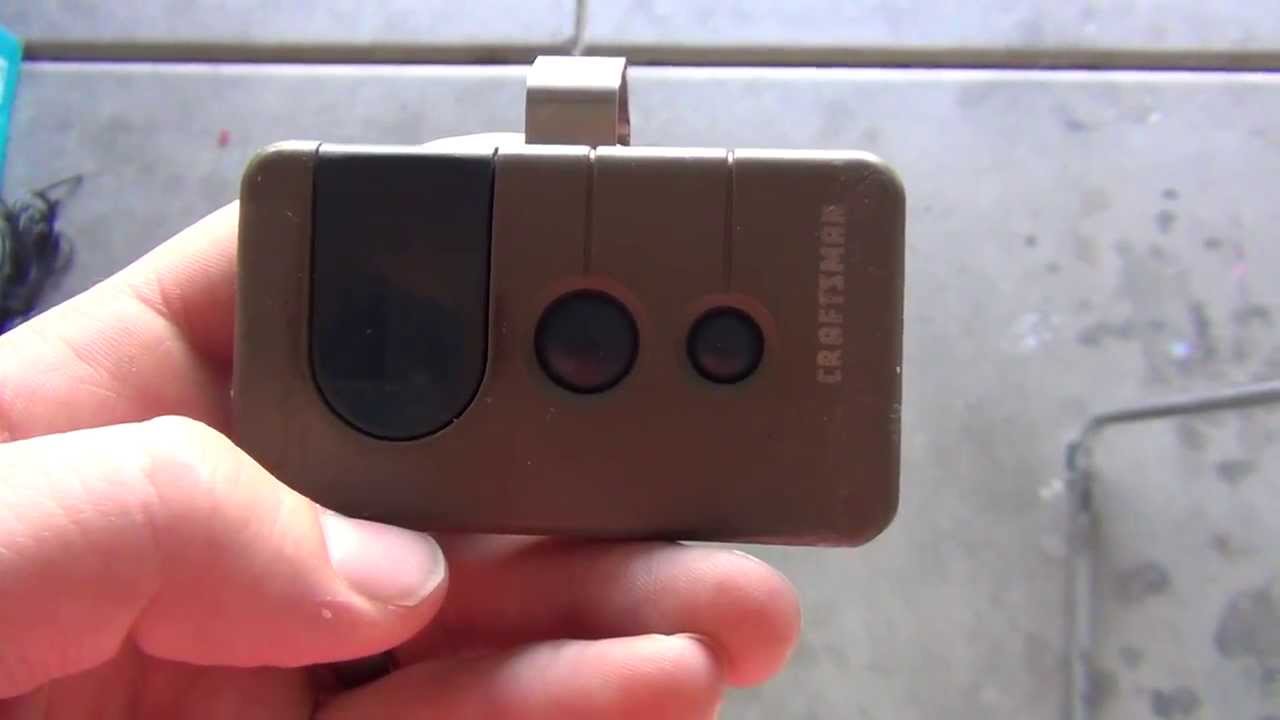
How to change remote battery:
- Slide the remote case open.
- Note the battery type (usually CR2032 or CR2016).
- Replace with a fresh battery.
- Snap the case closed.
Maintenance tips:
- Check batteries every 6-12 months.
- Clean the remote and keypad with a dry cloth.
- Test the door balance and sensors once a year.
Pro insight: If your remote works only at short range, the battery is almost always the cause.
Credit: www.youtube.com
When To Call A Professional
Most programming can be done yourself. But in some cases, it’s smart to call a professional:
- The opener makes grinding noises or fails to move.
- The safety sensors are not working.
- You see sparks or smell burning.
- The unit is very old (over 15 years).
Cost data: A basic opener service visit costs around $80–$150 in the US, according to recent surveys.
Tip: Always try the basic programming steps first. Most issues are quick fixes.
Frequently Asked Questions
How Many Remotes Can I Program To My Craftsman Opener?
Most Craftsman models support up to five remotes and one keypad. If you need more, you must erase an old remote before adding a new one.
What Color Is The Learn Button On My Craftsman Opener?
The Learn button may be yellow, red, green, or purple. The color helps identify the opener’s age and compatibility. Check your manual for details.
Why Does My Craftsman Remote Stop Working After A Power Outage?
Power outages can erase the remote code or cause glitches. Reprogram the remote using the Learn button, and replace the battery if needed.
Can I Program A Universal Remote With My Craftsman Opener?
Yes. Most universal remotes work with Craftsman openers using the same Learn button process. Make sure the remote supports rolling code technology.
Where Can I Find The Craftsman Opener Manual Online?
You can download most manuals for free from the official Sears PartsDirect site: Sears PartsDirect.
If you follow these steps, programming your Craftsman garage door opener will be quick and stress-free. Take your time, double-check each step, and don’t hesitate to reset and start over if needed. With the right approach, you’ll enjoy smooth, reliable garage door operation for years to come.