Programming A Chamberlain Garage Door Opener: A Beginner’s Guide
A garage door opener can make your daily life easier and safer, but the setup process can feel confusing if you’re new to it. Many people worry that programming a Chamberlain garage door opener is complicated, but with the right steps and practical examples, it’s a task most homeowners can handle. Whether you’re installing a new opener, adding a remote, or syncing with your car, this guide will walk you through everything you need to know.
You’ll learn how to prepare your system, find the right buttons, and avoid common mistakes. We’ll also look at different Chamberlain models, explain differences, and answer the most frequent questions. Let’s get started with the basics to make your garage more secure and convenient.
Understanding Chamberlain Garage Door Openers
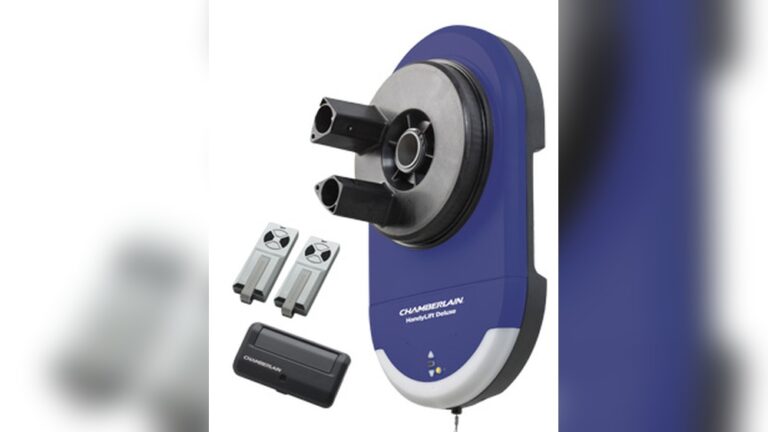
Chamberlain is a leading brand in the garage door opener market. Their products are known for reliability, smart features, and easy DIY programming. Most Chamberlain openers use a rolling code system for security, meaning the code changes each time you use the remote. This makes it hard for others to copy your signal.
Chamberlain openers can be:
- Chain drive: Durable and strong, good for heavy doors.
- Belt drive: Quieter, good for attached garages.
- Smart openers: Connect to Wi-Fi and can be controlled by a phone app.
Different models may have different programming buttons and steps. Always check your model number before starting.
Essential Tools And Preparation
Before you start programming, gather these items:
- Your Chamberlain garage door opener (installed and working)
- The remote control or keypad you want to program
- A sturdy ladder (if your opener is ceiling-mounted)
- The user manual (for your specific model)
- A flashlight (if your garage is dark)
Safety Tip: Never stand on the top step of your ladder. Make sure the area is clear of obstacles.
Credit: www.youtube.com
Locating Key Buttons
Most Chamberlain openers have three important buttons:
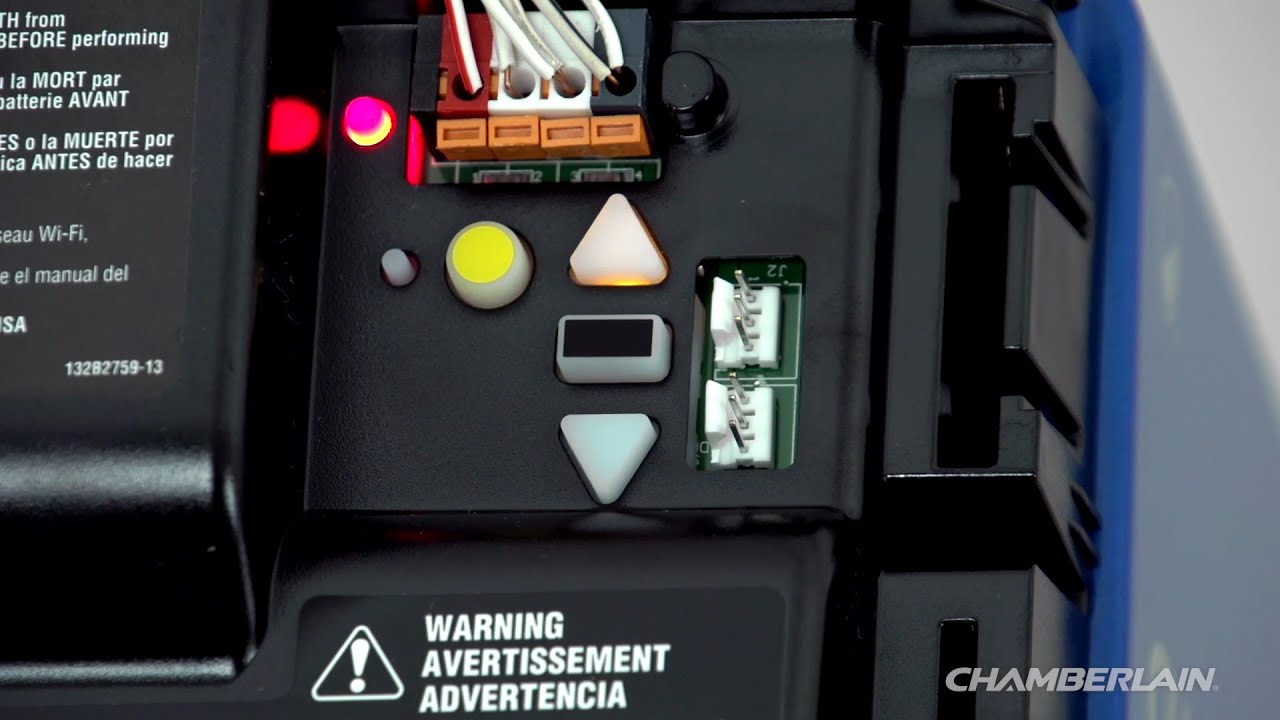
- Learn Button: Usually located on the back or side of the opener motor. It may be yellow, red, purple, or green.
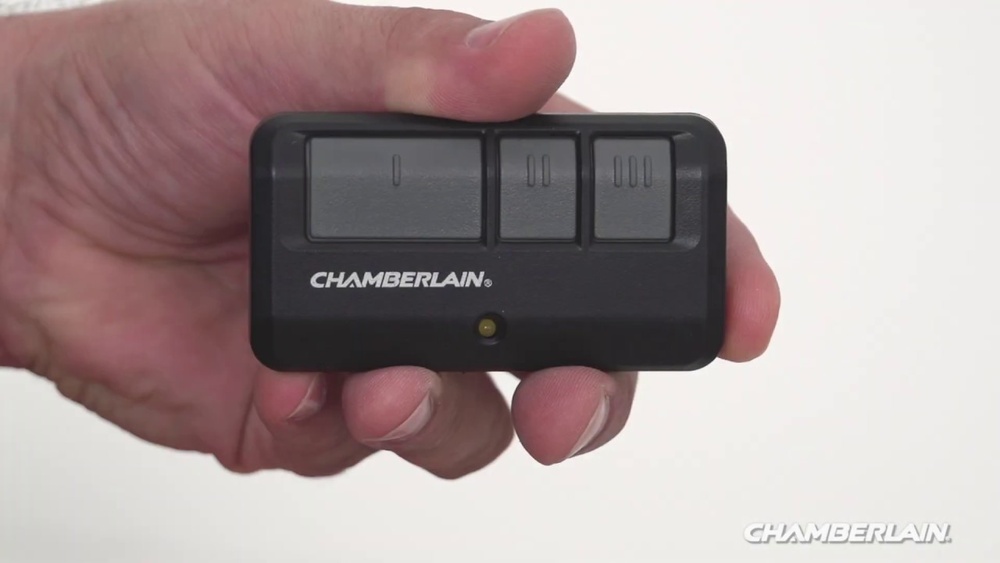
- Remote Button: The button on your handheld remote you want to use.
- Keypad Numbers: For wireless keypads, the number pad is used to enter your PIN.
Look for the “Learn” button near the antenna wire. It’s often behind a small light cover. The color of your Learn button can affect programming steps.
Here’s a quick reference for Learn button colors and their meaning:
| Learn Button Color | Frequency | Typical Model Years |
|---|---|---|
| Yellow | 310, 315, 390 MHz | 2011–present |
| Purple | 315 MHz | 2005–2011 |
| Red/Orange | 390 MHz | 1997–2005 |
| Green | 390 MHz | 1993–1997 |
Knowing your Learn button color helps you follow the correct programming process.
Step-by-step: Programming A Remote
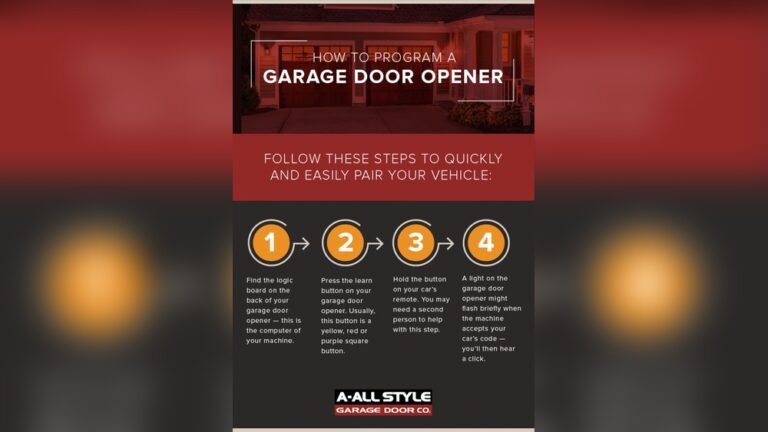
Programming a new or replacement remote is a common task. Here’s a simple method for most Chamberlain openers made after 1993:
- Climb the ladder to reach the opener’s motor unit.
- Press and release the Learn button on the opener. The indicator light will glow for 30 seconds.
- Within 30 seconds, press and hold the button on your remote you want to program.
- Release the button when the opener lights blink or you hear two clicks. This means the remote is programmed.
Example: If your opener has a yellow Learn button and your remote is new, press the yellow button, then the remote button. When the light blinks, you’re done.
Pro Tip: If you take too long between steps, the system will time out. Start over if you miss the 30-second window.
Programming A Keypad
Wireless keypads let you open your garage without a remote. Chamberlain keypads are easy to program:
- Press and release the Learn button on the opener.
- Within 30 seconds, enter your desired 4-digit PIN on the keypad.
- Press and hold the Enter button on the keypad until the opener lights blink.
If you have a newer Chamberlain keypad, you may need to press the Enter button several times (up to 3) to complete programming.
Common Mistake: Forgetting to finish within 30 seconds means you have to start again.
Advanced Tip: Some keypads allow you to program temporary PINs for guests.
Erasing Old Codes
Sometimes you need to erase all programmed remotes and keypads. This is useful if you lose a remote or move into a new home.
- Press and hold the Learn button on the opener for about 6–10 seconds.
- The light will turn off, then back on. This erases all codes.
- You must reprogram each remote and keypad you want to use.
Security Note: Always erase old codes when moving into a new house.
Programming Homelink (car) System
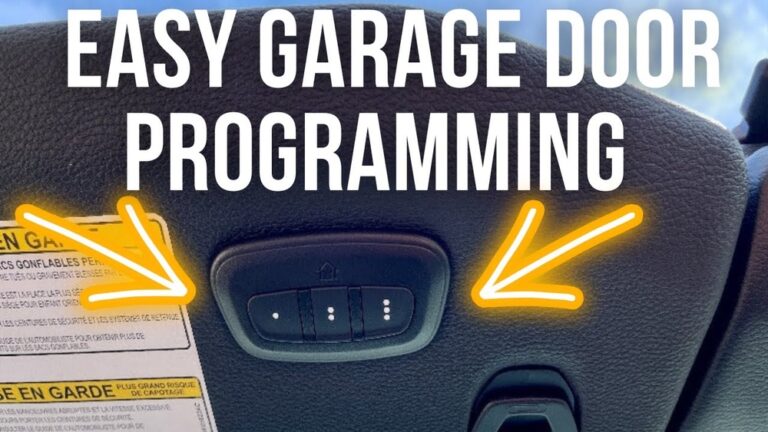
Many cars have built-in HomeLink buttons to control garage doors. Programming HomeLink is a bit different:
- Turn your car key to the “on” position (but do not start the engine).
- Hold the two outside HomeLink buttons until the indicator starts flashing.
- Press and hold the desired HomeLink button and your Chamberlain remote button at the same time until the HomeLink light changes from slow to fast blinking.
- Press and release the Learn button on your opener.
- Within 30 seconds, press the programmed HomeLink button in your car up to 3 times.
Real-World Example: Many Toyota and Honda owners use HomeLink to open their Chamberlain garage door from inside the car, making it convenient in bad weather.
Non-Obvious Insight: Some newer HomeLink systems require a “training” step and may need the car’s ignition fully on.
Connecting To The Myq App
If you have a smart Chamberlain opener with MyQ, you can open and close your garage from your phone. Here’s how to connect:
- Download the MyQ app from the App Store or Google Play.
- Create an account and log in.
- Press the Learn button on the opener.
- Follow the app instructions to connect your opener to Wi-Fi.
Tip: Place your Wi-Fi router near the garage for better connection. Some homes need a Wi-Fi extender for strong signal.
Troubleshooting Programming Issues
Even with simple steps, problems can happen. Here’s how to fix common issues:
- Remote doesn’t work: Check battery, repeat programming, check Learn button color.
- Keypad won’t program: Make sure you’re pressing Enter correctly, check for battery corrosion.
- HomeLink not responding: Clear old codes from car, try programming with ignition fully on.
- Lights don’t blink: Some models use a click sound instead of a light blink.
If you still have problems, check the opener’s manual or visit the official Chamberlain support page at Chamberlain Support.
Comparison: Chamberlain Openers And Programming Methods
Some Chamberlain models have extra features or steps for programming. Here’s a quick comparison:
| Model Series | Programming Button Color | Supports MyQ | HomeLink Compatible |
|---|---|---|---|
| B970/B980 | Yellow | Yes | Yes |
| B550/B750 | Purple/Yellow | Yes | Yes |
| PD210/PD220 | Red/Green | No | Limited |
Takeaway: Newer models are easier to program and have more smart features.
Practical Tips For Beginners
Programming your garage door opener doesn’t have to be stressful. Here are some tips for success:
- Write down your PINs and keep them in a safe place.
- Label your remotes so you know which button opens which door.
- If the remote or keypad fails, try replacing the battery before resetting codes.
- Practice with the door closed for safety.
- If you have more than one remote, program them one at a time for better results.
Non-Obvious Insight: Interference from LED light bulbs in the opener can block signals. If your remote only works up close, try changing to a different brand of bulb.
Programming Multiple Remotes And Keypads
If your family uses several remotes or a keypad, program each device separately:
- Follow the same steps for each remote or keypad.
- Each device gets its own code in the system.
- Erasing codes clears all devices, so program all remotes again if you reset.
Pro Tip: You can program up to 8–12 remotes on most Chamberlain openers.
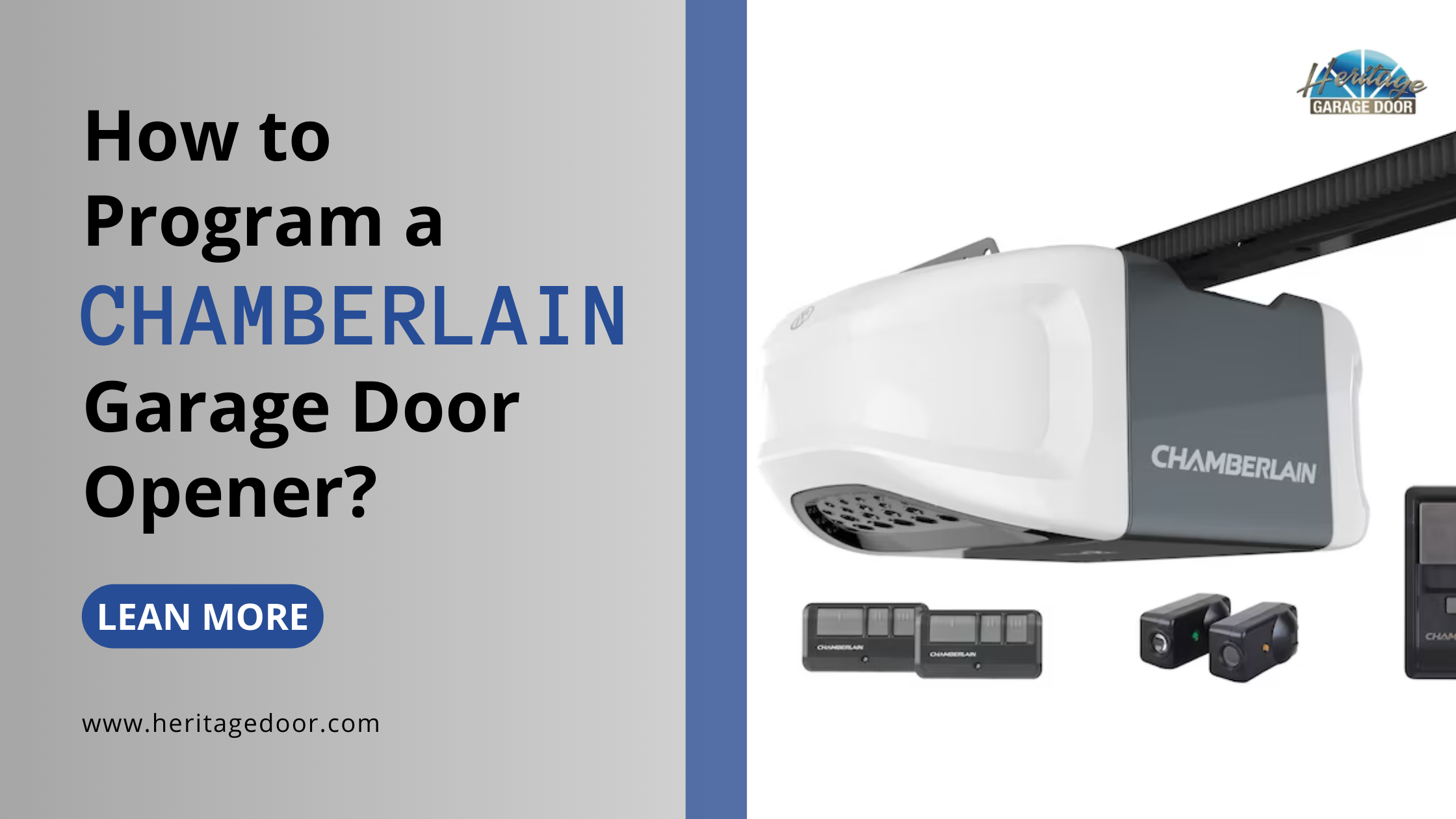
Credit: heritagedoor.com
Security: Protecting Your Garage
A garage is often a main entry to the home. Keep your system safe by:
- Erasing old codes when you move or lose a remote.
- Using strong, unique PINs for wireless keypads.
- Locking the garage door manually if you’re away for long periods.
- Enabling alerts in the MyQ app so you know when the door is opened.
Statistic: According to the FBI, about 9% of burglaries start through the garage. Modern Chamberlain openers with rolling codes add a strong layer of protection.
Common Mistakes To Avoid
Many beginners make these errors:
- Not reading the manual: Each model can have small differences.
- Programming from too far away: Stand close to the opener for best results.
- Mixing up remotes: Label each one during setup.
- Ignoring battery health: Weak batteries cause poor range and missed signals.
- Forgetting to erase old codes: This is a security risk.
Credit: support.chamberlaingroup.com
Chamberlain Vs. Other Brands
Chamberlain Openers Are Popular, But How Do They Compare?
| Feature | Chamberlain | Genie | LiftMaster |
|---|---|---|---|
| Rolling Code Security | Yes | Yes | Yes |
| Smartphone App | MyQ | Aladdin Connect | MyQ |
| DIY Programming | Easy | Moderate | Easy |
| HomeLink Support | Yes | Yes (some models) | Yes |
Chamberlain stands out for DIY-friendliness and wide compatibility.
Frequently Asked Questions
How Many Remotes Can I Program To My Chamberlain Garage Door Opener?
Most Chamberlain openers can store between 8 and 12 remotes. If you reach the limit, you’ll need to erase all codes and reprogram each remote.
What Should I Do If My Remote Stops Working After Programming?
First, check the battery in the remote. Then, repeat the programming process. If it still doesn’t work, make sure you are using the correct Learn button color for your model.
Can I Program A Chamberlain Garage Door Opener Without A Remote?
Yes, you can use the wireless keypad or the MyQ app (for smart models) to program and control your opener. However, a remote is usually needed for initial setup.
Is It Possible To Add My Chamberlain Opener To My Smart Home System?
Many newer Chamberlain openers support MyQ, which connects to smart home systems like Google Assistant, Apple HomeKit, and IFTTT. Make sure your opener is MyQ compatible.
How Do I Reset My Chamberlain Garage Door Opener To Factory Settings?
Hold the Learn button for 6–10 seconds until the light goes out. This erases all remotes, keypads, and app connections. You’ll need to reprogram each device after a reset.
Programming a Chamberlain garage door opener is a manageable DIY project with the right steps. By following this guide, you’ll not only save time and money but also increase your garage security and convenience. Take your time, label your devices, and remember that every model has small differences. With patience and the tips shared here, you’ll enjoy a smooth, reliable garage door experience for years to come.