Disabling your garage door opener can be useful for many reasons. Maybe you’re going on vacation, moving into a new house, or want extra security at night. Whatever the reason, it’s important to know how to disable your garage door opener safely and effectively.
This guide explains step-by-step methods, common mistakes, and what you need to know to keep your home secure.
Why Disable A Garage Door Opener?
People disable their garage door openers for different reasons. Here are some of the most common:
- Security during travel: Prevent break-ins while you’re away.
- Maintenance or repair: Stop accidental operation while fixing the door.
- Child safety: Avoid children opening the garage door unsupervised.
- Storm preparation: Reduce the risk of the door being forced open by wind.
It’s important to know that simply unplugging the garage door opener is not always enough. Some openers have backup batteries or can be opened manually.
Understanding Your Garage Door Opener
A garage door opener is usually an electric motor connected to your garage door. It uses a remote, keypad, or wall button to open and close the door. Most openers have:
- Power cord (plugs into a ceiling outlet)
- Wall control panel
- Remote controls
- Emergency release cord
Here’s a quick look at different types of openers:
| Type | How it Works | How to Disable |
|---|---|---|
| Chain Drive | Uses a metal chain to move the door | Unplug, use wall lock, or pull release cord |
| Belt Drive | Uses a rubber belt for quieter operation | Unplug, use wall lock, or pull release cord |
| Screw Drive | Moves along a threaded steel rod | Unplug or pull release cord |
| Direct Drive | Motor moves along a rail | Unplug or pull release cord |
Tip: Knowing your opener type helps you choose the right disabling method.
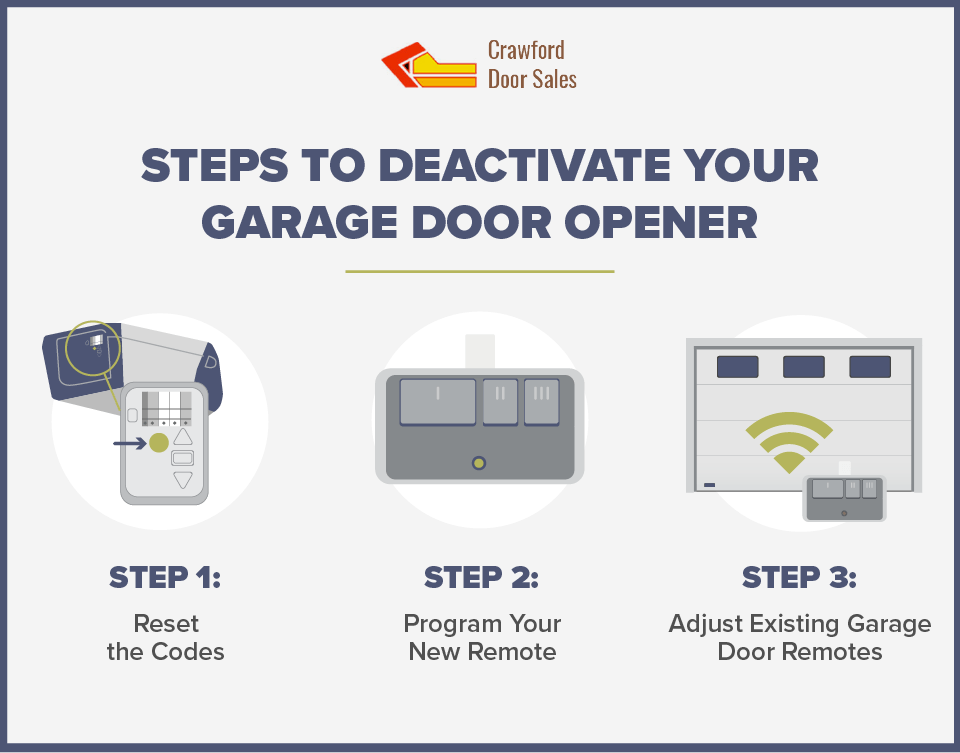
Credit: www.cdsdoor.com
Precautions Before Disabling
Before you start, remember these safety tips:
- Inform everyone at home that you’re disabling the opener.
- Keep children and pets away from the garage during the process.
- Have a flashlight ready if your garage is dark.
- Read the opener’s manual for model-specific instructions.
Some openers may have unique features, such as security locks or backup batteries.
Methods To Disable A Garage Door Opener
There are several ways to disable a garage door opener. The best method depends on your goal—temporary or long-term disabling.
1. Unplug The Opener
The simplest way to disable most garage door openers is to unplug them from the power outlet.
Steps:
- Find the opener’s power cord (usually on the ceiling near the opener unit).
- Pull the cord out of the electrical outlet.
Pros:
- Quick and easy.
- Works for most openers.
Cons:
- Some openers have battery backup and may still operate.
- Does not lock the door manually.
2. Use The Wall Lock Switch
Many modern openers have a wall lock button or “vacation lock.” This switch is usually on the wall control panel inside the garage.
Steps:
- Find the wall control panel near your garage door’s interior.
- Press and hold the “lock” button (often labeled with a padlock symbol) for several seconds.
- A light may blink, or the panel may beep to confirm activation.
What Happens:
- Remotes and keypads are disabled.
- The door can only be operated from inside using the wall panel.
Good to Know: This method does not cut power, so the opener can be re-enabled quickly.
3. Pull The Emergency Release Cord
Every garage door opener has a red emergency release cord that disconnects the door from the opener.
Steps:
- Make sure the door is fully closed.
- Firmly pull the red cord down and away from the opener.
Result:
- The door is now in manual mode and won’t move with the opener.
- You can lift the door by hand if needed.
Caution: Never pull the release cord when the door is open—it could fall suddenly.
4. Turn Off The Circuit Breaker
For more security, you can shut off the circuit breaker that supplies power to the garage.
Steps:
- Find your home’s main breaker box.
- Identify the breaker labeled for the garage or garage door opener.
- Flip the switch to “off.”
Benefits:
- Power is cut, including to backup batteries if on the same circuit.
- Good for long-term disabling.
Drawbacks:
- Other garage devices on the same circuit will also lose power.
5. Remove Remote Batteries
If you want to stop all remote access, remove batteries from any wall-mounted wireless keypads and handheld remotes.
Tip: Store the batteries in a safe place so they don’t get lost.
6. Disconnect Or Cover The Manual Lock
Some garage doors have a manual slide lock on the inside. Engaging this lock will prevent the door from moving, even if the opener is powered.
Steps:
- Slide the lock into the locking position.
- Test the door to ensure it doesn’t move.
Extra Security: Use this with any other disabling method for added protection.
Comparing Disabling Methods
To help you decide which method is best, here’s a quick comparison:
| Method | Security Level | Ease | Can Re-enable Quickly? |
|---|---|---|---|
| Unplug Opener | Medium | Very Easy | Yes |
| Wall Lock Switch | High | Easy | Yes |
| Emergency Release Cord | Medium | Easy | Yes |
| Circuit Breaker | High | Moderate | No (needs breaker reset) |
| Manual Lock | Very High | Easy | Yes |
Insight: For the highest security, combine methods (e.g., wall lock + manual lock).
Examples: When And How To Disable
Let’s look at a few real-life situations:
- Going on vacation for two weeks: Use the wall lock switch and engage the manual lock. For extra safety, turn off the circuit breaker.
- Garage door repair: Unplug the opener and pull the emergency release cord before starting any work.
- Storm warning: Engage the manual lock so high winds can’t force the door open.
- Moving to a new house: Disable the opener, reset all remotes, and clear old access codes.
Mistake to Avoid: Don’t leave your garage door disabled for weeks without checking it. Humidity or dust can cause the door to stick or rust.

Credit: www.youtube.com
Important Security Tips
Disabling your garage door opener improves safety, but don’t forget these points:
- Change your codes after disabling and re-enabling the opener.
- Check for backup batteries—some openers will work even if unplugged.
- Regularly test the door for smooth manual operation.
- Never share your remote codes with anyone you don’t trust.
Non-obvious insight: Even if you disable the opener, thieves can sometimes “fish” the emergency release cord from outside. Secure the cord with a zip tie (easy to cut in an emergency) or use a shield device.
How To Re-enable Your Opener
When you’re ready to use your garage door opener again, follow these steps:
- Plug the opener back in or flip the breaker to “on.”
- Press the wall lock button again to unlock remote access.
- Reconnect the emergency release cord (open the door halfway, then pull the cord towards the opener).
- Unlock the manual slide lock.
- Test the remote and wall panel to make sure everything works.
If your opener doesn’t respond, check that all wires and batteries are connected properly.
When To Call A Professional
While most people can disable their garage door opener, some situations require an expert:
- Opener is hard-wired with no visible plug.
- You notice frayed wires or electrical damage.
- The door is stuck or unbalanced.
- You’re unsure about your home’s electrical system.
A professional can help you disable the opener safely and may spot other problems, like worn springs or faulty sensors.
Common Mistakes To Avoid
Beginners often make these errors:
- Forgetting to inform housemates: Someone may try to use the opener and think it’s broken.
- Pulling the release cord with the door open: The door can crash down suddenly.
- Not engaging the manual lock: Even with the opener disabled, the door can be opened from outside.
- Losing remote batteries: Store them in a labeled container.
- Not labeling the breaker: Mark the garage breaker for easy future access.
Practical advice: Keep a small notebook in your garage with notes on opener settings, codes, and disabling steps.
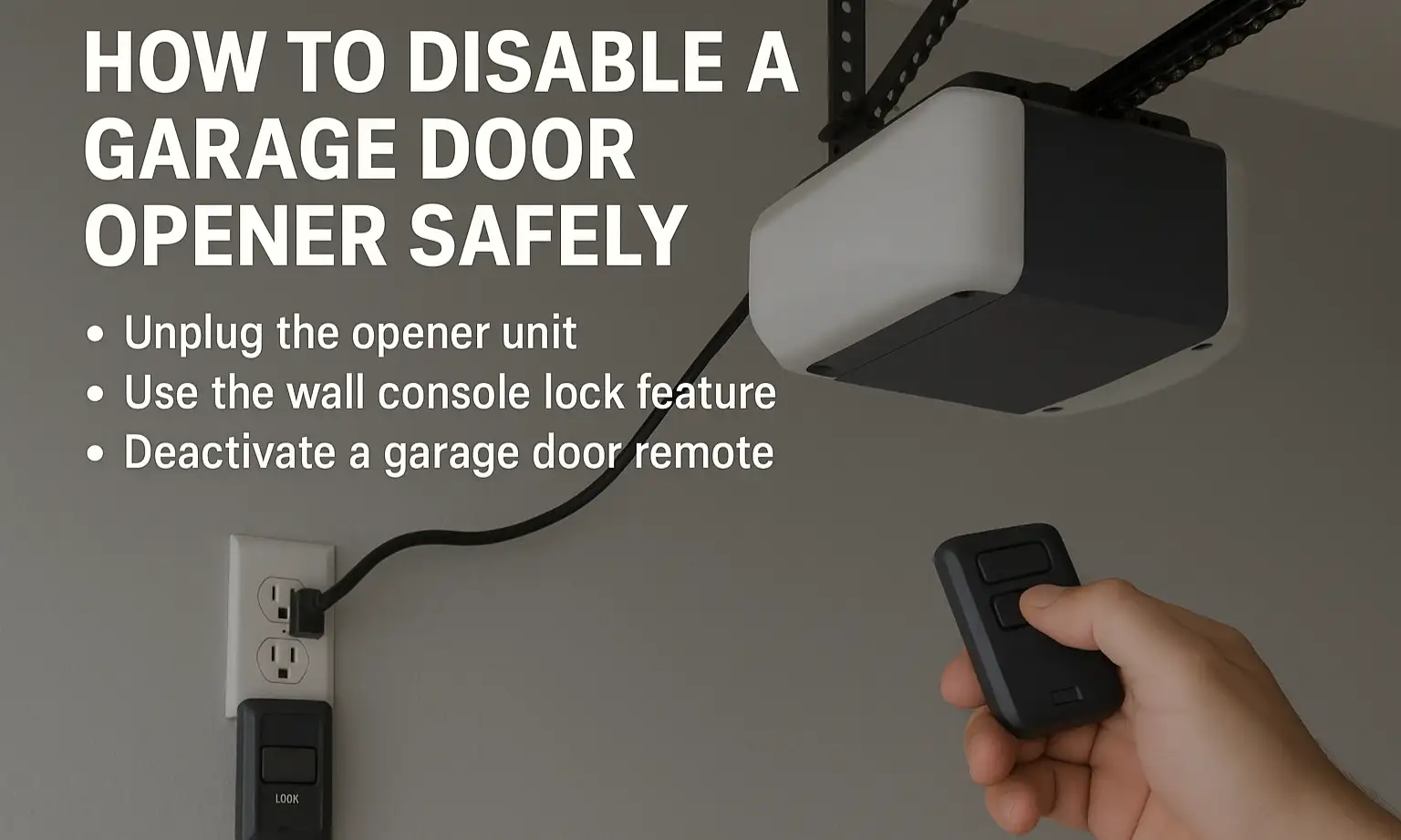
Credit: uadgaragedoors.com
Frequently Asked Questions
How Do I Know If My Garage Door Opener Has A Backup Battery?
Most modern openers with battery backup will have a small battery compartment on the side or bottom of the unit. There may be a battery symbol or LED indicator. Check your manual or look for the model online for details.
Can I Disable My Garage Door Opener Remotely?
Some smart openers allow you to disable remote access through a mobile app or online portal. Check your opener’s brand and app instructions. If unsure, unplugging or using the wall lock is safer.
Is It Safe To Pull The Emergency Release Cord?
Yes, but only when the garage door is fully closed. Pulling it when the door is open can cause the door to slam shut, which is dangerous. Always check the door position before pulling the cord.
What If My Wall Lock Button Doesn’t Work?
If the wall lock doesn’t disable remotes, the panel may be faulty or locked in “bypass” mode. Try resetting the opener by unplugging it for 30 seconds. If the problem continues, consult the manual or a professional.
How Do I Reset My Garage Door Opener After Re-enabling It?
Most openers reset automatically when power is restored. If remotes don’t work, press the “learn” button on the opener unit and reprogram your remotes as described in your manual. For help, see guides on the Home Depot website.
Disabling your garage door opener is simple if you follow the right steps. Take your time, follow safety tips, and combine methods for the best security. Your garage—and your peace of mind—will thank you.