If your Liftmaster garage door opener stops working, it can feel stressful and confusing. Many homeowners face this problem, especially if they are new to garage door openers. The good news is, most issues are simple and can be fixed without calling a professional. In this article, you’ll learn how to troubleshoot common Liftmaster problems, understand basic repair steps, and get your garage door working again. You’ll also find practical data, clear examples, and easy tips for beginners. Let’s get started.
Understanding Your Liftmaster Garage Door Opener
Liftmaster is one of the most popular brands for garage door openers in the US. Their products are known for reliability, but like any device, they sometimes stop working. Most Liftmaster models use remote controls, wall switches, and safety sensors.
Typical features include:
- Rolling code technology for security, which means every time you use your remote, the code changes to prevent hacking.
- Automatic lights that turn on when the door is activated, making it safer when entering or leaving your garage at night.
- Safety sensors to detect objects, such as a bike or pet, blocking the door’s path.
- Battery backup (on newer models), which keeps the door working even during a power outage.
Knowing these features helps you identify problems quickly. For example, if the opener clicks but doesn’t move, it’s likely an electrical or sensor issue, not a mechanical one. Also, understanding if your model has Wi-Fi or MyQ technology is helpful, as some modern openers can be controlled by your smartphone.
If your opener stops responding to the app but works with the wall switch, the issue might be with your home Wi-Fi or the MyQ system.
Common Liftmaster Garage Door Opener Problems
Liftmaster openers face similar issues as other brands. Here are the most frequent problems with practical tips:
- Remote Control Not Working
- Check battery power; old batteries are the most common cause of remote failure.
- Make sure you are within signal range (usually 20–50 feet); walls and metal objects can block the signal.
- Reprogram the remote if needed; sometimes a power outage can cause remotes to lose their programming.
- Wall Switch Doesn’t Work
- Inspect wiring for loose connections; wires can get bumped or vibrate loose over time.
- Test the switch with a multimeter to ensure power is reaching it.
- Door Won’t Open or Close Fully
- Adjust the open/close limit settings; these control how far the door moves.
- Remove obstructions from the door path; even a small stick or rock can stop the door.
- Safety Sensors Malfunction
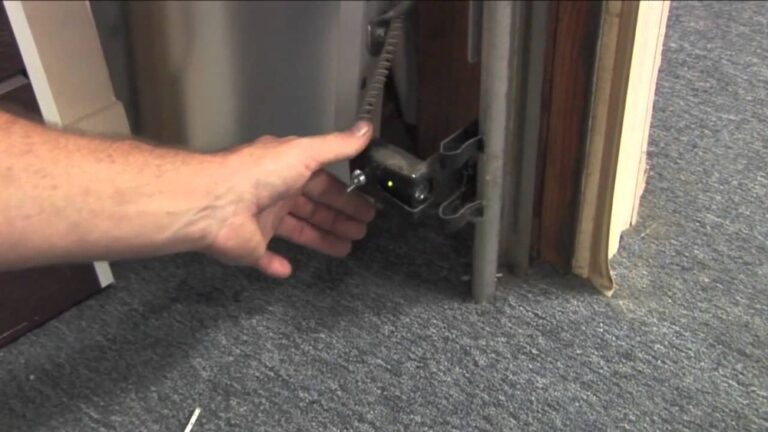
- Clean the sensor lenses; dust or spider webs can block the beam.
- Align the sensors properly (they should face each other and both LEDs should be on).
- Opener Makes Noise But Doesn’t Move
- Check for a broken belt or chain; if you hear the motor but the door doesn’t move, the drive system may be damaged.
- Lubricate moving parts to reduce friction and noise.
- Garage Door Reverses Immediately
- Sensors might be blocked or misaligned; the door will reverse to prevent accidents.
- Limit settings may be too sensitive, so a small bump will trigger reversal.
- Lights Don’t Turn On/Off
- Replace light bulbs; use bulbs recommended by Liftmaster to avoid interference.
- Check wiring to the light socket for damage.
These problems cover most situations homeowners face. If your issue is not listed, it may require advanced troubleshooting, such as checking the circuit board or internal fuses.
Step-by-step Troubleshooting Guide
Remote Control Issues
- Replace the battery with a fresh one (most remotes use CR2032 or AAA batteries). A weak battery can sometimes send a signal that is not strong enough to reach the opener.
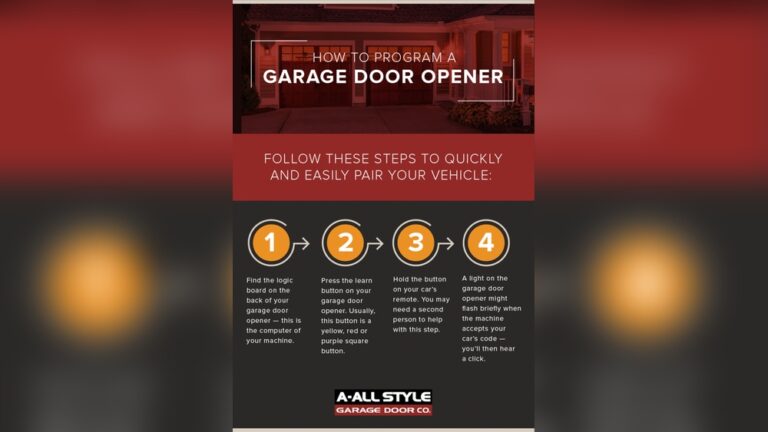
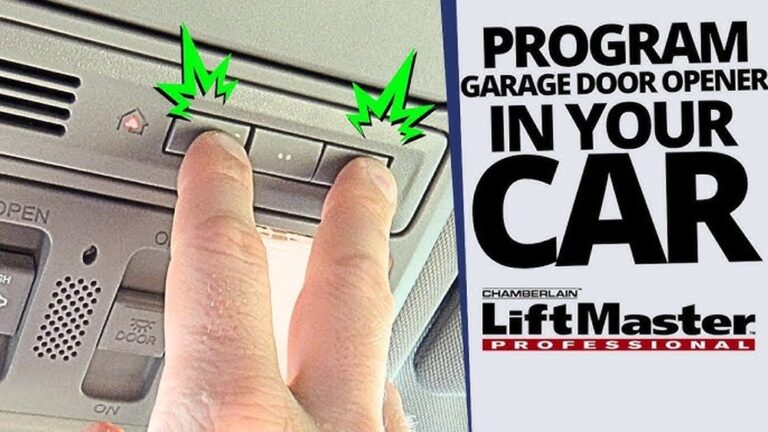
- Reprogram the remote using the Learn button on the opener. Hold the Learn button until the indicator light comes on, then press your remote button.
- Move closer to the garage door opener. Walls, cars, or metal shelves can block the signal.
Example: If pressing the remote gives no response, but the wall switch works, the remote is the cause. Sometimes, remotes can also get “confused” by nearby radio interference from LED bulbs or wireless routers.
Wall Switch Problems
- Unscrew the wall switch and check wires for damage, corrosion, or loose screws.
- Use a multimeter to test for current. If there’s no current, the problem may be in the wiring, not the switch.
- If wires are loose, tighten them and test again.
Tip: Always turn off power before touching electrical components. If you’re not comfortable, ask a friend or family member with experience in basic home wiring.
Door Movement Issues
- Adjust the limit settings using the knobs on the opener; these control how far the door travels up or down.
- Remove objects from the door’s path, including rocks, leaves, or even small children’s toys.
- Check for bent tracks or rollers, which can make the door stick or jam.
Practical Insight: Beginners often forget to check for small objects blocking the sensors, like leaves or toys. Even a thin plastic bag can break the sensor’s beam and cause the door to reverse.
Safety Sensor Troubles
- Clean both sensor lenses with a soft cloth. Avoid using harsh chemicals.
- Align sensors so both LEDs are solid (not blinking). If one LED is off, check the wiring or move the sensor until the light turns on.
- Make sure wires are not damaged or pinched.
Non-Obvious Insight: Sunlight can interfere with sensor operation. If the garage faces west or south, try shading the sensors during bright parts of the day. Also, older sensors can become less accurate over time and may need replacing.
Opener Noise Problems
- Inspect the belt or chain for wear and tear. Look for frayed sections or missing links.
- Lubricate the track, chain, and rollers with garage door lubricant (avoid WD-40, which can attract dust).
- Replace broken parts if needed. Most drive belts and chains are easy to find at hardware stores.
Example: If the opener runs but the door doesn’t move, the chain might be loose or off the sprocket. Tightening the chain can solve this, but over-tightening can cause extra wear.
Door Reversal And Light Issues
- Clear sensor path and realign them as needed. Use a level to check alignment.
- Adjust sensitivity settings if the door closes too hard or too softly.
- Replace bulbs with LED or incandescent types recommended by Liftmaster. Some LEDs cause interference that makes remotes unreliable.
Liftmaster Opener Diagnostic Codes
Many Liftmaster openers display diagnostic codes using LED blink patterns. Here’s a quick reference:
| Code | LED Blink | Meaning | Action |
|---|---|---|---|
| 1-2 | 1 blink, pause, 2 blinks | Sensor issue | Check alignment and wiring |
| 3-4 | 3 blinks, pause, 4 blinks | Motor overload | Let motor cool, check for jams |
| 5-6 | 5 blinks, pause, 6 blinks | Remote not programmed | Reprogram remote |
If your opener flashes a code, check your user manual or visit [Liftmaster’s official site](https://www.liftmaster.com/).
Practical Example: If you see a sensor code and both sensor LEDs are on, the wiring may be broken inside the wall, not at the sensor.

Credit: www.youtube.com
Comparing Liftmaster Models For Troubleshooting
Some Liftmaster models are easier to troubleshoot than others. Here’s a comparison of popular models:
| Model | Sensor Type | Diagnostic Codes | Battery Backup |
|---|---|---|---|
| Liftmaster 8500 | Infrared | Yes | Yes |
| Liftmaster 8165 | Infrared | No | No |
| Liftmaster 87504 | Infrared | Yes | Yes |
If you have a newer model with battery backup and diagnostic codes, troubleshooting is much easier. Older models may require more manual inspection and don’t have the extra indicators to help you.
Non-Obvious Insight: Some wall-mounted models (like the 8500) have unique parts, so always check your manual for specific instructions.
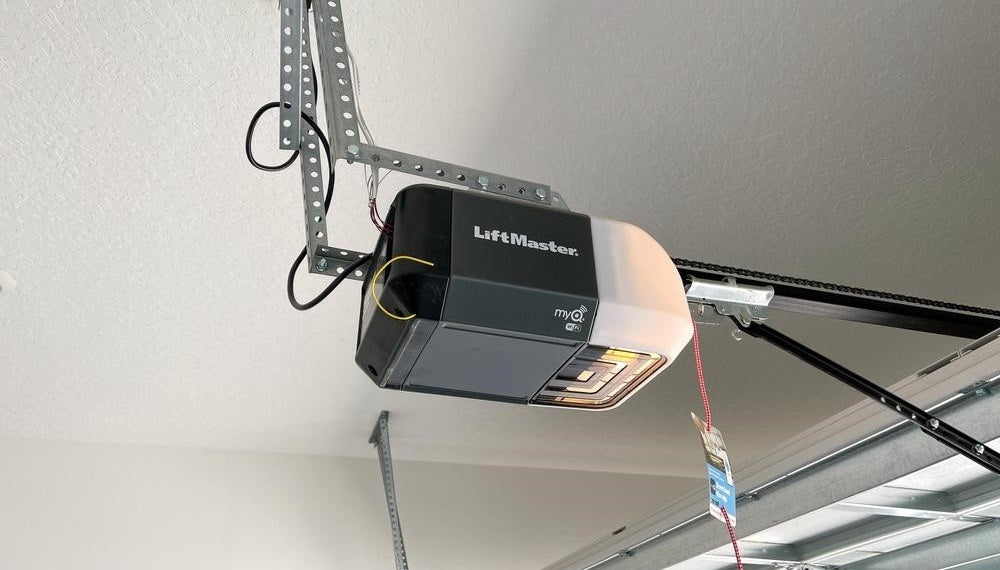
Resetting Your Liftmaster Garage Door Opener
Sometimes, a simple reset can solve stubborn problems. Here’s how:
- Unplug the opener from the power outlet.
- Wait 30 seconds.
- Plug it back in.
- Press the Learn button for 10 seconds to erase old settings.
- Reprogram remotes and wall switches.
Practical Tip: After resetting, test both remote and wall switch. If one works and the other doesn’t, focus troubleshooting there. Also, keep your remotes nearby during reprogramming, as you may need to re-pair all devices.
Credit: allsecurityequipment.com
Safety Tips For Beginners
Garage door openers have electrical parts and heavy moving doors. Follow these safety rules:
- Always turn off power before opening the cover.
- Never touch wires with wet hands.
- Keep children and pets away during repairs.
- Wear gloves when handling metal parts.
- Use a sturdy ladder and don’t overreach.
Non-Obvious Insight: Some problems can look electrical but are mechanical, like a misaligned track causing the door to stop. If you hear grinding or scraping, check for bent metal parts before testing electrical fixes.
Maintenance To Prevent Future Problems
Regular maintenance prevents most issues:
- Lubricate tracks and rollers every six months. Use a silicone-based lubricant for best results.
- Clean sensors monthly to keep them free of dust, cobwebs, and other obstructions.
- Tighten loose bolts and screws. Vibrations from the opener can loosen hardware over time.
- Replace remote batteries once a year. Mark your calendar or set a phone reminder.
Example: If your opener is noisy, lubricating moving parts usually solves the problem. Also, check that the opener is mounted securely to the ceiling—loose mounting can add extra noise and vibration.
When To Call A Professional
If your troubleshooting doesn’t work, or you see sparks or smoke, stop immediately and call a trained technician. Some repairs—like circuit board replacement—are not safe for beginners.
Signs you need a pro:
- Burning smell or visible sparks
- Broken springs or cables (these are under high tension and can be dangerous)
- Door falls unexpectedly or won’t stay open
- Opener doesn’t respond after reset or shows the same error code repeatedly
Insight: Attempting to fix springs or cables yourself can lead to serious injury. Professional technicians have the right tools and training for these repairs.
Liftmaster Garage Door Opener Troubleshooting Data
Here’s a summary of troubleshooting actions and their effectiveness based on user reports:
| Problem | Fix Success Rate (%) | Average Time (minutes) |
|---|---|---|
| Remote battery replacement | 85 | 5 |
| Sensor realignment | 75 | 10 |
| Limit adjustment | 60 | 15 |
| Opener reset | 70 | 8 |
Most fixes take less than 15 minutes and have a high success rate. For more complex problems, fixing may take longer, especially if parts need to be ordered.
Non-Obvious Insight: Sometimes, multiple small issues stack up, like weak batteries and dirty sensors. Fixing both together leads to success.
Credit: heritagedoor.com
Frequently Asked Questions
How Do I Reprogram My Liftmaster Remote?
Press the Learn button on your opener until the LED turns on. Then press your remote button. The LED will blink to confirm. This pairs the remote and opener. If you have multiple remotes, repeat the process for each one.
Why Does My Garage Door Reverse After Closing?
This usually means your safety sensors are blocked or misaligned. Clean and align them so both LEDs are solid. If the problem continues, adjust the force or limit settings. In rare cases, check for damage to the bottom seal of the door, which can trigger the reversal.
What Batteries Do Liftmaster Remotes Use?
Most Liftmaster remotes use CR2032 or AAA batteries. Check your remote for the exact type. Replace with a fresh battery for best performance. If the remote works only when very close to the opener, the battery is likely weak.
How Often Should I Lubricate My Garage Door Opener?
Lubricate the track, chain, and rollers every six months. Use garage door lubricant, not WD-40. This keeps the opener running quietly and smoothly. Also, clean any old grease before applying new lubricant.
Can I Use Led Bulbs In My Liftmaster Opener?
Yes, but only certain LED bulbs. Some LEDs can interfere with the remote signal. Liftmaster recommends using specific bulbs listed in the manual or on their website. If you notice remote range problems after changing bulbs, switch to a different brand.
Keeping your Liftmaster garage door opener in good shape is easy with regular maintenance and basic troubleshooting. Most problems are simple and can be fixed in minutes. Always follow safety rules, and don’t hesitate to call a professional for complex issues. With these tips, your garage door will stay reliable and safe for years.