Resetting a Craftsman garage door opener can feel confusing for beginners, especially if you’ve never handled garage door electronics before. Problems like doors not responding, lost remotes, or the need to erase old codes are common reasons to perform a reset. Thankfully, most Craftsman openers follow similar steps, and you don’t need advanced tools or technical skills. This guide will show you exactly how to reset your opener, why it matters, and what mistakes to avoid. Whether your opener is new or over ten years old, you’ll find practical help here.
Why Reset Your Craftsman Garage Door Opener?
A reset is sometimes necessary for safety or convenience. Here are a few situations where a reset can help:
- Lost remote: Prevent unauthorized access by deleting old codes.
- New home: If you’ve moved in, reset the opener so only your remotes work.
- Malfunction: Sometimes, doors stop opening or closing due to code errors.
- Adding remotes: If you want to connect new remote controls, a reset clears old settings.
Resetting ensures only trusted people can control your garage. According to the National Safety Council, garage doors are a major entry point in homes, so maintaining security is essential.
Understanding Craftsman Garage Door Openers
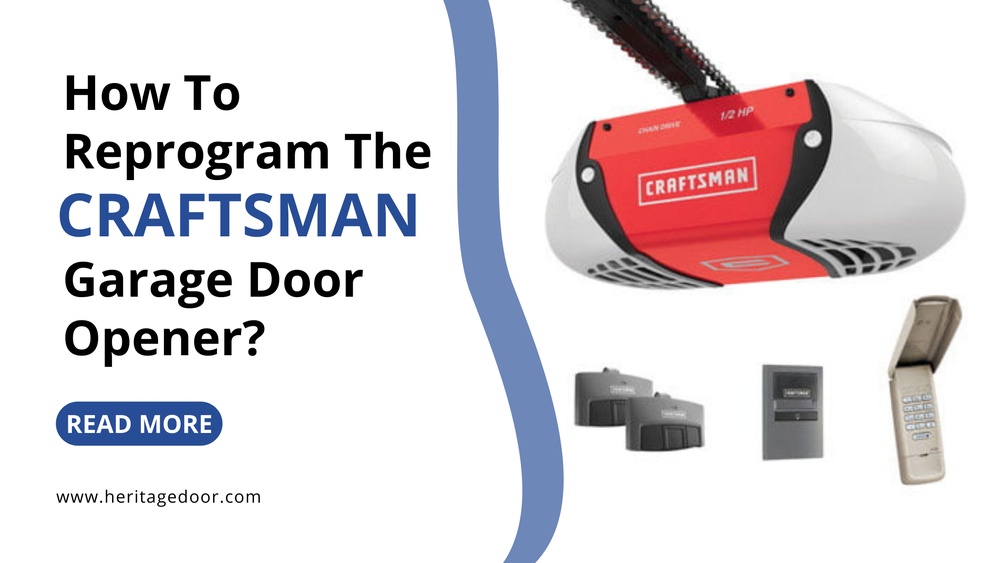
Craftsman openers come in several models, but most use similar technology:
- Remote controls: These send signals to open or close the door.
- Wall console: Mounted inside your garage, offers manual control.
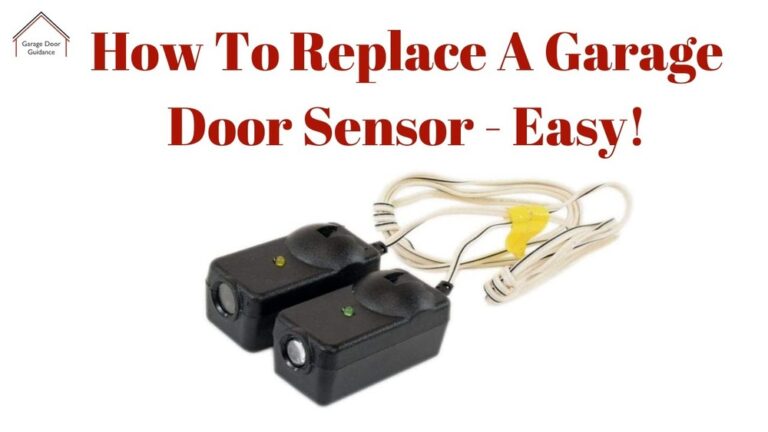
- Safety sensors: Stop the door if something is in the way.
- Motor unit: Contains the logic board and reset buttons.
Older models may use dip switches, while modern ones rely on programmable buttons. Knowing your model helps you follow the right reset steps.
Common Craftsman Models
Here’s a quick comparison of popular Craftsman opener types:
| Model | Year Released | Reset Method | Security Features |
|---|---|---|---|
| Craftsman 1/2 HP | 2010 | Learn Button | Rolling Code |
| Craftsman 3/4 HP | 2015 | Learn Button | MyQ Compatible |
| Craftsman 1/3 HP (Older) | 2000 | Dip Switches | Basic Code |
If you aren’t sure about your model, check the unit label or manual.
Step-by-step: How To Reset A Craftsman Garage Door Opener
Resetting your opener is not difficult, but it must be done carefully. Here’s a practical breakdown:
1. Safety First
- Unplug the opener before touching any buttons.
- Keep children and pets away from the garage door area.
2. Locate The “learn” Button
Most Craftsman models have a Learn button on the motor unit. Look for it near the wiring terminals or under a light cover. It may be red, yellow, or purple.
- Remove the light cover if needed.
- The button might be labeled “Learn,” “Smart,” or have a symbol.
3. Erase Old Codes
To clear all previous remote codes:
- Press and hold the Learn button for 6–10 seconds.
- The indicator light will go out, confirming all codes are erased.
- This means old remotes will no longer work.
4. Program New Remotes
Once codes are cleared, you must pair your remotes again.
- Press the Learn button once (do not hold).
- Within 30 seconds, press the button on your remote control.
- The opener light should blink, signaling success.
- Repeat for each remote you wish to use.
5. Test Your Setup
- Plug the opener back in.
- Try each remote to check if the door opens and closes smoothly.
- If not, repeat the programming process.
6. Resetting Wall Consoles
If your wall console isn’t working after a reset:
- Disconnect the console wires from the opener.
- Wait one minute, then reconnect.
- Press the console button to test.
7. For Older Dip Switch Models
Some units (before 2005) use dip switches:
- Open the remote case.
- Match the switch pattern on the remote to the opener unit.
- Use a small screwdriver to set switches.
- Test the remote after matching codes.
Troubleshooting Common Issues
Resetting doesn’t always solve every problem. Here are some typical issues and solutions:
- Remote won’t pair: Check battery, ensure you press the right buttons in order.
- Door only works from wall console: Safety sensors may be blocked or misaligned.
- Blinking light but no movement: Indicates sensor trouble or motor malfunction.
- Opener beeps: Check for error codes in your manual.
If you’re unsure, Craftsman support or a technician can help. Avoid forcing the door or using incorrect codes.
Credit: www.reddit.com
Practical Tips For Beginners
Many new users overlook these steps, leading to frustration:
- Write down remote codes: If you have several remotes, label them to avoid confusion.
- Check batteries: Weak batteries cause pairing failures.
- Secure the opener: After resetting, make sure only trusted people have remotes.
- Update firmware: Some newer openers allow software updates for security.
- Inspect wiring: Loose or frayed wires can cause resets to fail.
Example Scenario
Imagine you buy a new house, and the garage door opener works, but you don’t know who has access. By erasing all codes and pairing new remotes, you gain full control. If you miss the erase step, old remotes may still operate the door.
This is a common mistake among first-time homeowners.
Comparison: Craftsman Vs Other Brands
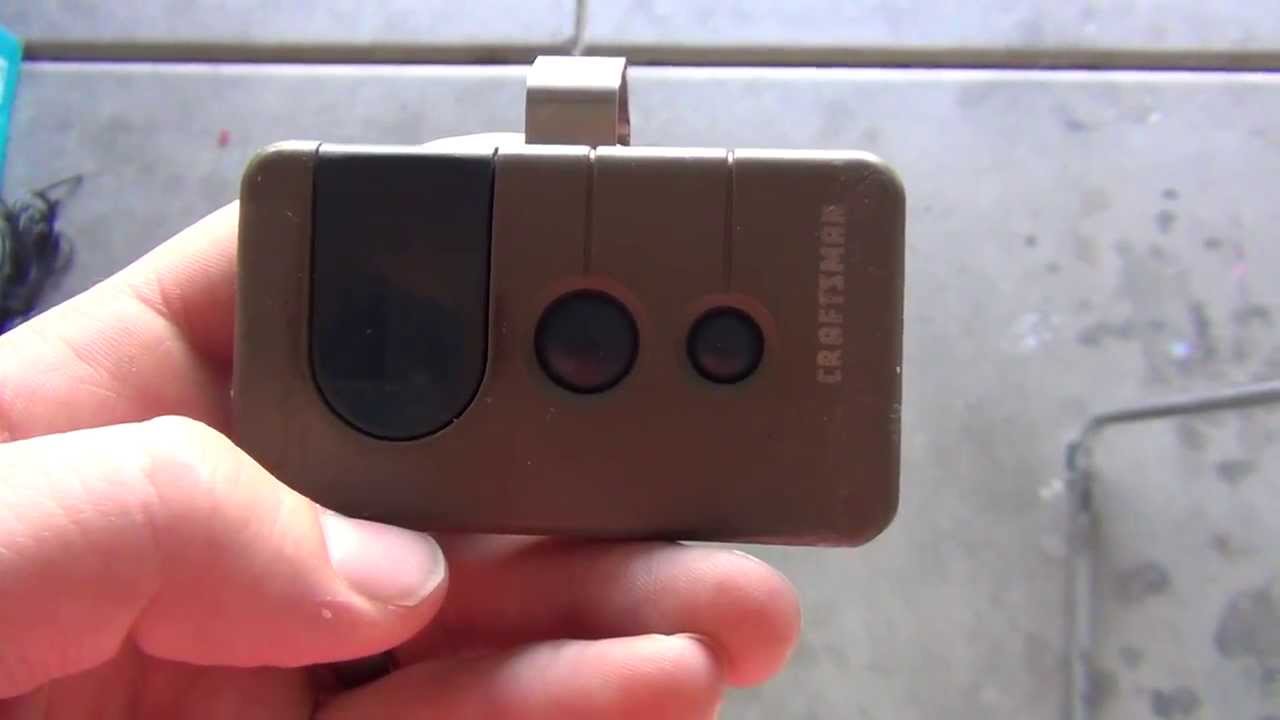
Craftsman openers share reset steps with many brands, but there are differences. Here’s a simple comparison:
| Brand | Reset Steps | Remote Pairing | Unique Features |
|---|---|---|---|
| Craftsman | Learn Button, Dip Switch | 30-sec window | MyQ, Rolling Code |
| Chamberlain | Learn Button | 60-sec window | WiFi, App Control |
| Genie | Learn Button, Keypad | 60-sec window | Intellicode |
Craftsman models are known for simple reset steps and solid security, but don’t usually offer advanced app integration unless you choose newer models.
Credit: www.youtube.com
Data: How Often Should You Reset?
Most experts recommend resetting your opener:
- When you move into a new home
- After losing a remote
- Once a year for security
According to SafeHome.org, over 50% of garage break-ins occur due to lost or stolen remotes. Regular resets reduce this risk.
What If The Reset Doesn’t Work?
If you follow the steps and your opener still won’t respond:
- Double-check you’re using the correct button and process for your model.
- Replace remote batteries.
- Inspect the wiring and sensors.
- Try a manual reset (unplug the unit for 30 seconds, then plug back in).
- Consult your Craftsman manual or visit the official site for model-specific instructions.
For more advanced troubleshooting, see the official Craftsman guide at Craftsman Official Site.

Credit: www.manualslib.com
Security And Privacy Tips
Resetting isn’t just about functionality—it’s about keeping your home safe.
- Erase codes before selling your house.
- Don’t share remote codes with visitors or service workers.
- Use rolling codes if your opener supports them.
- Install camera or smart sensors for added peace of mind.
A surprising insight: Many homeowners forget to reset after loaning their remote, creating a security gap. Make resets a routine, not just a reaction to problems.
Cost And Replacement Data
If your opener is very old and resets don’t help, replacement may be needed. Here’s a data snapshot:
- Craftsman opener replacement cost: $200–$350 (with installation)
- Remote replacement cost: $25–$50 per unit
- Professional reset service: $75–$120
Upgrading to a newer opener can offer extra security features and easier resets.
Mistakes Beginners Often Make
Two non-obvious mistakes can cause trouble:
- Not erasing all codes before pairing new remotes: This leaves your system open to old remotes.
- Skipping sensor alignment: If safety sensors are misaligned, the opener may not work, even after a reset.
Always follow full steps and check sensors before assuming your reset failed.
Frequently Asked Questions
How Do I Find The Learn Button On My Craftsman Opener?
Look for the Learn button near the wiring terminals on the motor unit. It may be under a light cover and can be red, yellow, or purple. If you can’t find it, check your manual for diagrams.
Can I Reset My Opener Without The Remote?
Yes. You can erase codes using the Learn button on the motor unit. After erasing, you need a working remote to program and operate the door. If you don’t have any remotes, purchase a compatible one and pair it after the reset.
How Often Should I Reset My Garage Door Opener?
Reset your opener when moving into a new home, after losing a remote, or once a year for security. Regular resets protect against unauthorized access.
What If My Remote Won’t Pair After A Reset?
Check the battery, make sure you’re pressing the correct button, and ensure you’re within the 30-second pairing window. If problems persist, try another remote or consult the Craftsman manual.
Is It Safe To Reset My Opener Myself?
Yes, most resets are safe for beginners. Just unplug the opener before starting, keep the area clear, and follow step-by-step instructions. If you encounter electrical issues or the unit doesn’t respond, seek professional help.
Resetting your Craftsman garage door opener is a simple task that keeps your home secure and your garage running smoothly. By following these clear steps, you protect your home and gain control over who can access your garage. Remember to check your model, erase old codes, and test remotes carefully. With regular resets and basic maintenance, your opener will stay reliable for years. If you ever run into trouble, Craftsman support and professional technicians are ready to help.