Resetting the code on your garage door is a simple task, but it can feel confusing if you’ve never done it before. Whether you want better security, moved into a new home, or lost your remote, learning how to reset your garage door code is important. This guide will walk you through each step in clear, easy-to-follow language. You’ll learn what tools you need, how to find your garage door opener’s code system, and how to avoid common mistakes. By the end, you’ll feel confident changing your code—even if you’re a complete beginner.
Why Resetting Your Garage Door Code Matters
Changing your garage door code protects your home and family. Old codes may be easy for others to guess, especially if you never changed them after moving in. Many people forget to update their code, leaving their garage—and their home—open to risks.
Here are a few reasons you should reset your code:
- Moving into a new home: Previous owners may still have access.
- Lost remote: Someone could find and use it.
- Security upgrades: Regular changes keep your property safer.
- Multiple users: If you shared your code, reset it when someone leaves.
Statistics show that over 50% of home break-ins happen through the garage. A new code is one of the simplest ways to block unwanted access.
Understanding Garage Door Opener Codes
Not all garage door openers are the same. Before you start, check which type you have. Most systems use either a fixed code or a rolling code.
| Type | Security Level | Common Brands | Reset Method |
|---|---|---|---|
| Fixed code | Low | Sears, older Genie | Manual switch |
| Rolling code | High | LiftMaster, Chamberlain, modern Genie | Learn button |
- Fixed code: Older models use a set code, often set with switches inside the remote and opener.
- Rolling code: Newer models change the code each time you use them. These use a “learn button” to reset.
Knowing your opener type saves time and prevents mistakes.

Credit: www.wikihow.com
Tools And Preparation
You don’t need special tools, but having these ready helps:
- New batteries (for remotes/keypads)
- Step ladder (to reach the opener)
- Flashlight (for dark garages)
- Owner’s manual (if available)
Always unplug your opener before you start, especially with older models. This reduces the risk of electric shock and keeps your work area safe.
How To Reset Garage Door Code: Step-by-step
Resetting your code is usually quick. Follow these steps for most systems.
1. Locate The Garage Door Opener
Find your garage door opener unit. It’s usually mounted on the ceiling near the center of your garage. Look for a small box with wires and a light.
- Most units have a cover you can slide or flip open.
- Inside, you’ll see buttons, switches, or a “learn” button.
2. Identify The Code System
Check for a sticker or brand label. If you see tiny switches (called DIP switches), you have a fixed code system. If you see a colored button labeled “learn” or “program,” you have a rolling code system.
3. Resetting A Fixed Code System
Older openers use DIP switches to set the code.
- Open the remote and the opener unit.
- Inside, you’ll see rows of small switches.
- Set the switches in the opener to a new pattern (up/down).
- Match the switches in your remote to the same pattern.
Example: If you set switches 2, 4, and 6 up, all others down, your remote must match exactly.
Tips:
- Choose a random pattern. Don’t use simple ones like all up or all down.
- Write down your new code for future reference.
4. Resetting A Rolling Code System
Most modern openers use a “learn” button.
- Press and hold the learn button on the opener unit for about 10–15 seconds.
- The indicator light will usually blink or turn off, showing the old codes are erased.
- Within 30 seconds, press the button on your remote control or keypad.
- The opener light will blink again, confirming the new code is saved.
Example: On a Chamberlain opener, press the learn button, then press your remote button. The opener clicks and flashes, meaning it’s ready.
Tips:
- If you have multiple remotes, repeat the pairing for each one.
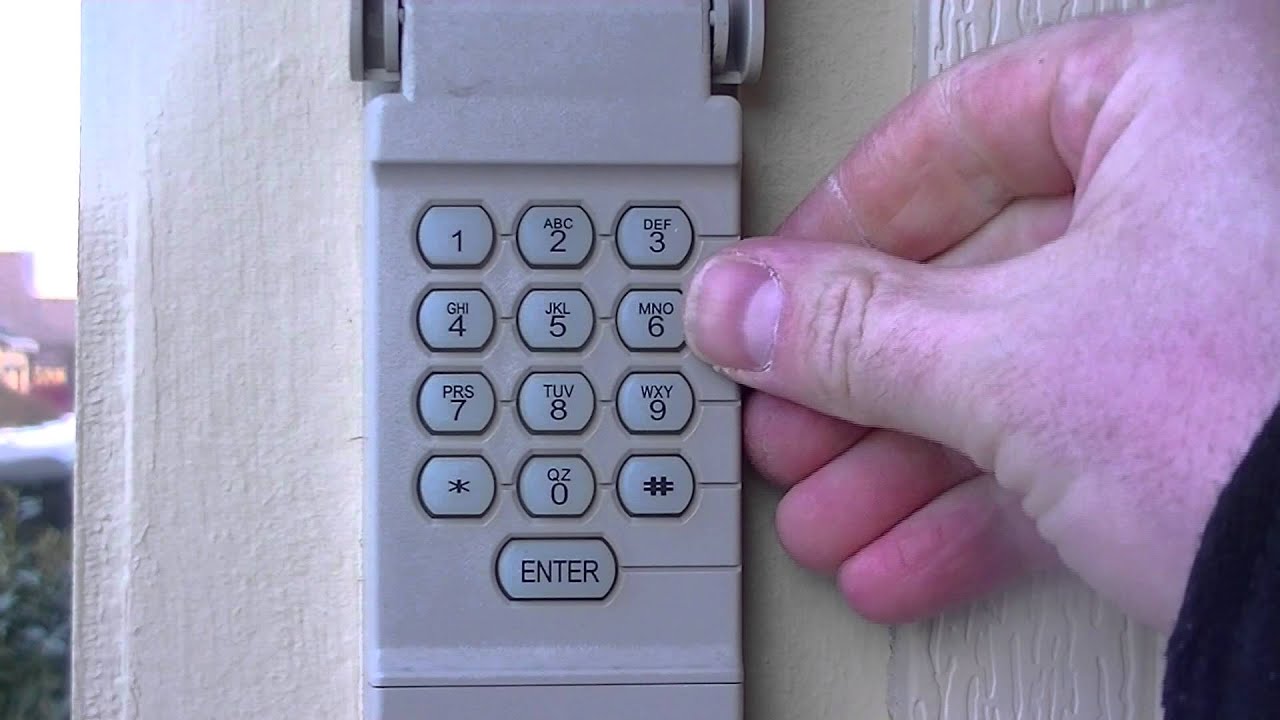
- If your keypad is wireless, enter your new code after pressing the learn button.
5. Test Your New Code
After resetting, always test:
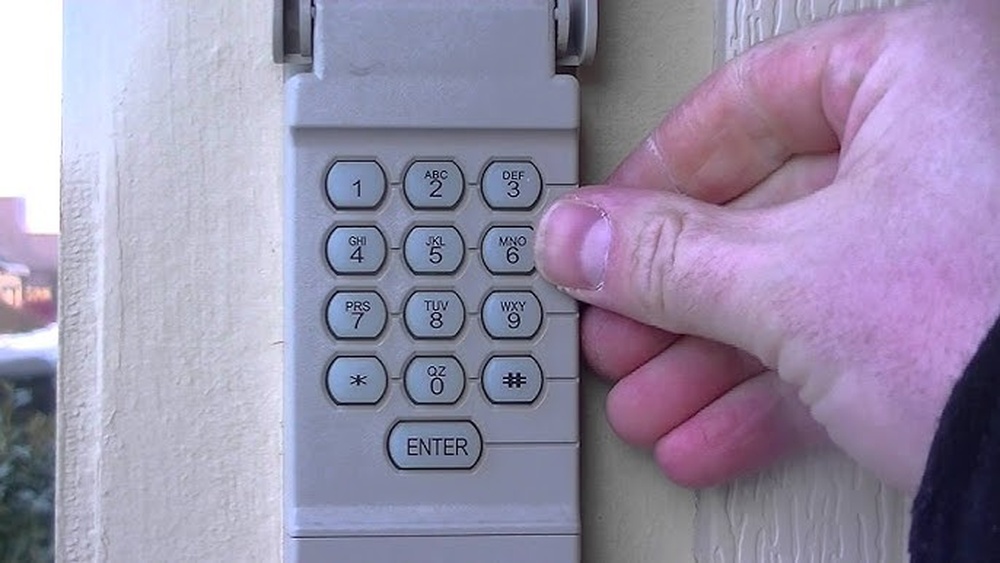
- Press your remote or enter the code on the keypad.
- The door should open and close smoothly.
- If not, repeat the steps or check for battery issues.
6. Update All Remotes And Keypads
If you have more than one remote or a wall keypad, update each device.
- For fixed code: Match the DIP switches.
- For rolling code: Pair each remote after pressing the learn button.
Many people forget to update all devices, causing confusion later.
7. Secure Your Garage Door
After changing the code, take extra steps for safety:
- Change your code regularly (every 6–12 months).
- Don’t share your code except with trusted people.
- If your opener supports it, use a unique keypad code for each user.
Common Mistakes Beginners Make
Resetting your garage door code can be easy, but mistakes happen. Here are problems to avoid:
- Not matching codes: In fixed code systems, both opener and remote must match.
- Forgetting to test: Always try your new code before finishing.
- Ignoring extra devices: Update every remote and keypad.
- Not unplugging the opener: Risk of electric shock.
- Using weak codes: Avoid simple patterns or repeating numbers.
Non-obvious tip: Many people don’t realize that some rolling code systems require you to press the learn button twice—once to erase, and once to set. Check your manual if the first try fails.
Real-life Example
Imagine you move into a new home and the previous owner gives you their garage remote. You want your own code. You find a LiftMaster opener with a purple learn button.
- Climb up with your ladder.
- Press the learn button for 10 seconds to erase old codes.
- Within 30 seconds, press your new remote button.
- The light flashes. You test the remote and it works.
You repeat the pairing for your second remote and update the keypad with a new 4-digit code. Now only you and your family can open the garage.

Credit: cheneydoor.com
Data: Garage Door Security And Code Reset Frequency
It’s surprising how often codes are left unchanged. According to the National Crime Prevention Council, 1 in 4 homeowners never update their garage door code.
| Action | Percentage of Homeowners | Recommendation |
|---|---|---|
| Never changed code | 25% | Change immediately |
| Changed code once | 50% | Change annually |
| Changed code regularly | 25% | Every 6 months |
Changing your code is one of the fastest ways to make your home safer.
Comparison: Fixed Code Vs Rolling Code
Some beginners don’t realize how much safer rolling codes are. Here’s a quick comparison:
| Feature | Fixed Code | Rolling Code |
|---|---|---|
| Security | Low | High |
| Reset method | DIP switches | Learn button |
| Easy to hack? | Yes | No |
| Recommended? | No | Yes |
If you have a fixed code system, consider upgrading to a rolling code opener for better protection.
Credit: www.youtube.com
Practical Tips For Beginners
Getting the code reset right the first time saves time and stress. Here are practical tips:
- Always use a unique code. Avoid “1234” or birth years.
- Keep your remote batteries fresh to avoid weak signals.
- Don’t write your code where others can see it.
- If you lose a remote, reset the code immediately.
- Read your owner’s manual for brand-specific instructions.
- If your opener has Wi-Fi, update your code online for extra security.
Non-obvious insight: Some newer openers let you set temporary codes for guests. After their visit, you can delete the code without affecting your main access.
What To Do If Reset Fails
If your garage door won’t respond after resetting:
- Check if the remote batteries are low.
- Make sure you pressed the learn button long enough.
- Try pairing again, allowing 30 seconds after pressing the learn button.
- Consult your manual or look up your model online.
- If all else fails, call a professional technician.
You can find detailed guides for many brands at Chamberlain Official Site.
Frequently Asked Questions
How Often Should I Reset My Garage Door Code?
Reset your code at least once a year. If you lose a remote or share your code, change it immediately.
Can I Reset The Code Without The Remote?
Yes. Most openers let you reset codes using the learn button on the unit. For keypads, you can often set a new code directly.
What If I Forget My New Code?
Check your owner’s manual for instructions to reset again. On rolling code systems, you can erase all codes and start over.
Do All Garage Door Openers Have A Learn Button?
No. Older models use DIP switches. Modern ones usually have a learn button. Look for a colored button labeled “learn,” “program,” or “set. ”
Is There A Way To Make My Garage Door More Secure?
Use a rolling code system, change your code regularly, and keep remotes out of sight. Consider upgrading to a smart opener with Wi-Fi and extra security features.
Resetting your garage door code is a small task that makes a big difference. With the steps above, you can handle any system—even if you’re brand new to garage door maintenance. You’ll feel safer, more in control, and ready to help others if needed. Remember, regular updates are key to keeping your home secure. If you ever have trouble, don’t hesitate to consult a professional or check your manufacturer’s official resources.