Programming a LiftMaster remote can seem tricky, especially if you’re new to garage door openers. But with the right steps and a little patience, you can do it easily—even if you have never tried before. Whether you just bought a new remote or need to reprogram an old one, understanding the process will save you time, money, and frustration. This guide will walk you through the basics, step-by-step instructions, tips for different remote models, and practical troubleshooting advice. You’ll also discover useful comparisons, real examples, and answers to common questions. By the end, you’ll feel confident in handling your LiftMaster remote programming like a pro.
What Is A Liftmaster Remote?
A LiftMaster remote is a small device used to control your LiftMaster garage door opener. Most people keep it in their car or attach it to a keychain. With a simple press of a button, the remote sends a radio signal to your garage door opener, telling it to open or close.
LiftMaster is one of the top brands for garage door openers in the US. Their remotes are known for:
- Reliability
- Easy programming
- Wide compatibility with other Chamberlain and Craftsman models
LiftMaster remotes use rolling code technology. This means every time you press the button, the code changes—making it harder for anyone to copy the signal and improving your home’s security.
Why Program Your Liftmaster Remote?
Programming your remote is not just about convenience. It’s also about safety and privacy.
Here’s why you might need to program or reprogram your remote:
- Replacing a lost or stolen remote to keep your home secure
- Adding a new remote for a family member or friend
- Reconnecting after battery replacement
- Upgrading your garage door opener
If you move to a new home with an existing LiftMaster system, reprogramming ensures only you have access.
Types Of Liftmaster Remotes
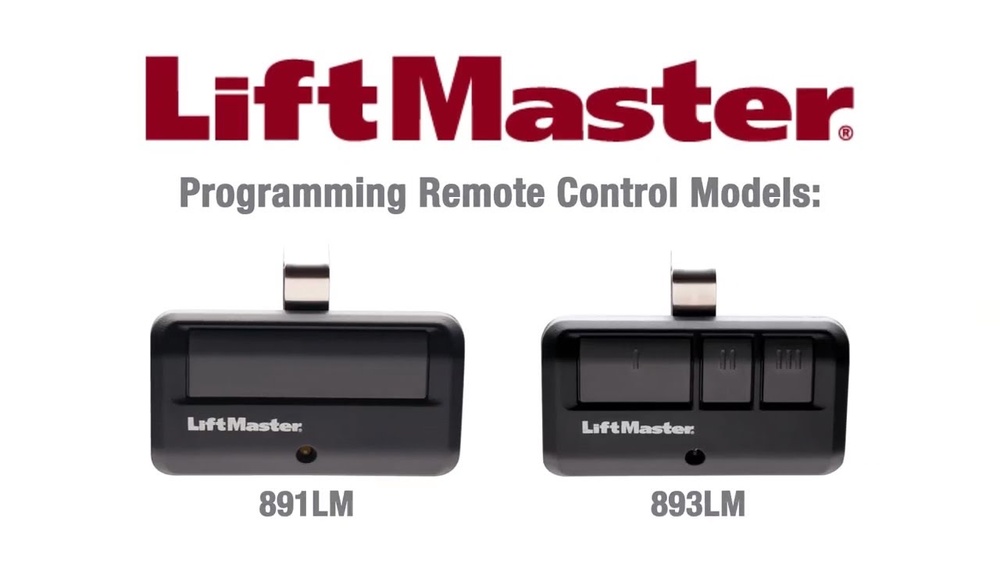
LiftMaster makes several types of remotes. Knowing your model helps you follow the right steps.
Main types include:
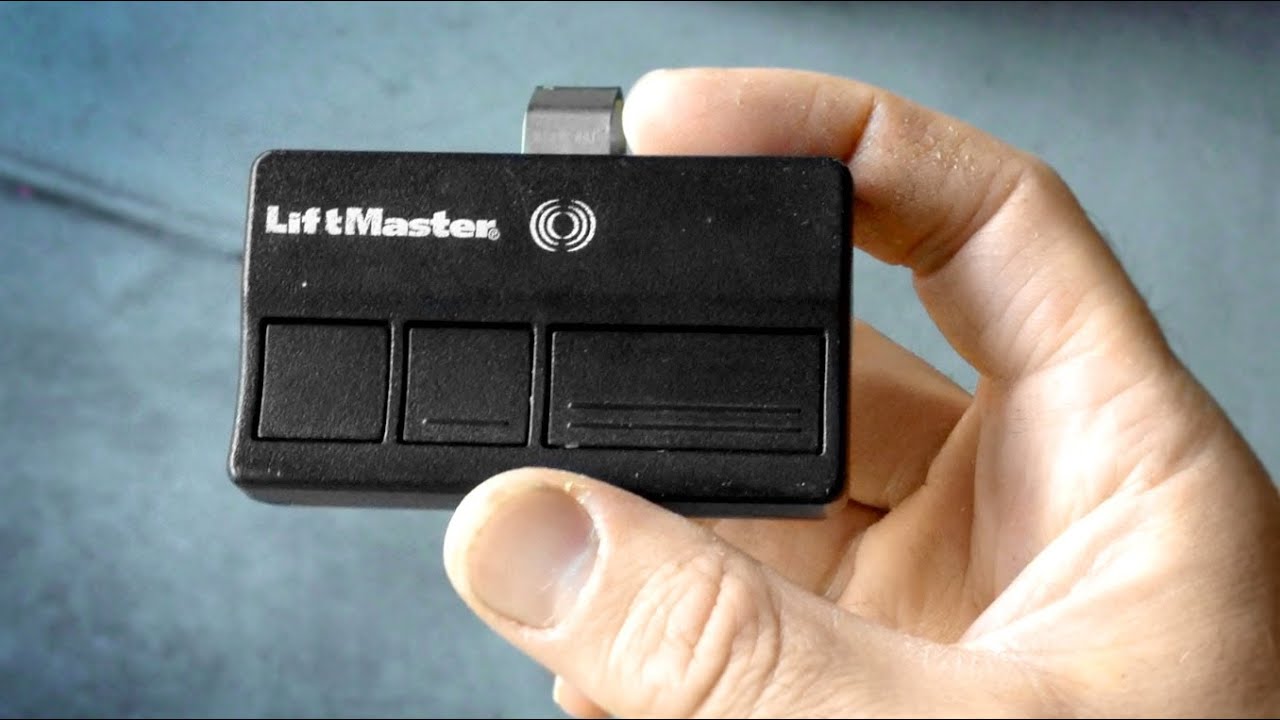
- Standard 1-button remotes – For basic open/close functions.
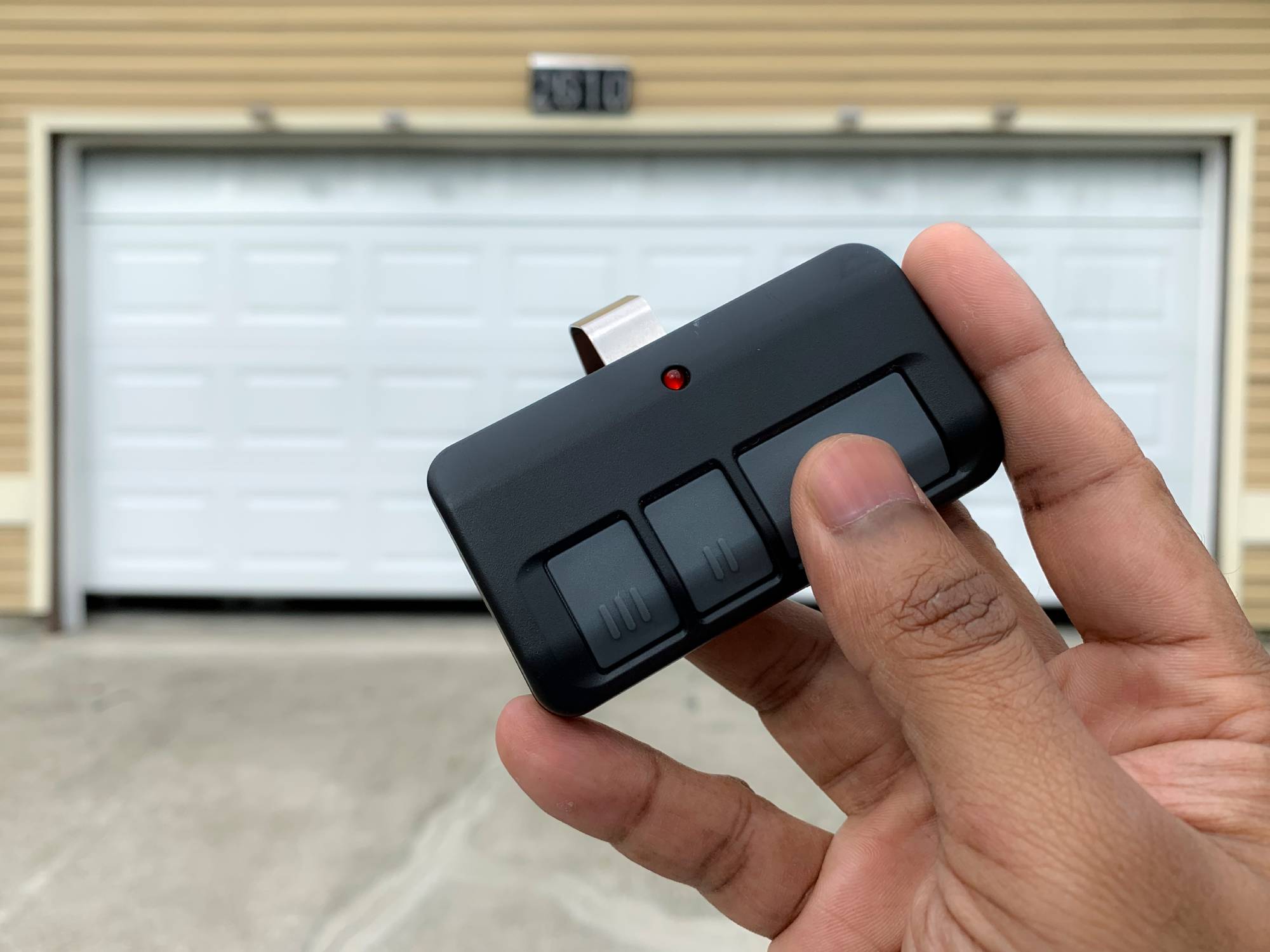
- Multi-button remotes – Control up to 3 doors or gates.
- Mini keychain remotes – Compact, great for portability.
- Visor clip remotes – Attach to your car’s sun visor.
Remotes come with different colors and shapes. The most important thing is the Learn Button color on your garage door opener. This tells you which remotes are compatible.
Here’s a quick comparison of common LiftMaster remote models and their features:
| Model | Buttons | Learn Button Compatibility | Special Features |
|---|---|---|---|
| 893LM | 3 | Yellow, Purple | MyQ, Security+ 2.0 |
| 371LM | 1 | Purple | Security+ |
| 890MAX | 3 | All colors | Universal, Keychain |
Essential Tools And Preparation
Before you start, gather these items:
- Your new or existing LiftMaster remote
- A ladder (if your opener is mounted on the ceiling)
- The garage door opener’s manual (optional but helpful)
- A pen and paper (to note any codes or steps)
Safety tip: Make sure your garage area is well-lit and free of obstacles.
Beginner insight: Many people forget to check the battery. If your remote doesn’t work after programming, try a new battery first.
How To Program A Liftmaster Remote: Step-by-step
Here’s the most common and beginner-friendly method for programming a LiftMaster remote.
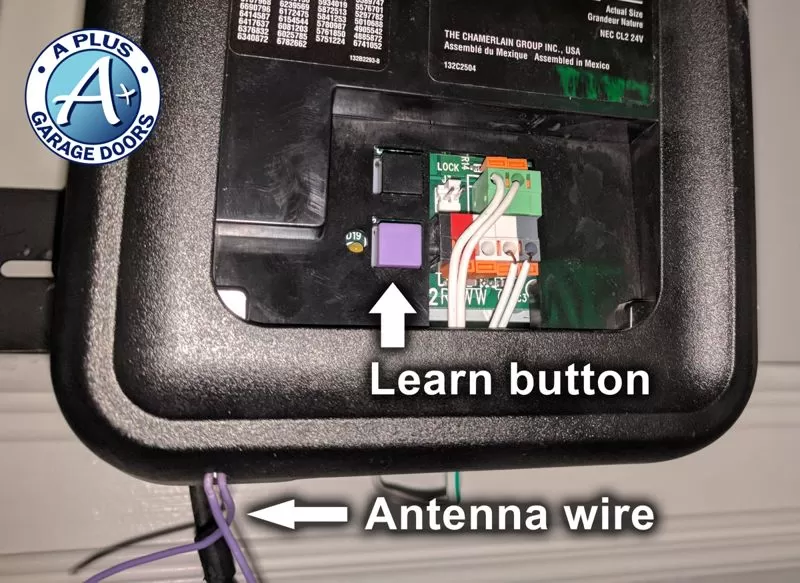
1. Locate The Learn Button
- The Learn Button is usually on the back or side of your garage door opener motor.
- It might be under a light cover. Look for a button labeled “Learn,” often colored yellow, red/orange, purple, or green.
2. Press The Learn Button
- Climb the ladder safely.
- Press and release the Learn Button. You should see a small LED light turn on or blink.
- You now have about 30 seconds to finish programming.
3. Press The Remote Button
- While the LED is on, press the button on your remote that you want to program.
- The garage door opener lights may flash, or you’ll hear a click. This means it worked.
4. Test The Remote
- Step down and press the remote button again.
- The door should open or close. If not, repeat the steps.
5. Repeat For Multiple Remotes
- You can program more than one remote. Just repeat steps 2–4 for each remote.
Practical tip: If you hold the Learn Button for too long (usually more than 6 seconds), it may erase all previous remotes. Only press briefly unless you want to clear all remotes.
Programming Different Liftmaster Remote Models
Some remotes have extra steps or buttons. Here are examples for the most popular models.
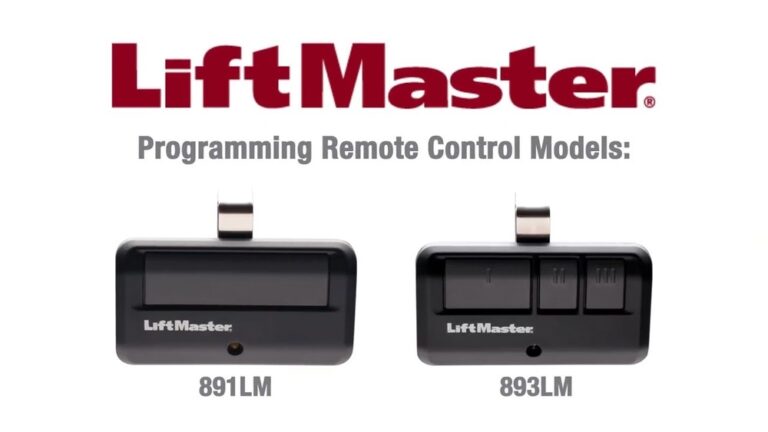
Liftmaster 893lm (3-button)
- Choose which button controls which door.
- Repeat the same Learn Button process for each button.
- Great for homes with multiple garage doors.
Liftmaster 890max (universal)
- Hold the button on the remote until the LED on the remote starts blinking.
- Press the Learn Button on the opener.
- Press the remote button to finish.
Older Models With Dip Switches
- Some very old remotes use DIP switches inside the remote.
- Match the switches in the remote to the ones in the opener.
- These are rare today but still found in older homes.
Common Programming Problems And Solutions
Even if you follow the steps, things can go wrong. Here’s how to fix the most common issues.
- Remote not working? Try a fresh battery.
- Door doesn’t respond? Double-check the Learn Button color and your remote’s compatibility.
- Too many remotes programmed? Most openers allow up to 5 or 8 remotes. Erase all codes and start over if needed.
- Still won’t program? Unplug the opener for 1 minute, plug back in, and try again.
Here’s a table comparing the most common errors and solutions:
| Issue | Possible Cause | Solution |
|---|---|---|
| Remote not responding | Dead battery | Replace battery |
| Light blinks, door doesn’t move | Obstruction or safety sensor issue | Clear path, check sensors |
| Can’t program new remote | Compatibility problem | Check Learn Button color, buy correct remote |
Hidden insight: Sometimes, LED bulbs in garage door openers cause interference with remote signals. Try using a regular bulb if you notice poor range.
Reprogramming And Erasing All Remotes
If your remote is lost or stolen, or you move into a new home, you should erase all existing remotes.
To erase all remotes:
- Hold the Learn Button for about 6–10 seconds until the LED turns off.
- This removes all remotes and keypads from memory.
- Program new remotes as usual.
Practical example: If you buy a house and the previous owners did not give you all remotes, erasing and reprogramming ensures your safety.
Credit: thompsongaragedoors.com
Programming Liftmaster Remotes For Multiple Doors
Many people want to control more than one garage door with a single remote.
How to do it:
- Use a multi-button remote (like the 893LM or 890MAX).
- Program each button to a different opener using the same Learn Button process.
- Label or remember which button opens which door.
Tip: Not all openers are compatible with every remote. Check your opener’s manual or look for a compatibility chart online.
Key Features To Consider When Buying A New Remote
If you need a new remote, consider these features:
- Button quantity: How many doors or gates do you want to control?
- Compatibility: Match the remote to your opener’s Learn Button color.
- Size: Do you want a keychain or visor clip model?
- Security: Newer models offer better encryption and rolling codes.
- Range: Most remotes work up to 150 feet, but walls and interference can reduce this.
Here’s a quick comparison of feature importance for most buyers:
| Feature | Importance | Notes |
|---|---|---|
| Compatibility | Very high | Must match opener |
| Button count | High | For multi-door homes |
| Size | Medium | Personal preference |
| Security | High | Choose newer models |
Beginner mistake: Buying a remote without checking compatibility leads to wasted money and returns.
Credit: www.youtube.com
Security And Privacy Tips
Programming your remote is a chance to improve garage security.
- Erase old remotes if you move to a new home.
- If a remote is lost or stolen, erase all remotes and reprogram.
- Change your garage door opener’s code every few years.
- Avoid sharing your remote with anyone you don’t trust.
Advanced insight: Some newer LiftMaster openers support MyQ technology. This lets you control your garage from your smartphone, adding another layer of security and convenience.
Real-world Example: Family Upgrading To New Remotes
The Smith family had an old garage opener. Their kids lost a remote, and they wanted everyone to have access. They bought two new 893LM remotes.
Steps they followed:
- Checked the Learn Button color (yellow).
- Bought remotes compatible with yellow buttons.
- Used a ladder and followed the programming steps.
- Erased all old remotes to make sure only the new ones work.
Now, each family member has a remote, and the old lost one no longer works.
Result: Improved security, less confusion, and no need to call a technician.
Credit: utahgaragedoors.net
Where To Find More Information
For more details, check the official LiftMaster support page. You’ll find manuals, compatibility charts, and videos.
Frequently Asked Questions
How Do I Know If My Remote Is Compatible With My Opener?
Check the Learn Button color on your garage door opener. Most LiftMaster remotes are color-coded to match. For example, yellow buttons usually work with newer remotes. Always check the product details before buying.
How Many Remotes Can I Program To One Opener?
Most LiftMaster openers allow 5 to 8 remotes. If you reach the limit, erase all remotes and start over. This makes space for new ones.
Can I Program A Remote Without The Learn Button?
No. All modern LiftMaster remotes require access to the Learn Button on the opener. If you can’t reach it, ask someone for help or use a ladder safely.
What Should I Do If My Remote Stops Working After Programming?
First, try a new battery. If that doesn’t help, repeat the programming steps. Check for interference (like LED bulbs). If it still doesn’t work, it might be a compatibility issue.
Is It Safe To Buy A Used Liftmaster Remote?
It’s better to buy new. Used remotes can have worn buttons or might not be compatible. New remotes also offer the latest security technology.
Programming your LiftMaster remote doesn’t have to be stressful. With the right steps and a little patience, you can do it yourself—even as a beginner. Remember to always check compatibility, follow safety tips, and erase old remotes when needed. A well-programmed remote keeps your garage secure and your life more convenient.
If you ever get stuck, the official LiftMaster website and support team can help you further.