If your Genie garage door opener stops working, it can be stressful. Maybe your remote will not open the door, or your wall button is dead. Sometimes, the motor runs but nothing moves. Other times, you hear beeping or see blinking lights.
These problems are common and usually fixable without calling a professional.
This guide explains Genie garage door opener troubleshooting in clear, simple steps. You will learn how to find problems, what tools you need, and how to solve the most common issues. If you follow these instructions, you can save money and time. Even if you are new to garage doors, this article will help you understand what to do and when to ask for expert help.
How Genie Garage Door Openers Work
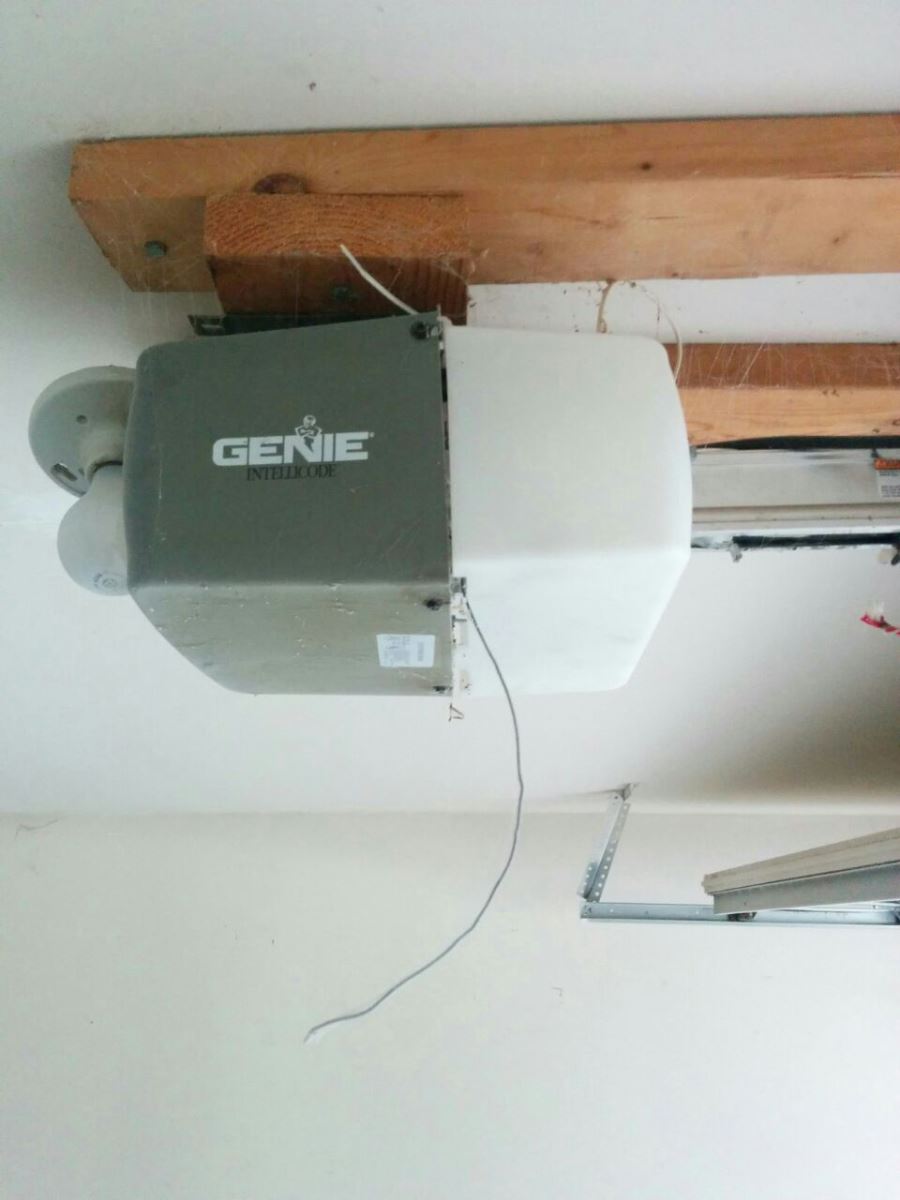
A Genie garage door opener uses an electric motor to lift and lower your garage door. Most units have a remote control, a wall switch, and safety sensors at the bottom of the door. When you press the button or remote, the opener sends power to the motor, which moves the door along a track.
Key parts include:
- Motor unit (mounted on the ceiling)
- Remote controls (handheld, car visor)
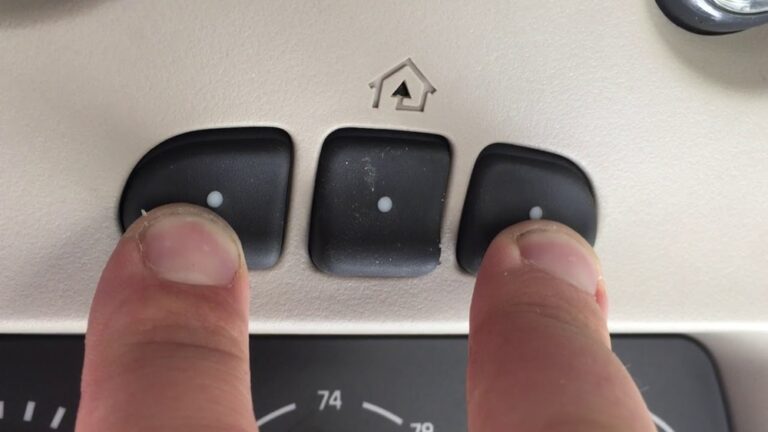
- Wall console (inside the garage)
- Safety sensors (near the floor, on both sides)
- Drive system (chain, belt, or screw)
- Travel and force limits (adjustable settings)
- Lights (built into the opener for safety)
When any of these parts stop working, your door may not open, close, or respond.
Basic Troubleshooting Steps
Before you start, always check these simple things:
- Power supply: Make sure the opener is plugged in and your outlet has power. Test the outlet with another device (like a lamp).
- Remote batteries: If the remote does not work, try a new battery.
- Manual release: Pull the emergency release cord to see if the door moves by hand. If it does not, the door or tracks may be blocked.
- Obstructions: Look for anything blocking the door or safety sensors.
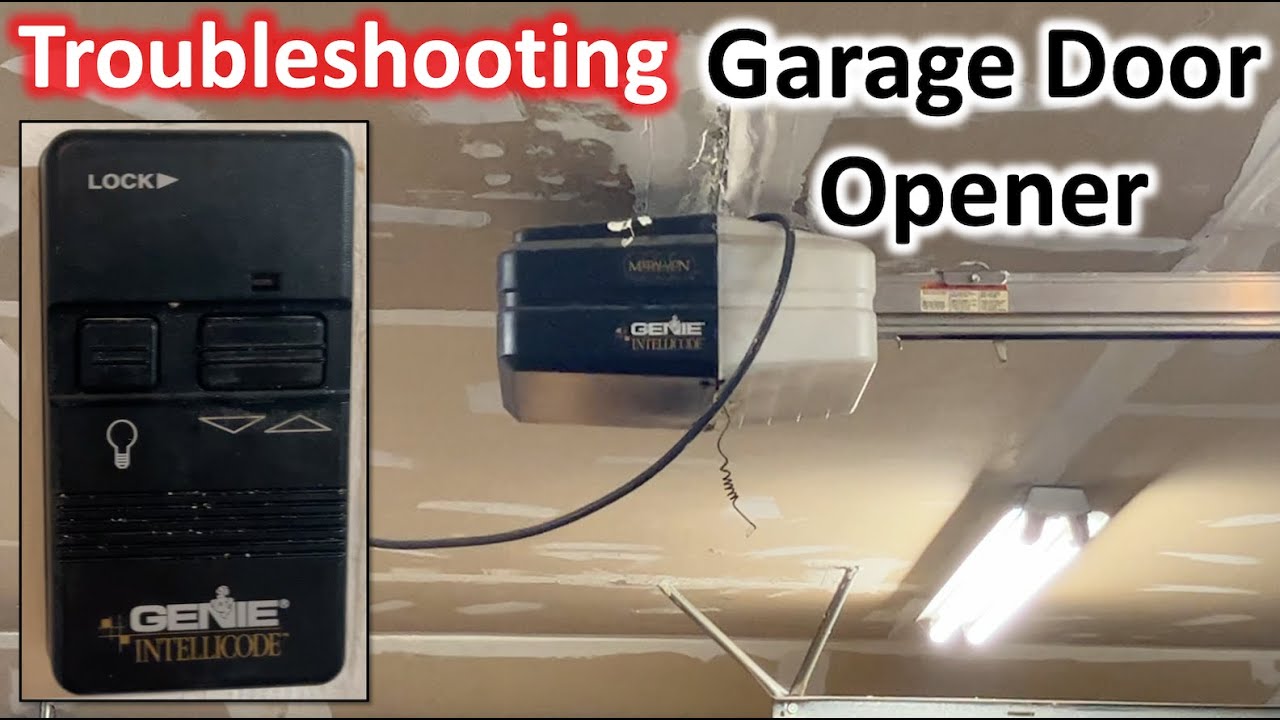
- Lock feature: Some wall consoles have a lock or vacation switch. Make sure it is off.
If these do not fix your problem, continue to the next steps.
Common Problems And Solutions
Let’s look at the most frequent Genie garage door opener issues and how to solve them.
The Remote Control Does Not Work
If your remote does not open or close the door:
- Check if the opener light blinks when you press the button. If yes, the remote signal is reaching the unit.
- Try standing closer to the opener. Weak batteries can reduce range.
- Replace remote batteries with the type listed in your manual.
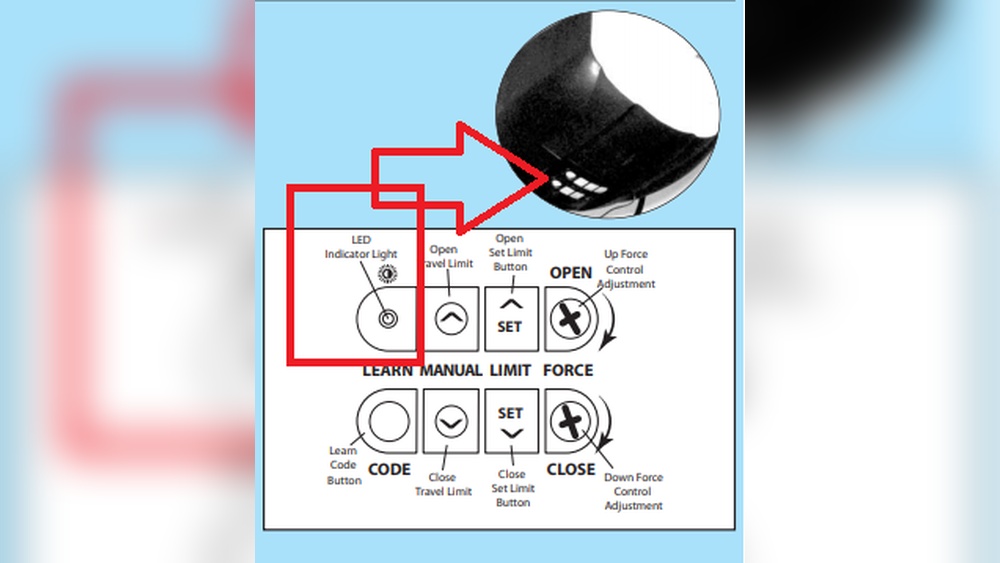
- Reprogram the remote. Most Genie openers have a “Learn” or “Program” button. Hold it until the LED blinks, then press your remote button. The LED should turn solid or blink to show it worked.
- If you have more than one remote, try them all. If none work, the opener’s receiver may be faulty.
Non-obvious tip: Some Genie remotes use a “rolling code” for security. If your remote works only sometimes, nearby devices (like Wi-Fi routers) could cause interference. Try changing the Wi-Fi channel or moving the router away.
Wall Console Or Keypad Not Working
If the wall button or wireless keypad does not respond:
- Check for loose or cut wires at the back of the wall console.
- Reset the power to the opener (unplug for 10 seconds, then plug in).
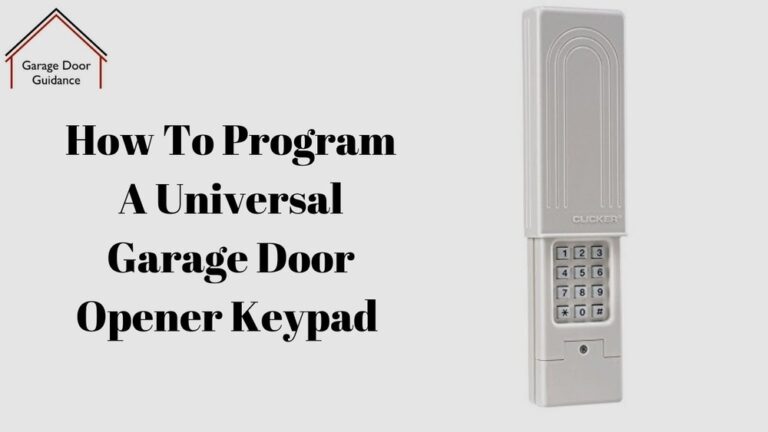
- For wireless keypads, replace the battery and reprogram the code.
- If only the wall console fails, but the remote works, the wiring is likely the problem.
Beginner insight: Some Genie wall consoles have a lock button. If this is ON, remotes may not work. Hold the lock button for 5 seconds to reset.
Door Opens But Won’t Close
If the door opens normally but will not close:
- Check the safety sensors at the bottom of the garage door rails.
- Make sure both sensors are aligned and the small LED lights on each sensor are ON. If one is OFF or blinking, realign until both are solid.
- Clean the sensor lenses with a soft cloth.
- Remove any objects blocking the sensor path.
- Listen for beeping or watch for blinking lights on the opener. These signals often mean a sensor issue.
Example: If you see one green light and one red light, but the red light blinks, the sensors are misaligned.
Door Reverses Before Hitting The Floor
If the door starts to close but goes back up:
- Adjust the down force and travel limits on the opener. These are usually small screws or dials on the unit.
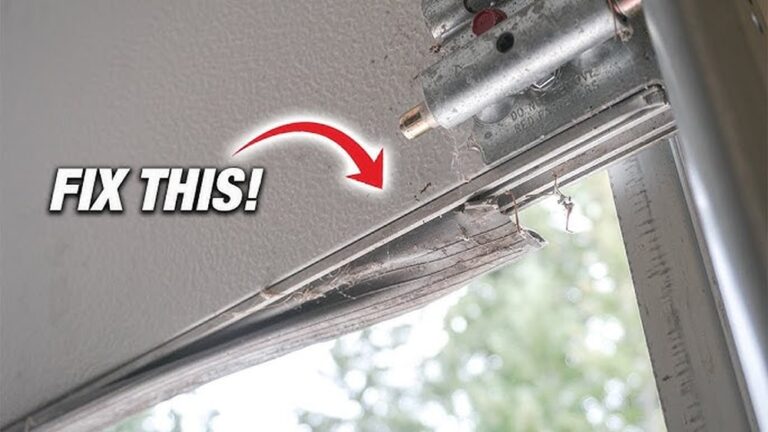
- If the door is heavy or sticky, check for dirt or bent tracks.
- Lubricate the tracks and rollers with garage door lubricant. Never use WD-40.
- Test by closing the door with the wall button. If it closes, but not with the remote, check the sensors again.
Pro tip: If you adjust the force too high, the door may close too hard and damage the floor or the opener. Always make small adjustments and test each time.
Opener Motor Runs But Door Doesn’t Move
If you hear the motor but nothing happens:
- The emergency release may be disengaged. Reconnect by pulling the cord toward the opener.
- Check if the drive belt, chain, or screw is broken or loose.
- If the drive system is broken, you may need a new part. Compare repair costs before deciding to fix or replace.
Opener Makes Noise But Door Stays Shut
If the motor hums or clicks but the door does not move:
- The door may be locked (look for a side lock near the handle).
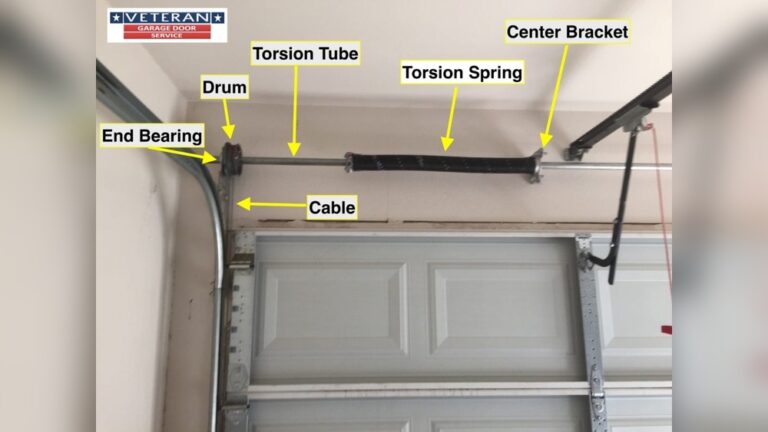
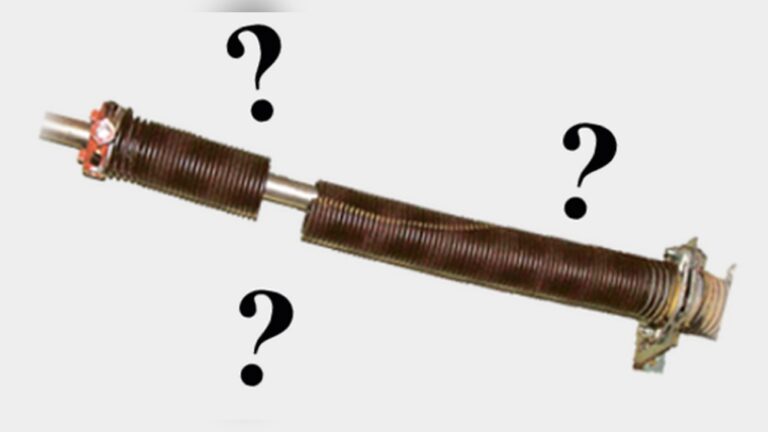
- Springs or cables may be broken. Do not try to fix these yourself; call a professional. Garage door springs are dangerous.
- Check for any visible obstructions in the track.
Understanding Genie Error Codes And Lights
Many Genie models use blinking lights or a display to show errors. This makes it easier to diagnose problems.
| Error Code / Blinking Light | Meaning | What to Do |
|---|---|---|
| 1 Blink | Sensor problem | Align or clean sensors |
| 2 Blinks | Wiring issue | Check wall console wires |
| 4 Blinks | Force or travel limits | Adjust settings |
| Steady Red | Normal | No action needed |
Check your opener’s manual for the full list of codes. This can save you time and confusion.

Credit: www.youtube.com
Genie Garage Door Opener Models: Key Differences
Not all Genie openers are the same. The most common types are chain drive, belt drive, and screw drive. Each type has its own strengths and weaknesses.
| Model Type | Noise Level | Maintenance | Best Use |
|---|---|---|---|
| Chain Drive | Loud | Needs oiling | Heavy doors |
| Belt Drive | Quiet | Minimal | Attached garages |
| Screw Drive | Medium | Lubricate screw | Moderate climates |
Beginner tip: If you have a belt drive and hear rattling, the belt may need tightening. If your chain drive is very noisy, add garage door lubricant to the chain.
When To Call A Professional
Some problems are dangerous or too complex for DIY. Call a garage door technician if:
- The main spring is broken (door will not lift by hand)
- You see frayed cables or bent tracks
- The opener smokes or smells burnt
- You cannot solve the issue after these steps
Trying to fix high-tension parts yourself can cause injury.
Preventive Maintenance Tips
Regular care helps avoid problems and extends your opener’s life.
- Check and replace remote batteries every year
- Clean the safety sensors monthly
- Lubricate tracks and rollers twice a year (use garage door lubricant)
- Tighten loose bolts or screws on the opener and door
- Test the door’s balance: Close the door, pull the emergency release, and lift halfway. The door should stay in place. If not, springs may need adjustment
- Check the auto-reverse feature. Place a block (like a 2×4 board) under the door and close it. The door should reverse when it touches the block
Non-obvious advice: Dust and spider webs can block sensors and cause random errors. Wipe sensor lenses often, especially in summer.
Genie Garage Door Opener Troubleshooting: Example Cases
Example 1: Remote Works, Wall Console Does Not
Anna’s Genie opener remote works, but the wall button is dead. She checks the wires and finds a loose screw at the wall console. After tightening, the button works again.
Example 2: Door Stops Halfway
Mark’s garage door stops halfway. He looks at the opener and sees 4 blinks on the LED. He adjusts the travel limits slightly, and the door opens and closes fully.
Example 3: Door Reverses At Bottom
Sarah’s door closes, touches the floor, and goes back up. She cleans the safety sensors and realigns them. Now, the door stays closed.
Credit: www.youtube.com
Genie Garage Door Opener Troubleshooting: Mistakes To Avoid
- Forcing the door closed if it will not move. This can break the opener.
- Using the wrong lubricant (like WD-40). Use only garage door lube.
- Ignoring blinking lights or beeps. These are error signals.
- Not checking if the wall console lock feature is ON.
- Forgetting to test the door balance every year.
Genie Support And Warranty
Most Genie openers come with a limited warranty (usually 1-5 years on parts, lifetime on motor). Save your manual and receipt. If you cannot fix the problem, contact Genie support or a certified repair center.
You can find more help at the official Genie Company Support page.
Credit: www.garagedoorrepairlakevillemn.net
Frequently Asked Questions
Why Does My Genie Garage Door Opener Light Blink But Nothing Happens?
A blinking light often means a safety sensor problem. Check that both sensors are clean, aligned, and have solid LED lights. If still blinking, check for loose wires or blocked sensors.
How Do I Reset My Genie Garage Door Opener?
Unplug the unit for 10 seconds, then plug it back in. To reset remotes, press and hold the “Learn” or “Program” button until the LED blinks, then reprogram your remotes and keypads.
What Should I Do If My Genie Opener Remote Is Lost?
Erase all remotes from memory by holding the “Learn” button until the LED turns off (about 10 seconds). Then, program new remotes. This keeps your garage secure if a remote is stolen.
Why Does The Garage Door Reverse Before Closing Fully?
This is usually a force or travel limit issue. Adjust the down force and travel screws on the opener. Also check for obstructions or dirty tracks.
How Often Should I Maintain My Genie Garage Door Opener?
Do a quick check every month: clean sensors, test the auto-reverse, and look for loose parts. Lubricate moving parts twice a year for best results.
A working Genie garage door opener keeps your home safe and convenient. With the right steps, you can fix most problems yourself. For serious issues, expert help is just a call away. Stay safe, and keep your garage running smoothly.