If you own a Craftsman garage door opener, you may find yourself searching for the manual at some point. Whether you are installing a new unit, troubleshooting a problem, or just want to program a remote, having the right manual can make everything easier. Many homeowners lose their original manuals or receive a house with an opener already installed and no documentation. If this sounds familiar, you are not alone. This article will help you understand your Craftsman garage door opener manual, what information is inside, and how to use it to keep your garage door system running smoothly.
Why The Craftsman Garage Door Opener Manual Matters
The Craftsman garage door opener manual is more than just a booklet. It is your main guide for installation, programming, maintenance, and troubleshooting. Without it, even a simple task can become confusing.
Here’s why the manual is important:
- Safety guidance: The manual includes warnings and safety steps. This helps prevent injuries and property damage.
- Installation instructions: Each model may have different parts and steps. The manual shows you the exact process for your unit.
- Programming remotes: Many Craftsman openers support multiple remotes and keypads. The manual explains how to program or reprogram these devices.
- Troubleshooting tips: If your opener stops working or makes odd noises, the manual provides step-by-step troubleshooting.
- Maintenance schedules: Proper care increases the lifespan of your opener. The manual suggests how often to lubricate parts and check for wear.
Without the manual, you may guess or use methods that can damage your opener or make it unsafe.
Key Sections Found In Craftsman Garage Door Opener Manuals
Every Craftsman garage door opener manual has several main sections. Understanding these helps you find the information you need quickly.
- Parts list and diagram: Shows all parts, from the motor to the sensors, with part numbers for ordering replacements.
- Safety instructions: Lists all warnings, such as keeping hands clear of moving parts.
- Installation steps: Clear, step-by-step guide for assembling and mounting the opener.
- Programming instructions: How to sync remotes, wall consoles, and keypads.
- Maintenance guide: When and how to lubricate, tighten, or replace parts.
- Troubleshooting chart: Common problems and solutions.
- Warranty information: Terms, coverage, and how to get repairs.
Some manuals also include a glossary of terms and model-specific notes.

Credit: homeappliance.manualsonline.com
Locating The Right Craftsman Garage Door Opener Manual
It is common to misplace your manual or never receive one. Thankfully, most Craftsman manuals are available online.
How To Find Your Model Number
Before downloading a manual, you need your opener’s model number. You can usually find it:
- On the back or side of the opener’s main unit, near the light cover.
- On a metal or plastic sticker labeled “Model No.”
- Sometimes inside the battery compartment of the remote.
Write this number down exactly. Even a small difference (like “139. 53985D” vs “139. 53985DM”) may lead to a different manual.
Downloading Manuals Online
Once you have the model number, visit the Sears PartsDirect website or the official Craftsman site. Use their search bar to look up your model.
For example: If your opener is model 139.53615SR, enter this in the search box. You will see a PDF link to the manual.
Other trusted sources include:
- ManualsLib (large manual database)
- Manufacturer’s support page
- Garage door service companies
Always choose a source with a secure website and good reviews.
Comparing Common Craftsman Garage Door Opener Models
Craftsman has released dozens of garage door opener models over the years. Some are chain drive, others belt drive, and newer models may have Wi-Fi features.
Below is a comparison of three popular Craftsman models:
| Model | Drive Type | Horsepower | Key Features |
|---|---|---|---|
| 139.53985D | Chain | 0.5 HP | Basic, reliable, includes 2 remotes |
| 57918 | Belt | 0.75 HP | Quieter, includes battery backup |
| CMXEOCG471 | Chain | 0.5 HP | Wi-Fi enabled, smartphone control |
Choosing the right manual depends on your opener’s exact model and features.

Credit: archive.org
Understanding Key Parts And Controls
A typical Craftsman garage door opener includes several important parts and controls. Knowing what each does can help you with installation and troubleshooting.
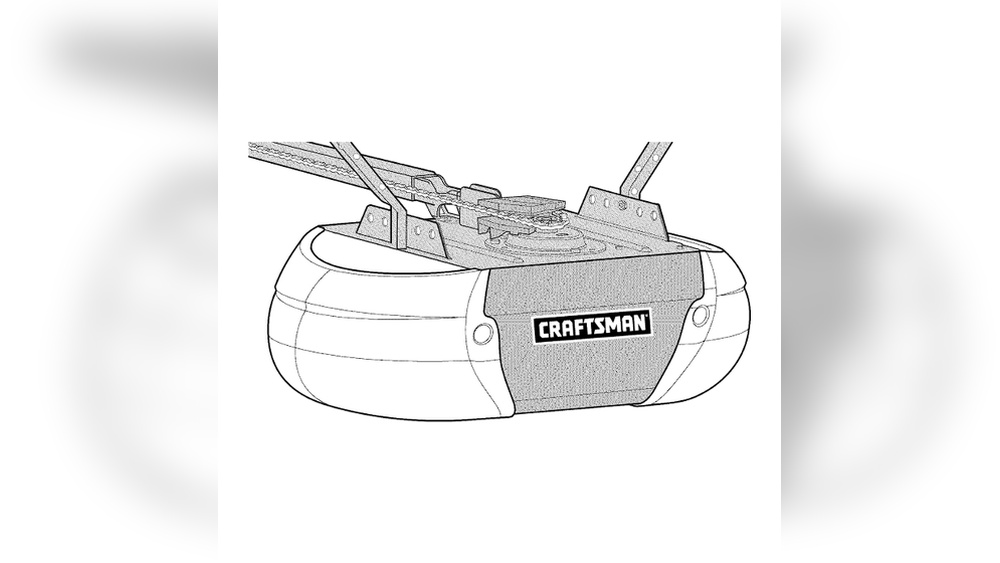
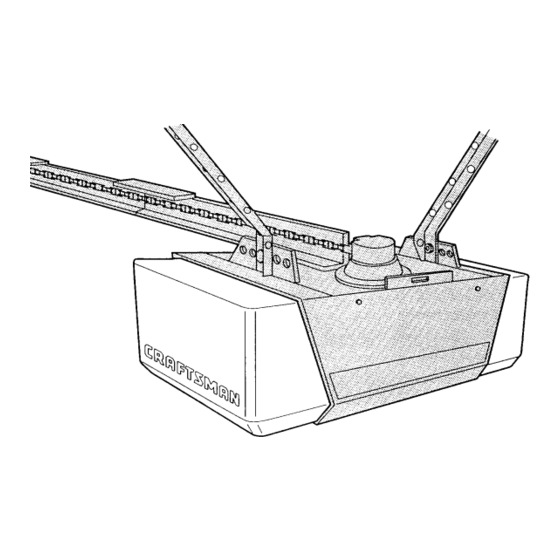
- Motor unit: The main power source, attached to the ceiling.
- Trolley and rail: Connects the motor to the door, moving the door up and down.
- Chain or belt: Moves the trolley along the rail.
- Safety sensors: Placed near the floor on each side of the door to stop closing if something is detected.
- Wall control panel: Mounted inside the garage for opening/closing and programming.
- Remote controls: Handheld, for opening the door from your car or outside.
- Light bulbs: Illuminate the garage when the opener runs.
Modern models may also have Wi-Fi modules, backup batteries, and keypads.
Installing A Craftsman Garage Door Opener: Step-by-step
For beginners, installing a garage door opener can seem difficult. The manual breaks the job into clear steps. Below is a basic outline. Always follow your specific model’s instructions, as steps may vary.
- Check the Door Balance
- Disconnect the opener if replacing one.
- Lift the door halfway; it should stay in place. If it falls, call a professional.
- Assemble the Rail and Trolley
- Connect rail sections.
- Attach the trolley that will pull the door.
- Mount the Motor Unit
- Secure the motor to ceiling joists with strong brackets.
- Use lag screws for safety.
- Attach to the Door
- Connect the rail to the wall above the door.
- Attach the arm to the door itself.
- Install Safety Sensors
- Place sensors 6 inches above the floor, one on each side of the door.
- Align sensors so the lights are solid, not blinking.
- Connect Controls and Power
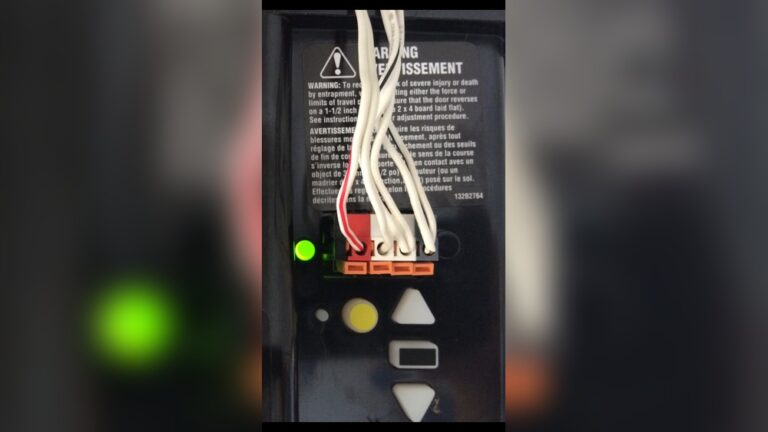
- Wire the wall control panel.
- Plug in the motor unit.
- Test and Adjust
- Run the opener. Check up and down travel limits.
- Adjust force and sensitivity if needed.
- Program Remotes and Keypads
- Press the “Learn” button on the motor unit.
- Within 30 seconds, press the remote button.
This is a simplified guide. Most installations take 3–5 hours for beginners. Safety tip: Always unplug the opener before working on wiring.
How To Program Remotes And Keypads
Programming is simple if you follow the manual’s instructions.
For Remotes
- Press and release the Learn button on the opener.
- Within 30 seconds, press and hold the button on your remote.
- The opener light will blink or click. Release the remote button.
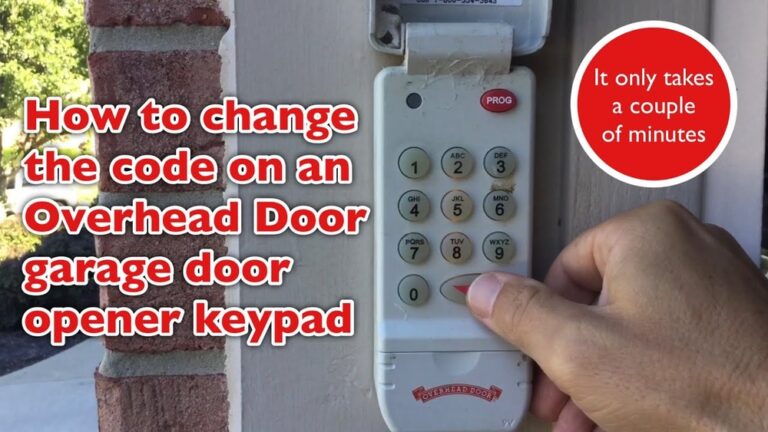
For Keypads
- Enter your desired 4-digit PIN.
- Press and release the Learn button on the motor unit.
- Within 30 seconds, enter the PIN and press the “Enter” button.
If programming fails, check the battery and try again. For older models, the process may be slightly different.
Troubleshooting Common Problems
The manual’s troubleshooting chart can save you time and money. Here are some frequent issues and solutions:
| Problem | Possible Cause | Solution |
|---|---|---|
| Opener won’t work | No power | Check outlet and circuit breaker |
| Remote doesn’t work | Battery dead | Replace remote battery |
| Door reverses before closing | Sensors misaligned | Realign safety sensors |
| Opener is noisy | Dry chain/belt | Lubricate chain or belt |
If the light blinks but the door doesn’t move, check the sensors first. They must face each other with no obstructions.
Maintenance Tips For Longer Life
Craftsman openers last longer with regular care. Here are easy maintenance steps most manuals recommend:
- Lubricate moving parts: Use garage door lubricant on the chain or belt, rollers, and hinges every 6 months.
- Check safety sensors: Wipe sensors clean and check their alignment monthly.
- Test the reversing feature: Place a roll of paper towels under the door and close it. The door should reverse when it touches the roll.
- Tighten hardware: Screws and bolts can loosen over time. Check and tighten them twice a year.
- Replace backup battery: If your model has one, replace the battery every 1–2 years.
Ignoring maintenance can shorten the opener’s life and make it unsafe.
Upgrading And Replacing Parts
Even well-maintained openers may need new parts after several years. The manual helps you order the right parts using part numbers from the diagram. Common replacements include:
- Remote controls
- Wall control panels
- Safety sensors
- Chain or belt
- Light covers
Most replacement parts are available from Sears PartsDirect or home improvement stores.
If your opener is more than 15 years old, you may want to upgrade to a newer model with better safety and smart features. New manuals are usually available as PDFs from the manufacturer’s website.
Credit: www.manualslib.com
Practical Insights Most Beginners Miss
- Model-Specific Programming: Not all Craftsman remotes and keypads work with every opener. Always check compatibility using the manual’s part list before buying extras.
- Garage Door Balance: Many opener problems are actually caused by an unbalanced door, not the opener itself. Test door balance before adjusting the opener.
- Wi-Fi and Smart Features: If your manual mentions Wi-Fi, follow the exact app setup steps. Skipping steps can cause connection issues.
- Warranty Coverage: Some parts (like the motor) may have longer warranties than others. Keep your purchase receipt and know which parts are covered.
- Manual Updates: Sometimes, PDF manuals are updated with new safety info. Check the manufacturer’s site for the latest version of your manual.
Frequently Asked Questions
What Should I Do If I Lost My Craftsman Garage Door Opener Manual?
You can download a replacement manual online. Use your model number to search on the Sears PartsDirect or official Craftsman websites. Other reliable sources include ManualsLib.
How Do I Program A New Remote For My Craftsman Opener?
Press the Learn button on the opener unit. Then, press and hold the button on your new remote. The opener light will blink to confirm programming.
Why Does My Garage Door Reverse Before Closing?
This usually means the safety sensors are misaligned or blocked. Clean the lenses and check that the sensor lights are solid.
How Often Should I Maintain My Garage Door Opener?
Lubricate the chain or belt and check safety sensors every 6 months. Tighten hardware and test the reversing feature twice a year for best results.
Where Do I Find The Model Number On My Craftsman Garage Door Opener?
Look for a sticker or label on the main motor unit, usually on the back or side. The model number will start with “139” or similar.
If you use your Craftsman garage door opener manual as a guide, you can install, program, and maintain your opener safely and easily. Taking time to read and follow your manual prevents many common problems and helps your opener last longer. Whether you are a first-time homeowner or just need a refresher, the manual is your best tool for a smooth garage door experience.