Changing your garage door code can protect your home and give you peace of mind. Many people don’t realize how easy it is for old codes to be discovered or guessed. If you move into a new house, lose a remote, or just want extra security, updating the code is a smart step.
This guide will show you clear, step-by-step instructions to change your garage code, explain common mistakes, and help you avoid problems beginners often face. Whether your opener is old or new, you’ll find practical tips to make the process simple.
Why Change Your Garage Code?
Changing your garage code is more than just a small security task. It keeps your home safe from unwanted access. Many break-ins happen because thieves use universal remotes or guess common codes. According to the FBI, more than 60% of home burglaries occur through unlocked doors or garages. Updating your code makes you less vulnerable.
Reasons to change your code:
- You’ve moved into a new house
- You’ve lost a remote or keypad
- You shared the code with someone who shouldn’t have it
- Your code is old or set to a default value
- You want to boost security for your family
Understanding Garage Door Openers
Before you start, know what kind of garage opener you have. Most systems fall into two main types:
- Remote-controlled openers: Use a wireless remote to open the garage.
- Keypad entry systems: Have a keypad installed outside the garage for code entry.
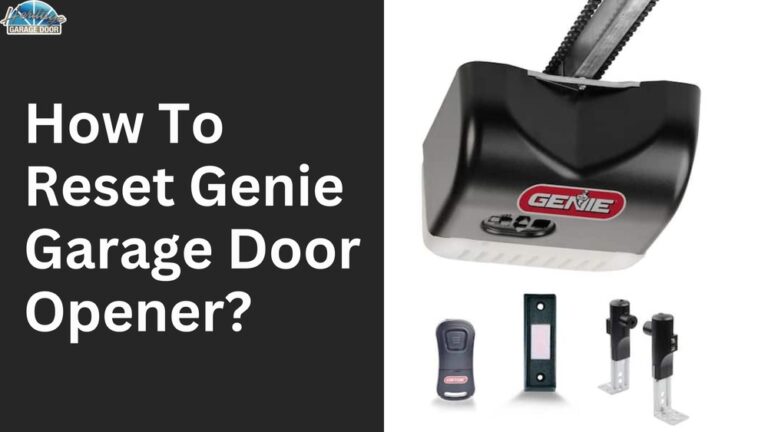
Some modern systems combine both. The steps to change your code depend on which system you use. Most brands include LiftMaster, Chamberlain, and Genie—these make up over 75% of US garage openers.
Example Of Garage Opener Features
Here’s a quick comparison of common garage opener features:
| Brand | Remote Control | Keypad Entry | Smartphone App |
|---|---|---|---|
| LiftMaster | Yes | Yes | Yes |
| Chamberlain | Yes | Yes | Yes |
| Genie | Yes | Yes | Limited |
| Older Brands | Yes | No | No |
If you’re unsure, check your opener’s model number or look for a keypad outside your garage.

Credit: www.youtube.com
How To Change Garage Code: Step-by-step
Changing your garage code is simple if you follow the right steps. Below is a beginner-friendly guide for most systems:
1. Locate The “learn” Or “program” Button
- Most garage openers have a Learn or Program button on the main unit, usually mounted on the ceiling.
- Look for a small colored button—often red, yellow, or purple.
- For keypad systems, there may be a “Program” button behind the keypad cover.
2. Prepare Your Remote Or Keypad
- Find your remote or keypad before starting.
- Make sure batteries are fresh—weak batteries can cause programming to fail.
- Have a new code in mind. Avoid simple codes like “1234” or “0000.”
3. Clear Old Codes
- Press and hold the Learn button for about 10 seconds.
- The indicator light will blink or turn off, meaning old codes are erased.
- This step is important: It removes access from old remotes or keypads.
4. Set New Code For Remote
- Press the Learn button again (usually once).
- Within 30 seconds, press the button on your remote.
- The light on the opener will blink, showing the new remote is programmed.
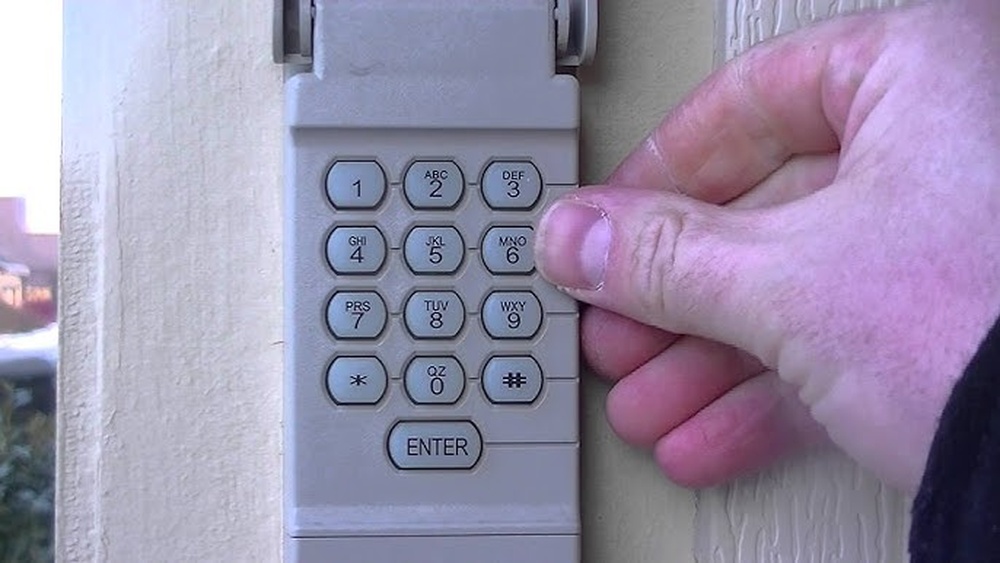
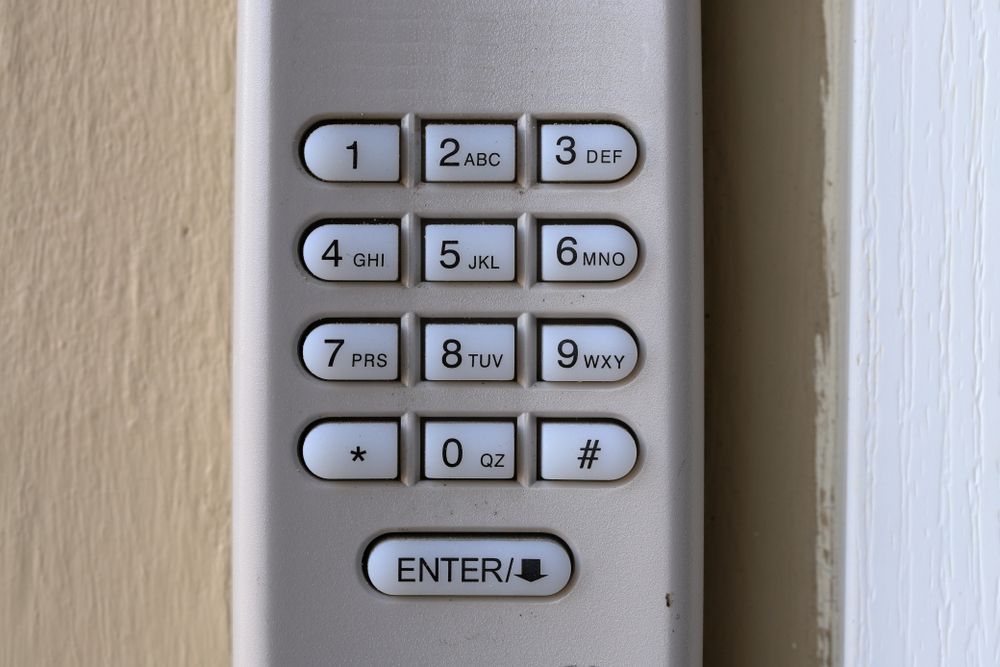
5. Set New Code For Keypad
- Enter your chosen new code on the keypad.
- Press the Enter or Program button (check your brand manual).
- The opener’s light should blink, confirming success.
6. Test Your New Code
- Try opening the garage with your remote and keypad.
- If it works, you’re done. If not, repeat steps carefully.
Example: Liftmaster Keypad Programming
LiftMaster is the most common brand in the US. Here’s a quick example:
- Press the “Learn” button on the motor unit.
- Within 30 seconds, enter your new four-digit code on the keypad.
- Press the “Enter” button. Wait for the light to blink.
- Test the code. If it doesn’t work, repeat the steps.
Common Mistakes Beginners Make
- Not clearing old codes before programming new ones
- Using weak batteries
- Choosing simple codes (easy to guess)
- Forgetting to test both remote and keypad
- Not checking the manual for brand-specific steps
Changing Codes On Smart Garage Openers
Newer openers let you change codes using a smartphone app. These models offer more control and security.
Steps for smart garage openers:
- Open the app (like myQ or Genie Aladdin).
- Go to settings and select “Change Code.”
- Enter your new code and save changes.
- Test with your phone and keypad.
Smart openers often send alerts if someone tries to guess the code. This adds extra protection.
Example Data: Smart Opener Usage
According to a 2023 survey, 37% of US homes now use smart garage openers. Owners report fewer break-ins and easier code changes compared to older systems.

Credit: www.wikihow.com
Tips For Choosing A Strong Garage Code
A strong code prevents break-ins and keeps your home safe. Here’s how to pick a secure code:
- Use at least four digits
- Avoid birthdates, addresses, or repeating numbers
- Mix numbers that are not sequential (like “2584”)
- Change codes every 6–12 months
Comparison: Weak Vs. Strong Codes
| Code Type | Example | Security Level |
|---|---|---|
| Weak | 1234 | Low |
| Weak | 0000 | Low |
| Strong | 2847 | High |
| Strong | 7361 | High |
Most beginners use simple codes. This is a mistake—strong codes help prevent hacking attempts.
Troubleshooting Garage Code Problems
Sometimes changing your code doesn’t work on the first try. Here’s what to check:
- Remote not working: Replace batteries or try programming again.
- Keypad won’t accept code: Make sure you’re following the correct steps for your brand.
- Light doesn’t blink: Double-check that you pressed the “Learn” button properly.
- Old remotes still work: Repeat the code clearing step.
If you’re stuck, search for your opener’s manual online or visit the brand’s official support page. For complex issues, call a professional installer.
Practical Example: Reset Not Working
Suppose you change your code but the old remote still opens the garage. This usually means the old codes weren’t fully cleared. Repeat the code erasing step, then reprogram your remotes and keypad.
Safety Precautions When Changing Garage Code
It’s important to stay safe when you work with garage openers. Here are key tips:
- Unplug the opener before touching any wiring
- Use a sturdy ladder if the opener is mounted high
- Keep children and pets away during programming
- Don’t force buttons—gentle presses work best
Many accidents happen when people rush or ignore safety. Take your time and follow steps carefully.
How Often Should You Change Your Garage Code?
Experts recommend changing your garage code at least once a year. If you lose a remote, change the code immediately. If you rent out your home or share the code, update it when tenants or guests leave.
Changing codes regularly is a simple step that keeps your home secure. Most homeowners forget this task, but it takes just a few minutes.
Practical Data: Garage Security
According to the National Crime Prevention Council, homes with updated garage codes are 70% less likely to experience break-ins through the garage. Most burglars look for easy targets, so a strong, updated code can make your home much safer.
What To Do If You Forget Your Garage Code
If you forget your code, don’t panic. Most systems allow you to reset:
- Press and hold the “Learn” button to erase all codes
- Reprogram remotes and keypad with new codes
- Check your manual for special reset steps
Some smart openers let you reset codes from the app. If you’re locked out, contact a garage door technician.
Upgrading Your Garage Door Security
If your opener is older than 10 years, consider upgrading. New models have rolling codes, which change automatically every time you use the opener. This makes hacking almost impossible.
Features to look for in new openers:
- Rolling code technology
- Smartphone app control
- Battery backup (for power outages)
- Strong keypad with anti-tamper features
Rolling codes are recommended by security experts. If you want more info on advanced openers, check Consumer Reports for unbiased reviews.
Quick Recap: Changing Your Garage Code
- Find the “Learn” or “Program” button
- Clear old codes first
- Set new code for remote and keypad
- Test everything before finishing
- Choose strong codes and change them often
- Stay safe and follow brand-specific instructions
Credit: www.upliftgarage.com
Frequently Asked Questions
What If My Garage Opener Doesn’t Have A Keypad?
Not all openers have a keypad. If yours doesn’t, you can only change the code for the remote. Consider adding a keypad for extra security—it’s easy to install and costs about $30–$60.
Can I Use The Same Code For Both Remote And Keypad?
Yes, but it’s safer to use different codes. If someone gets your remote, they won’t have access to your keypad code. Using separate codes adds another layer of protection.
How Long Does It Take To Change The Garage Code?
For most systems, changing the code takes 5–10 minutes. Smart openers are even faster—just a few taps on your phone. Always test your new code before finishing.
Is It Safe To Change The Code Myself, Or Should I Call A Professional?
Most people can safely change their garage code by following the steps in this article. If your opener is very old or you’re not comfortable, call a professional. They’ll charge $50–$120 for the service.
Will Changing The Code Erase All Remotes And Keypads?
Yes, when you clear old codes, it erases all programmed remotes and keypads. You’ll need to reprogram each device with the new code. This prevents old devices from opening your garage.
Changing your garage code is a smart, simple way to protect your home. With clear steps, strong codes, and a little care, you can boost your security in minutes. Don’t wait until something goes wrong—update your code regularly and stay safe.