Changing your garage door code is a smart move for safety and peace of mind. If you’ve just moved into a new house or think someone else knows your old code, updating it is important. Many people worry this process is hard, but it’s much simpler than you might imagine.
With the right steps, almost anyone can change a garage door code in less than 30 minutes.
Understanding your garage door system is the first step. There are different types of keypads and remotes, and the method can change depending on your brand. This guide will show you clear, step-by-step instructions for the most common systems. You’ll learn why changing the code matters, how to do it, and how to handle possible problems—all in easy English.
Why Change Your Garage Door Code?
Changing your garage door code isn’t just about convenience. It’s a key part of keeping your home safe. Here’s why it matters:
- Security risk: If someone else knows your code, they could enter your garage and your home.
- After moving: Previous owners or renters might still have access.
- Lost remotes: If your remote gets lost or stolen, change the code right away.
- Regular maintenance: Many experts suggest changing the code every 6–12 months.
According to the FBI, nearly 9% of home burglaries in the US start with entry through the garage. Keeping your code private and updated helps lower this risk.
Types Of Garage Door Systems
Most modern garage doors use one of these systems:
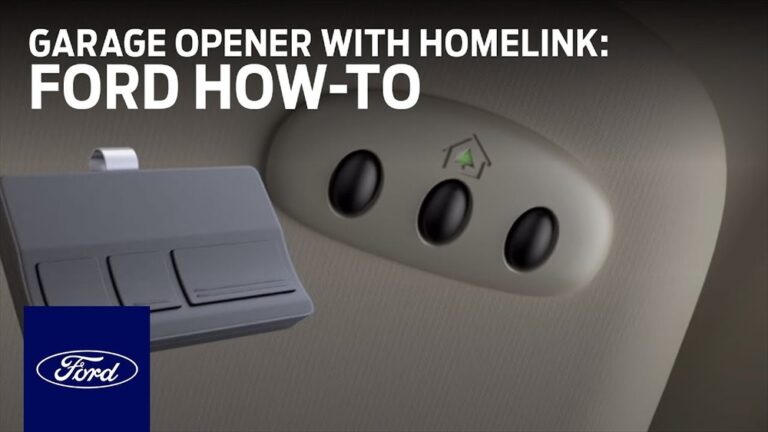
- Keypad entry (outside the garage)
- Remote controls (portable clickers)
- Wall consoles (inside the garage)
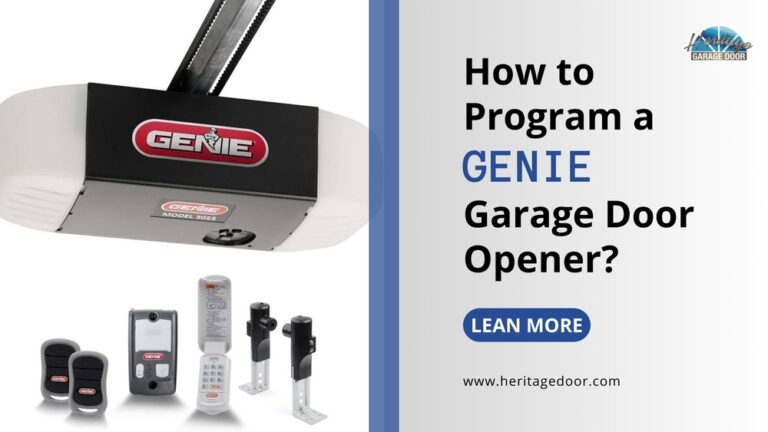
Each system might use a different method for changing the code. The most common brands are LiftMaster, Genie, Craftsman, Chamberlain, and Overhead Door.
Here’s a quick comparison of code-changing difficulty for some top brands:
| Brand | Code Change Method | Difficulty (1-5) | Time Needed |
|---|---|---|---|
| LiftMaster | Learn Button | 2 | 5-10 min |
| Genie | Keypad & Learn Button | 3 | 10-15 min |
| Chamberlain | Learn Button | 2 | 5-10 min |
| Craftsman | Learn Button | 3 | 10-15 min |
| Overhead Door | Keypad or Switches | 4 | 15-20 min |
What You’ll Need
Before you start, gather these items:
- A ladder (to reach the opener unit)
- The garage door remote and/or keypad
- The owner’s manual (if available)
- A pen and paper (to write your new code)
You don’t need special tools, but good lighting helps.
How To Change A Garage Door Code: Step-by-step
Changing a garage door code is usually simple. Most systems follow similar steps, but always check your manual for brand-specific tips.
1. Find The Learn Button
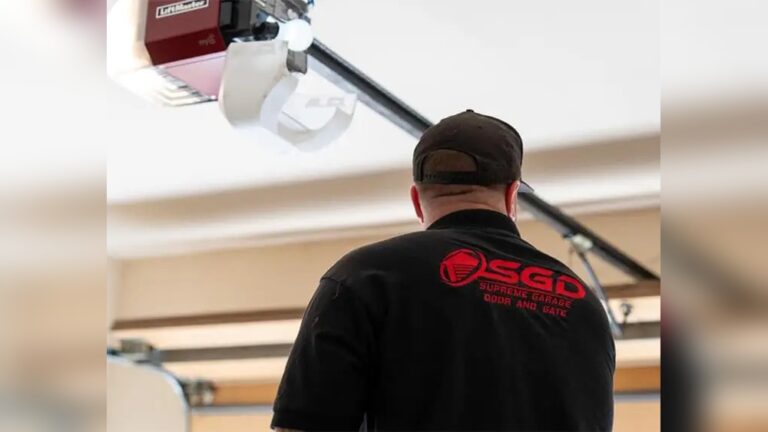
The Learn button is the most common way to reset or change codes. It’s usually on the back or side of your garage door opener unit (the motor on the ceiling).
- Look for a small button labeled “Learn” or “Prog”.
- It may be yellow, red, orange, or purple.
- You may need to remove a light cover to see it.
Some older systems use DIP switches (small switches inside the remote and opener). If you see these, follow the manual for your system.
2. Clear The Old Code
For most openers, pressing and holding the Learn button for 6–10 seconds will erase all old codes.
- The light on the opener may blink or turn off.
- This step disconnects old remotes and keypads, so you must reprogram them.
Tip: If you only want to change the keypad or a single remote, don’t hold the button too long—just press briefly.
3. Set Your New Code
Now you’re ready to enter a new code.
For Keypad Entry Systems:
- Press the Learn button (one quick press).
- Within 30 seconds, go to the keypad.
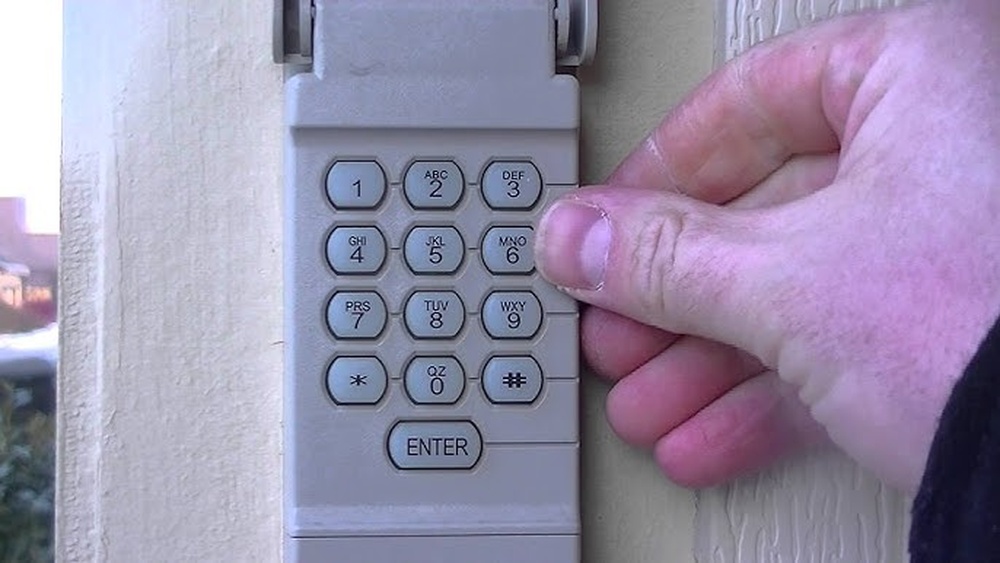
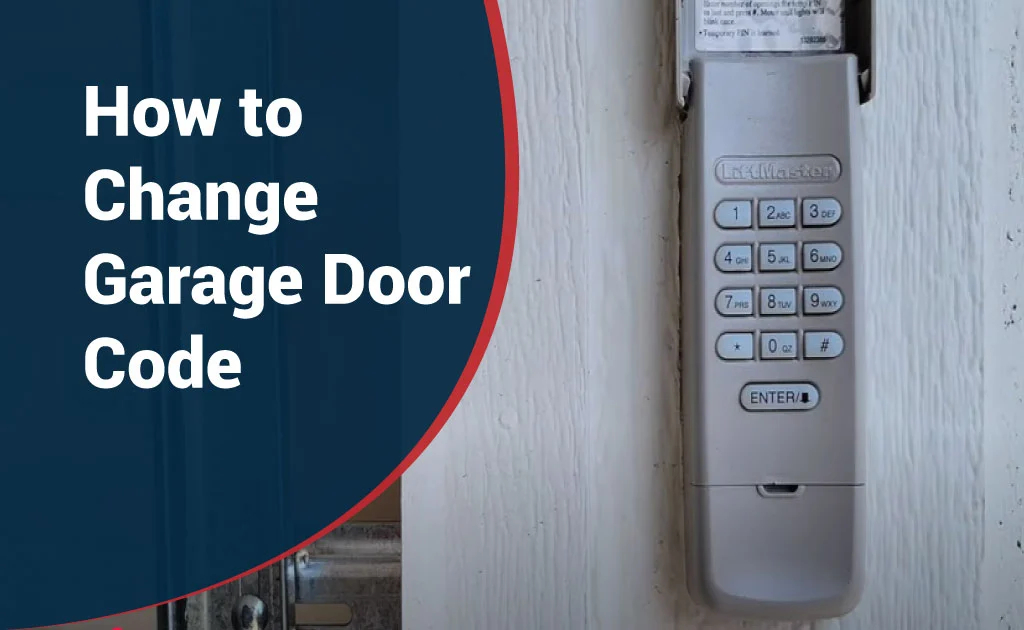
- Enter your new 4-digit code, then press Enter.
- The opener light should blink, or you may hear a click—this means the code worked.
For Remote Controls:
- Press the Learn button on the opener.
- Within 30 seconds, press and hold the button on the remote.
- The opener light should blink, signaling the remote is programmed.
For Wall Consoles:
- Some wall buttons have their own program or reset buttons. Check your manual.
- Usually, you enter the new code, then press and hold a specific button until the light blinks.
Example:
If your old code is 1234 and you want to change it to 5678:
- Press Learn, walk to the keypad, enter 5678, press Enter.
- Door opener light blinks—your code is now 5678.
4. Test Your New Code
After setting the new code, always test it.
- Go outside and enter the code on the keypad.
- Try the remotes and wall console.
- If something doesn’t work, repeat the steps or check the manual.
5. Reconnect Other Remotes
If you have extra remotes, you may need to reprogram each one.
- Press the Learn button, then press the button on each remote.
- Repeat for all remotes.
6. Write Down Your New Code
Keep your new code in a safe place, but not in the garage. A good idea is to save it in your phone or another secure spot.

Credit: www.youtube.com
Special Cases: Older Openers And Dip Switches
Some older garage door systems use DIP switches instead of digital codes.
- Open the remote and opener cover.
- You’ll see a row of small switches (often 8–12).
- Set them in a pattern (up or down) that matches on both remote and opener.
- Change the pattern to a new one and make sure both devices match.
Warning: DIP switch systems are less secure. If you have this type, consider upgrading for better safety.
Common Mistakes To Avoid
Changing your garage door code is easy, but beginners often make these mistakes:
- Forgetting to reprogram all remotes: After erasing codes, all remotes must be paired again.
- Not acting fast enough: You usually have 30 seconds after pressing Learn to enter the code.
- Choosing weak codes: Avoid easy codes like 0000, 1234, or your house number.
- Not testing: Always check that the new code and remotes work before finishing.
- Ignoring manual instructions: Some brands have unique steps—read the manual if possible.
Extra Tips For Security
Protect your home even more by following these extra steps:
- Change your code every 6–12 months.
- Never share your code with people you don’t trust.
- Use a unique code—not your birthday or address.
- Hide your keypad from the street if possible.
- If you lose a remote, change the code immediately.
Troubleshooting: What If It Doesn’t Work?
Sometimes, things don’t go as planned. Here’s what to try:
- Nothing happens after entering new code: Make sure you pressed the Learn button and entered the code within 30 seconds.
- Remote works, but keypad doesn’t: Try changing batteries in the keypad.
- Keypad works, but remotes don’t: Reprogram each remote.
- Still not working: Unplug the opener for 30 seconds, plug it back in, and try again.
If you still have problems, check the manual or contact customer support for your opener brand.
Comparison: Keypad Vs Remote Code Changes
Here’s a simple comparison to help you understand the difference between changing codes for keypads and remotes:
| Feature | Keypad Code Change | Remote Code Change |
|---|---|---|
| Where to change | Keypad (outside garage) | Remote (handheld device) |
| Steps involved | Press Learn, enter new code on keypad | Press Learn, press button on remote |
| Who can do it | Anyone with access to keypad | Anyone with remote |
| Security risk if lost | High (if keypad code is known) | High (if remote is lost) |
| Time needed | 5–10 min | 2–5 min |
When Should You Call A Professional?
Most people can change a garage door code themselves. But you may need a pro if:
- Your system is very old (before 1993).
- You see damaged wires or broken parts.
- The opener is in a hard-to-reach place.
- You tried all steps and nothing works.
Professional help usually costs $75–$150 depending on location and problem.
Credit: northsidegaragedoors.com
How Often Should You Change Your Garage Door Code?
Experts recommend changing your code at least once a year. If you move into a new home, change it right away. Also, change it if:
- You give your code to someone, even for a short time.
- You lose a remote or think someone else knows the code.
- Your keypad or remote acts strange.
Real-world Example
Imagine you bought a house and the previous owner gives you a keypad code. You don’t know who else might know it. After moving in, you follow these steps:
- Find the Learn button on your LiftMaster opener.
- Press and hold to erase all codes.
- Set your own code (e.g., 8462) on the keypad.
- Program your remote again.
- Now, only you and your family know the new code.
This small step can make your home much safer.
For Smart Garage Door Openers
Some modern openers connect to your phone via an app (like myQ or Aladdin Connect).
- To change your code, open the app and go to settings.
- Look for Keypad or Remote management.
- Follow prompts to add or remove codes.
- Always update the app and your password for extra safety.
Smart openers offer alerts, remote control, and more features. If you’re not sure, check if your opener has a Wi-Fi symbol.
Useful Resources
If you want more details or brand-specific help, check your owner’s manual or visit the official manufacturer website. For general information on garage door security, see this guide from Consumer Reports.

Credit: www.wikihow.com
Frequently Asked Questions
How Do I Know If My Garage Door Opener Uses Dip Switches Or A Learn Button?
Most openers made after 1993 use a Learn button. If you see a row of small switches inside your remote and opener, those are DIP switches.
Is It Safe To Use An Easy Code Like 1111 Or 1234?
No, using simple codes like 1111 or 1234 makes it easy for someone to guess. Always use a random 4-digit code that’s hard to guess.
What Should I Do If I Lose My Garage Door Remote?
Change your garage door code right away. This disconnects the lost remote so no one else can use it.
How Many Times Can I Change My Garage Door Code?
There is no limit. You can change your code as often as you like for safety.
Can I Change The Code Without The Owner’s Manual?
Yes, most brands use the Learn button method. If you can’t find the manual, look for the Learn button on the opener unit and follow the steps above.
Changing your garage door code is a simple, quick task that greatly boosts your home’s security. By following these steps, you can keep your garage, and your family, much safer. Don’t wait—set a reminder to update your code regularly and stay ahead of any risks.