Programming a garage door opener in a Ford vehicle can feel confusing if you have never done it before. Many Ford owners want to use the built-in HomeLink system to open their garage door with a button in the car. This guide breaks down the process into simple steps, explains what you need to know, and offers practical tips for success. If you want a smooth experience, or if you are not sure where to start, you will find clear answers here.
Ford’s Garage Door Opener System
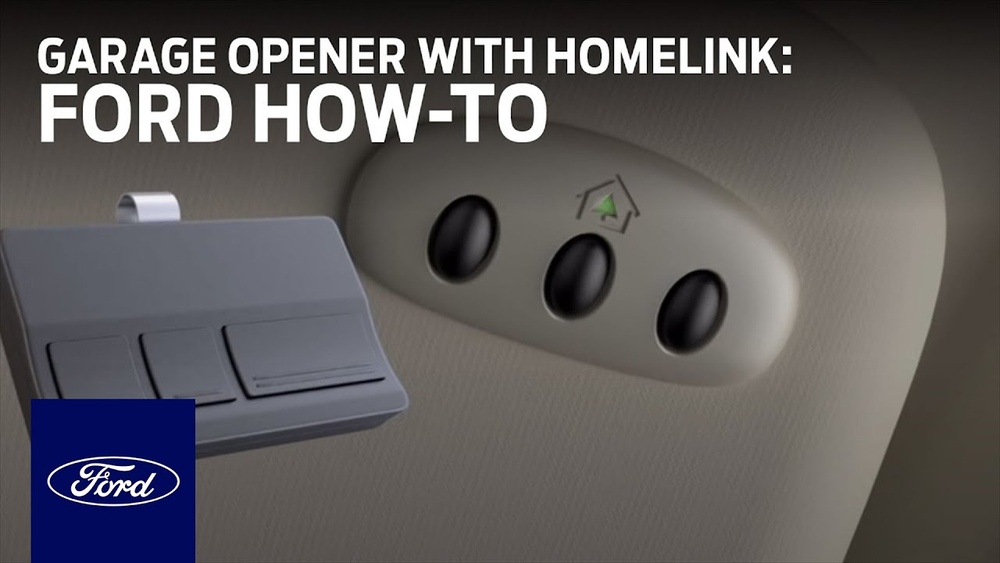
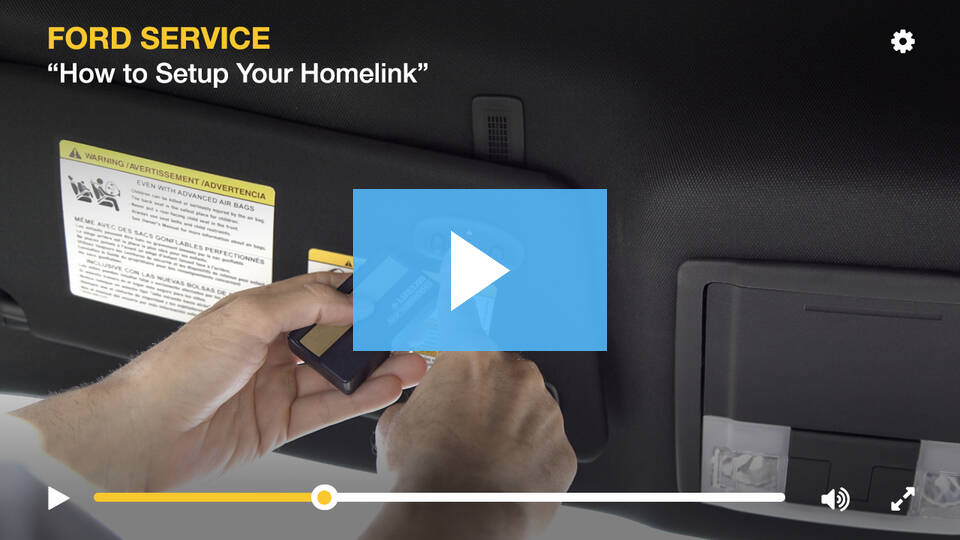
Most new Ford vehicles come with a system called HomeLink. This is a universal remote control built into the car, usually in the overhead console, sun visor, or rearview mirror. With HomeLink, you can program up to three devices—garage doors, gates, home lighting, or security systems.
Key facts to know:
- HomeLink works with most garage door openers made after 1993.
- Some newer garage doors use rolling code technology for security.
- You will need your garage door remote for the programming process.
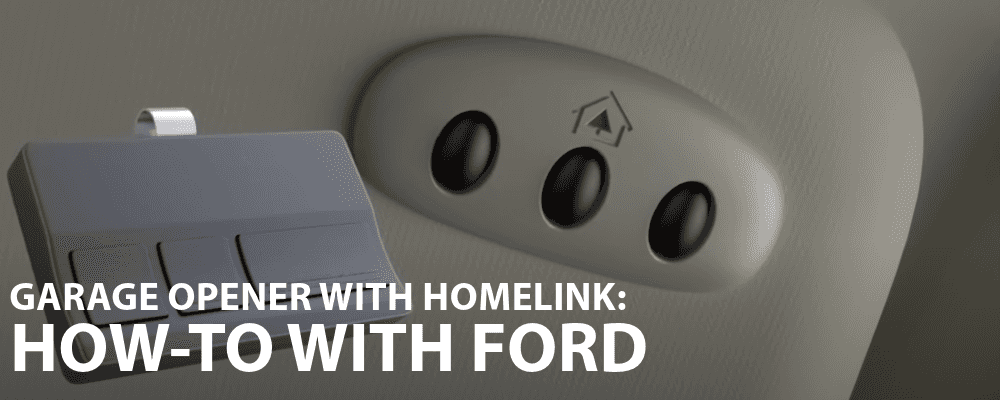
If you are unsure if your Ford has HomeLink, look for three small buttons with a house icon near the driver’s seat. Check your vehicle’s manual if you cannot find them.
Before You Start Section
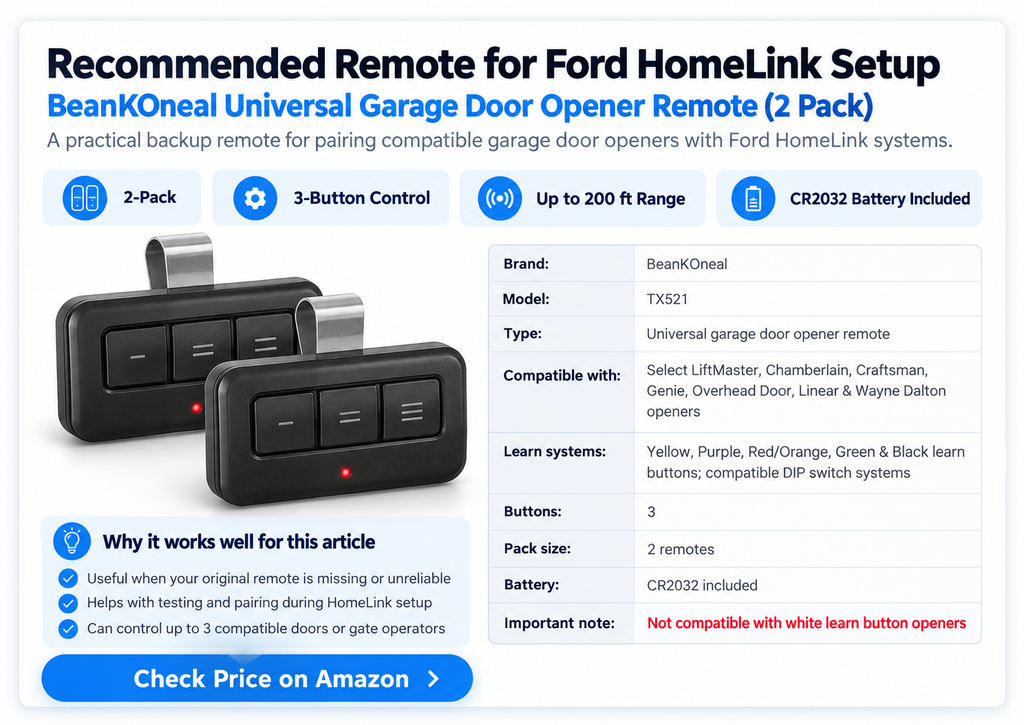
If your original garage-door remote is missing or unreliable, a compatible replacement remote can make the HomeLink programming process much easier.
Preparation: What You Need Before Starting
Before programming, get the following items ready:
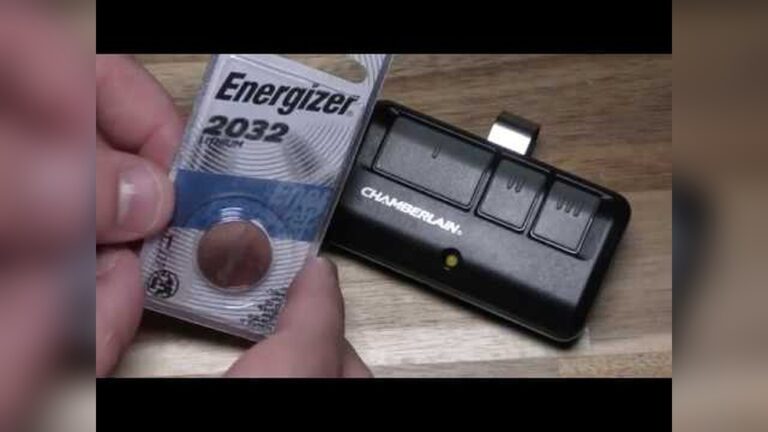
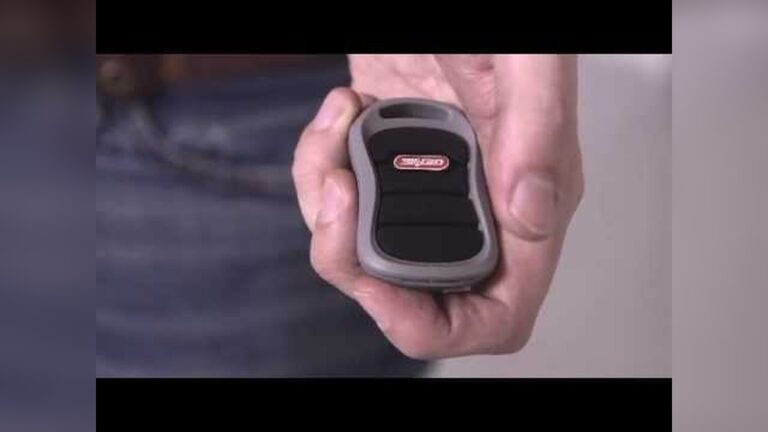
- Your garage door remote control (with good batteries)
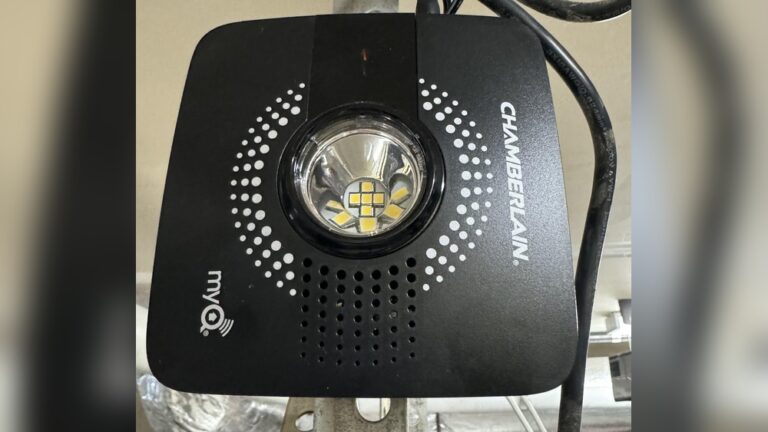
- Access to your garage door opener’s “Learn” or “Smart” button (usually on the motor unit above your garage)
- Your Ford’s ignition key (the car should be in park)
Extra tip: Bring a step ladder if your garage opener is mounted high.
Common mistake: Many people forget to check if the remote’s battery is working. A weak battery can cause the programming to fail.

Credit: www.youtube.com
Step-by-step: How To Program Ford Garage Door Opener
1. Clear Existing Homelink Buttons (if Needed)
If you just bought the car used or want to erase old codes:
- Hold two outer HomeLink buttons (1 and 3) together.
- Wait until the indicator light flashes rapidly (about 20 seconds).
- Release both buttons.
This step wipes any stored codes and starts fresh.
2. Program The Homelink Button
Now, you will teach HomeLink to copy your garage door remote’s signal:
- Turn the car ignition to “on” or “run”—engine off is fine.
- Hold your garage remote 1–3 inches from the HomeLink buttons.
- Press and hold the HomeLink button you wish to program.
- At the same time, press and hold the button on your garage remote.
- Watch for the HomeLink light to change from slow to rapid flash (usually 20–30 seconds).
- Release both buttons.
If the light stays on or flashes rapidly, HomeLink has learned the code.
Non-obvious insight: For some garage openers, you may need a second person to help, especially if buttons are far apart.
3. Sync With Garage Door Opener (for Rolling Code Systems)
Most openers made after 1996 use rolling codes for extra security. After teaching HomeLink, you must sync it with the garage motor:
- Find the “Learn” or “Smart” button on your garage opener (often under a light cover).
- Press and release the “Learn” button. You have 30 seconds to continue.
- Return to your Ford and press the programmed HomeLink button for 2 seconds, then release. Repeat up to 3 times.
The garage door should move, showing it’s synced.
Practical tip: If the door does not respond, wait 1 minute and try again. Some openers need a short pause between attempts.
4. Test And Repeat For Additional Doors
Test the programmed button. The garage door should open or close. If you have more doors, repeat the steps for the other HomeLink buttons.
Troubleshooting: Common Problems And Solutions
Programming does not always work on the first try. Here are some frequent issues and what you can do:
- HomeLink light never flashes: Try moving the remote closer or further from the button. Weak batteries are a common cause.
- Garage door does not move after programming: Make sure you did the “Learn” button step for rolling code openers.
- All buttons flash together: This may mean HomeLink needs to be reset. Clear all codes and start again.
Extra insight: Some garage openers, like older Genie or Chamberlain models, use unique signals. Check if your opener brand is compatible with HomeLink at HomeLink’s official compatibility page.
Key Differences: Ford Programming Vs Other Brands
Ford’s HomeLink system is similar to other car brands, but some differences matter for beginners. Here’s a comparison to make it clearer:
| Feature | Ford (HomeLink) | Other Brands |
|---|---|---|
| Button Location | Overhead console, visor, mirror | Often visor only |
| Number of Devices | Up to 3 | Usually 3 |
| Rolling Code Support | Yes | Yes (since 2000s) |
| Smartphone Integration | Some newer Fords | Varies by brand |
Tip: If your Ford has SYNC or FordPass, check if you can control the garage from your phone as well.
Security And Safety Considerations
Programming a garage door opener adds convenience but also some risks. It is important to stay safe and protect your home.
- Never program while the car is moving. Always park in a safe spot.
- If you sell your car, clear all HomeLink codes to prevent access to your garage.
- Use strong, up-to-date garage openers with rolling codes for better security.
- Warn children not to play with the HomeLink buttons.
Non-obvious insight: Some insurance companies may offer a discount if you have a secure, modern garage door system.
Credit: www.athensford.com
Homelink Programming For Different Ford Models
Not all Ford vehicles have the HomeLink buttons in the same place. Here are examples for popular models:
| Model | HomeLink Location | Special Notes |
|---|---|---|
| Ford F-150 | Overhead console | Easy access, clear view of indicator light |
| Ford Explorer | Driver’s sun visor or rearview mirror | Some trims have advanced features |
| Ford Mustang | Mirror or console | Follow manual for unique steps |
| Ford Escape | Above driver seat, near dome light | May require removing sunglass holder cover |
Example: In a 2022 Ford F-150, the HomeLink buttons are above the rearview mirror. For a 2020 Ford Explorer, look at the sun visor.
When Programming Fails: Advanced Troubleshooting
If you have tried all steps and your Ford still does not open the garage, consider these advanced solutions:
- Factory reset the HomeLink system: Hold all three buttons for 30 seconds until the light blinks rapidly.
- Check for radio interference: LED lights, Wi-Fi routers, or metal garages can block the signal.
- Update your garage door opener: Some older models need a HomeLink “bridge” device, which translates signals for compatibility.
Pro tip: If your opener uses a DIP switch system (small switches inside the remote), follow your Ford manual’s instructions for fixed-code programming. This process is different from rolling code systems.
Maintenance And Best Practices
To keep your system working well, follow these tips:
- Test your HomeLink buttons every few months.
- Replace remote batteries at least once a year.
- Reprogram after a power outage or garage opener replacement.
- Keep your Ford’s software updated, especially if you have newer models with digital controls.
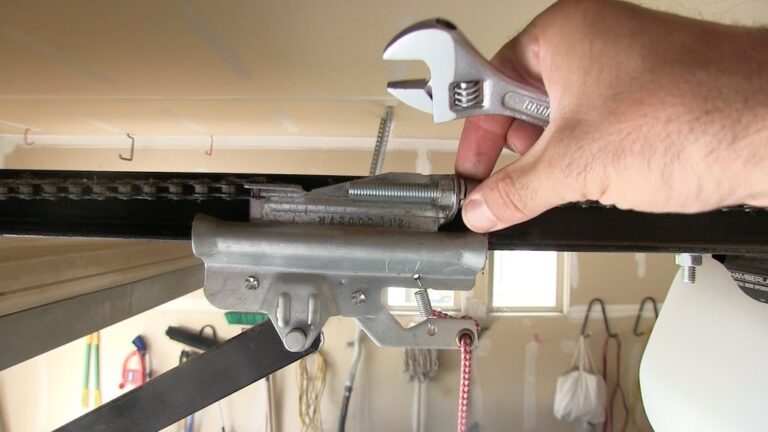
Practical example: After a garage door spring repair, the opener may lose its memory. Reprogram HomeLink to restore function.
Safety Features And Smart Home Integration
Modern Ford vehicles sometimes offer smart features:
- Integration with FordPass app to control the garage remotely.
- Compatibility with smart home systems like Google Home or Alexa (on select models).
If you want to set up voice control, check your Ford’s owner’s manual or the HomeLink website for guidance.
Tip: Smart features may require extra setup through the FordPass app or your home Wi-Fi network.
Credit: www.wendlefordsales.com
Frequently Asked Questions
How Do I Know If My Ford Vehicle Has Homelink?
Most newer Ford vehicles include HomeLink. Look for three small buttons with a house icon above the driver’s seat—often in the overhead console, sun visor, or rearview mirror. Check your owner’s manual for the exact location in your model.
Can I Program Homelink Without The Garage Door Remote?
No, you need the original garage remote to teach HomeLink your garage opener’s signal. For rolling code systems, you will also need access to the “Learn” button on your garage door opener unit.
What Should I Do If The Garage Door Opener Still Does Not Work?
If programming fails, try these steps:
- Replace the remote’s battery.
- Clear all codes and start over.
- Make sure you pressed the “Learn” button on the garage opener.
- Check for interference from LED lights or metal objects.
If nothing works, your system may need a HomeLink bridge or adapter.
Is It Safe To Program The Garage Door Opener Myself?
Yes, it is safe if you follow the instructions. Always park your car and keep the area clear of children and pets. Never program while driving. If you are unsure, ask a professional for help.
Will Homelink Work If I Move To A New House?
You can reprogram HomeLink at any time. Simply clear the old codes and follow the setup steps for your new garage door opener. If your new opener uses rolling codes, repeat the “Learn” button process.
Programming your Ford’s garage door opener is a practical way to add convenience and safety to your daily routine. With a few simple steps, you can link HomeLink to almost any modern garage door system. If you face problems, check for battery issues, rolling code requirements, or compatibility. For more details and troubleshooting, you can visit the official HomeLink programming page. With the right preparation and patience, you can enjoy keyless garage access from your Ford in minutes.