Programming a Genie garage door opener can feel challenging for beginners. But with clear steps, the right tools, and some practical tips, you can set up your Genie garage door opener quickly and safely. Understanding the process also helps you fix common problems and get the most from your device. This guide will walk you through everything you need to know, from the basics to advanced tips, so you feel confident programming your opener.
What Is A Genie Garage Door Opener?
A Genie garage door opener is an automatic device that opens and closes your garage door with a remote control or wall button. Genie is a well-known brand in the United States, offering both chain and belt drive systems. These openers use a radio signal to communicate with remote controls, making access more secure and convenient.
Many homeowners choose Genie for its reliability, safety features, and easy-to-use programming options. Most modern Genie openers include Intellicode technology, which changes the access code every time you use the remote. This keeps your garage more secure.
Why Programming Matters
Correct programming is important for several reasons:
- Security: Ensures only your remotes can open the garage.
- Convenience: Allows you to add or remove remotes easily.
- Safety: Proper setup prevents unwanted access and accidents.
If you move into a new house or lose a remote, reprogramming your Genie opener keeps your home safe.
Credit: www.garagedoorweatherseal.com
Tools And Preparation
Before you start, gather these items:
- A ladder (for reaching the opener)
- The remote control(s) you want to program
- The Genie opener manual (optional but helpful)
- Pen and paper (for notes)
Make sure your garage door is fully closed. Disconnect any old remotes you no longer use to avoid security risks.
Understanding Genie Models
Not all Genie openers are the same. Here are the main types:
| Model Type | Programming Method | Years Produced |
|---|---|---|
| Intellicode Series | Learn button | 1995-present |
| DIP Switch Series | Physical switches | Pre-1995 |
| Universal Remotes | Button sequence | Varies |
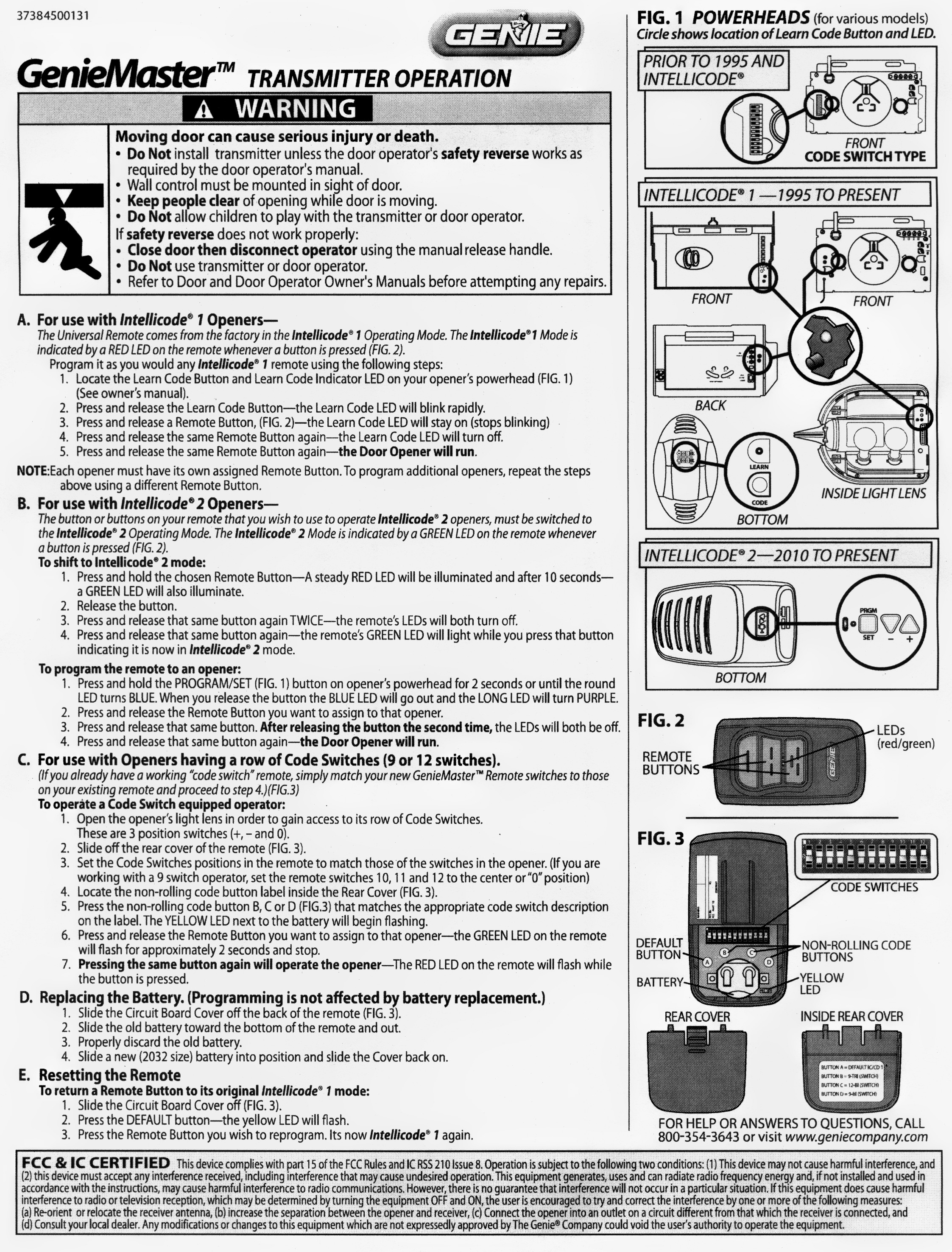
Check your opener for a learn button (usually red, purple, or black) or a set of small switches. The programming steps depend on your model.
Step-by-step: Programming Genie Garage Door Opener Remotes
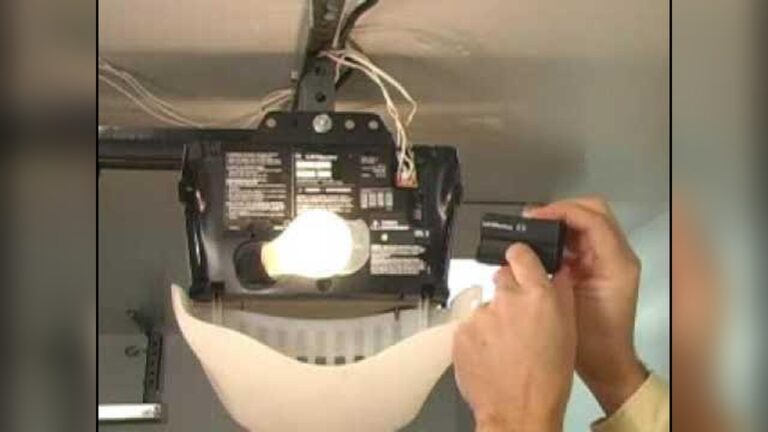
1. Find The Learn Button
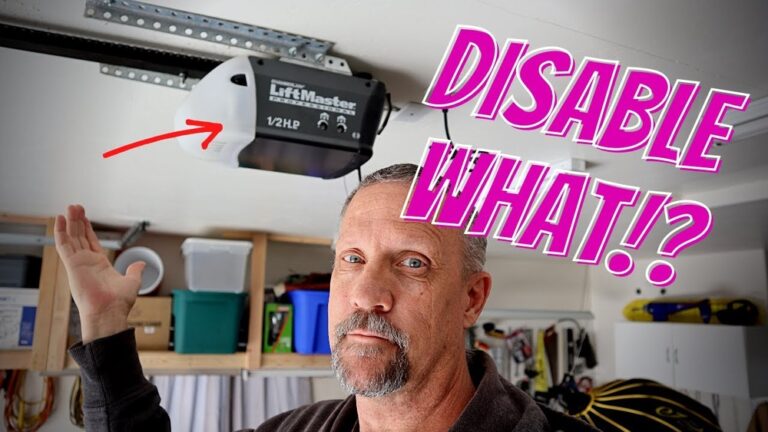
- Locate the learn button on your garage door opener’s motor unit. It’s usually near the antenna wire or light cover.
- The button may be labeled “Learn,” “Program,” or simply be a colored button.
2. Prepare The Remote
- Hold your remote control close to the opener (within 3 feet).
- Make sure the remote has fresh batteries.
3. Start Programming
- Press and release the learn button. An indicator light will usually start blinking.
- Within 30 seconds, press and hold the button on your remote you want to program.
- Hold until the opener light blinks or clicks. This means programming is successful.
4. Test The Remote
- Stand back and press the programmed button.
- The garage door should open or close.
If it doesn’t work, repeat the process. Check the batteries and make sure you’re pressing the correct button.
5. Programming Multiple Remotes
- Repeat the steps above for each remote.
- Most Genie openers can remember 7-10 remotes.
6. Erasing All Remotes
If you lose a remote or move into a new house, erase all old remotes:
- Press and hold the learn button for 10 seconds.
- The light will turn off. All remotes are now erased.
- Reprogram new remotes as needed.
Dip Switch Programming (older Models)
Some older Genie openers use DIP switches instead of a learn button.
- Open the remote control and the opener’s cover.
- Set the switches inside the remote to match those in the opener.
- Secure both covers and test the remote.
DIP switches are less secure than Intellicode. If possible, consider upgrading your system.
Programming Genie Wireless Keypad
A wireless keypad lets you open the garage without a remote. Here’s how to program it:
- Find the learn button on the opener.
- Clear old codes by holding “Program” and “Up/Down” on the keypad until the light blinks.
- Press the learn button on the opener.
- Within 30 seconds, enter your chosen PIN on the keypad, then press “Up/Down.”
- The garage door should move. Test the PIN to make sure it works.
Tip: Choose a PIN that’s easy to remember but hard for others to guess.
Setting Up Homelink Or Car2u (in-car Systems)
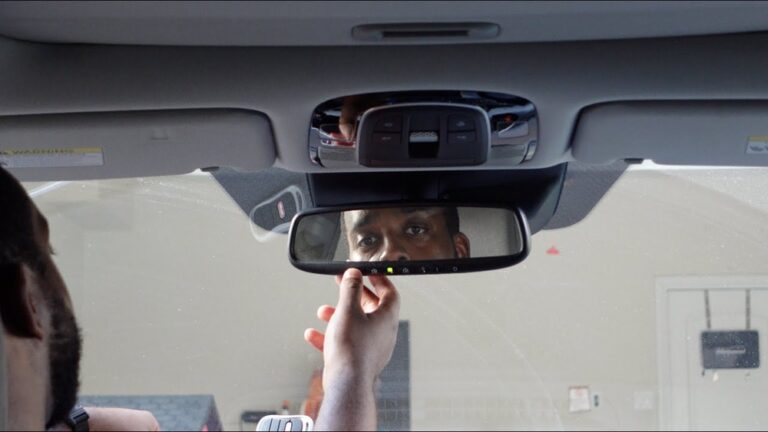
Many cars have built-in buttons to control garage doors. Genie openers support HomeLink and Car2U systems.
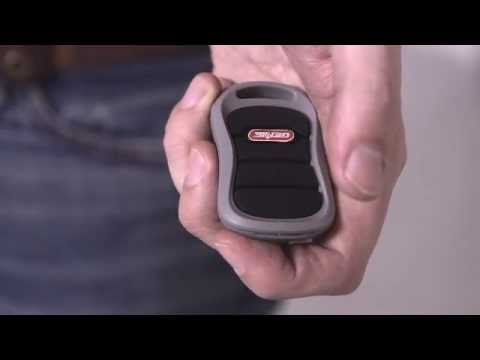
- Hold the car’s built-in button and your Genie remote together. Press both until the car’s light blinks.
- Press the car’s button. If the door does not move, press the learn button on the opener, then the car’s button again.
- Test the button to confirm it works.
Some vehicles may need extra steps. Check your car’s manual for details.
Credit: www.youtube.com
Common Programming Problems And Solutions
Programming does not always go smoothly. Here are some typical issues and fixes:
| Problem | Possible Cause | Solution |
|---|---|---|
| Remote not working | Dead batteries, out of range | Replace batteries, stand closer |
| Keypad won’t program | Wrong PIN, timing issue | Reset and try again quickly |
| Door opens/closes randomly | Interference, neighbor’s remote | Erase all remotes, reprogram yours |
Non-obvious tip: If your Genie opener suddenly stops responding to all remotes, try unplugging the opener for 30 seconds, then plug it back in. This can reset some errors.
Advanced Tips For Better Security
- Erase old remotes before selling your home or after losing a remote.
- Change your PIN every few months if you use a keypad.
- Keep your remote out of sight in your car.
For added safety, consider a Genie model with rolling code technology. These change the code every use, reducing the risk of code theft.
Genie Accessories And Compatibility
Genie offers many accessories to improve your system:
- Wireless wall consoles
- Universal remotes
- Keypads
- Smartphone control modules
Before buying, check your opener’s model number for compatibility. Genie’s website has up-to-date compatibility charts.
Pro insight: Many universal remotes claim to work with Genie, but not all support Intellicode. Always read the packaging or look up your model online before purchasing.
Comparing Genie To Other Brands
How does Genie compare to other garage door opener brands? Here’s a quick look:
| Brand | Main Technology | Average Price | Security Features |
|---|---|---|---|
| Genie | Intellicode | $180-$350 | Rolling codes, vacation lock |
| Chamberlain | Security+ 2.0 | $200-$400 | Rolling codes, myQ app |
| LiftMaster | Security+ 2.0 | $220-$400 | Rolling codes, battery backup |
Genie stands out for its simple programming and strong customer support.
Safety Precautions
Working with garage door openers involves electricity and moving parts. Always follow these safety tips:
- Disconnect power before opening the opener’s cover.
- Keep fingers away from chains and springs.
- Do not let children play with remote controls.
- Test the door’s auto-reverse function monthly by placing a block under the door.
If you’re not comfortable with electrical work, hire a licensed technician.
Maintenance After Programming
Once you’ve programmed your Genie opener, a little maintenance keeps it running smoothly:
- Check the batteries in remotes every six months.
- Clean the opener’s sensors with a dry cloth.
- Lubricate the door’s moving parts twice a year.
- Test all remotes and keypads regularly.
Well-maintained openers last longer and have fewer breakdowns.
When To Call A Professional
Programming is usually easy, but call a pro if you notice:
- The door moves unevenly or makes loud noises.
- The opener will not program after several attempts.
- The opener’s lights flash in a pattern you don’t understand.
Professional help prevents damage and keeps your warranty valid.
Non-obvious Programming Tips
Beginners often overlook these details:
- Program remotes one at a time. Doing all at once can cause errors.
- Keep a record of which remotes you’ve programmed.
- If you have multiple garage doors, label each remote clearly.
- Test the door’s safety sensors after programming. Block the sensor with an object and check if the door reverses.
These steps save time and avoid future issues.

Credit: store.geniecompany.com
Genie Customer Support And Resources
If you get stuck, Genie’s official support is helpful. You’ll find:
- Online manuals and videos
- Live chat and phone support
- Compatibility tools
For more details, visit the Genie Official Support page.
Frequently Asked Questions
How Do I Reset My Genie Garage Door Opener?
To reset, press and hold the learn button for about 10 seconds. The indicator light will go out, erasing all remotes and keypads. Reprogram your devices after resetting.
Can I Program A Genie Opener Without The Remote?
Yes, you can program a wireless keypad directly using the learn button on the opener. Follow the keypad instructions for your model.
What Should I Do If My Remote Stops Working?
First, replace the remote’s batteries. If it still doesn’t work, reprogram the remote using the steps above. Check for signal interference from nearby devices if problems continue.
How Many Remotes Can I Program To My Genie Opener?
Most Genie openers support 7-10 remotes. If you reach the limit, you may need to erase all remotes and start over.
Is Genie Compatible With Smart Home Systems?
Many new Genie models work with Aladdin Connect for smartphone control. Some are also compatible with Amazon Alexa, Google Assistant, and HomeLink systems. Check your model’s manual for details.
Setting up your Genie garage door opener may seem hard at first, but with these step-by-step instructions, you’ll be up and running quickly. Proper programming boosts your home’s security and convenience. If you ever have trouble, Genie’s customer support and online resources are there to help.
With regular maintenance and smart use of accessories, your garage door system will serve you well for years.