If you just bought a Chamberlain garage door opener or want to add a new remote, learning to program it is important. Many people think programming a garage door opener is hard, but with the right steps, it’s simple—even if you’re not a tech expert. This guide is made for beginners. It explains everything in clear English and helps you avoid common mistakes.
You’ll discover the different types of Chamberlain openers, the exact steps to program your remote or keypad, and how to troubleshoot if things don’t work. If you follow this guide, your garage door should open smoothly and safely every time.
Understanding Chamberlain Garage Door Openers
Chamberlain is one of the most popular garage door opener brands in the US. Their products are known for being reliable, safe, and easy to use. But there are different models, and each may have small differences in how you program them.
Main Types Of Chamberlain Openers
- Chain drive: Uses a metal chain to move the door. Good for heavy doors and budget buyers.
- Belt drive: Uses a rubber belt. Quieter than chain drive.
- Smart Wi-Fi models: Can connect to your phone for remote control and monitoring.
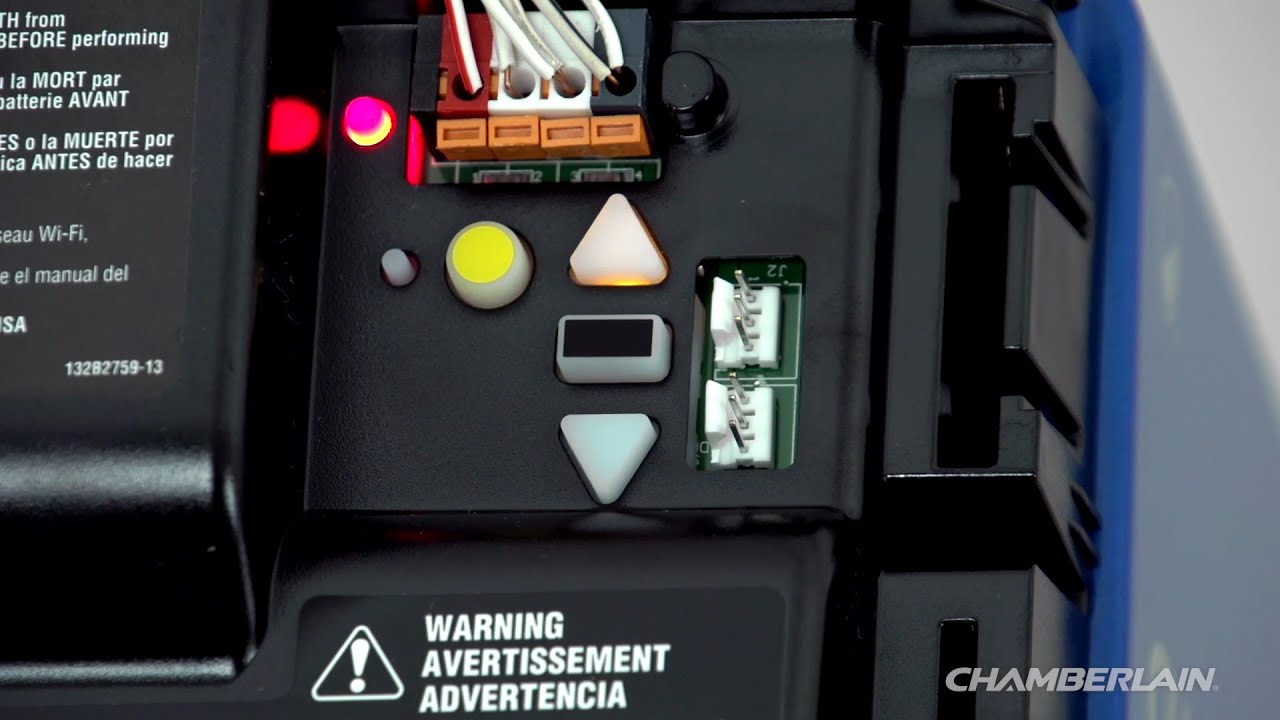
Most Chamberlain remotes and keypads use a “Learn” button for programming. The color of the Learn button matters. It shows the opener’s technology.
| Learn Button Color | Compatible Remote Frequency | Typical Model Years |
|---|---|---|
| Yellow | Security+ 2.0 (310, 315, 390 MHz) | 2011–Present |
| Purple | 315 MHz | 2005–2011 |
| Red/Orange | 390 MHz | 1997–2005 |
| Green | 390 MHz | 1993–1997 |
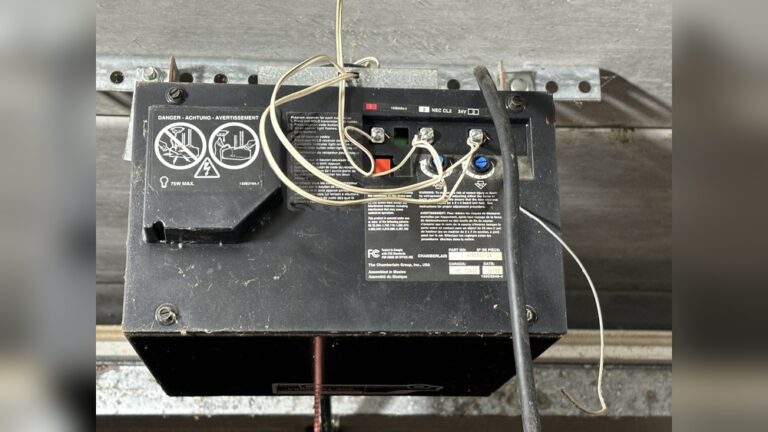
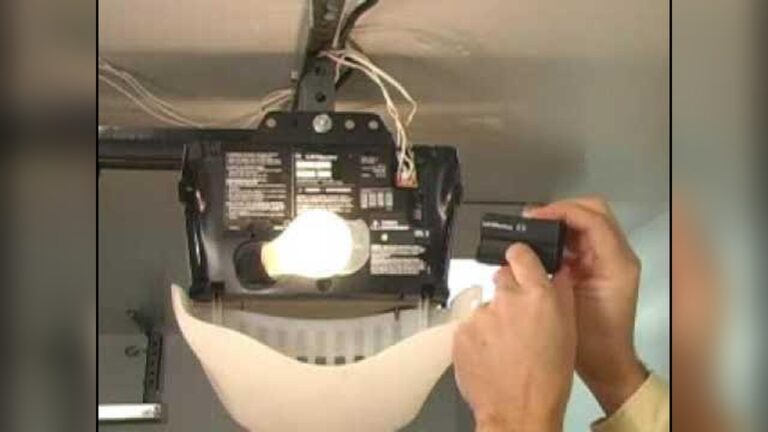
Find your Learn button: Usually, it’s on the back or side of the motor unit, under a light cover.
Safety Tips Before You Start
Programming a garage door opener is safe, but take a few precautions:
- Make sure the garage door area is clear of people, pets, and objects.
- Use a step ladder if you can’t reach the opener. Don’t stand on boxes or unstable items.
- Have your remote or keypad ready. Know which buttons to press.
- If your opener has a lock feature, turn it off before programming.
Pro tip: Write down your steps before you start. This helps if you get interrupted.
Credit: www.chamberlain.com
Programming A Chamberlain Remote Control
Most people want to program a new remote. Here’s a step-by-step guide.
Step 1: Locate The Learn Button
- Unplug your garage door opener for safety.
- Plug it back in and look for the Learn button.
- The button color tells you what remotes are compatible (see table above).
Step 2: Press The Learn Button
- Press and release the Learn button. An LED light will turn on (stays on for 30 seconds).
- Do not hold the button too long. If you hold it for more than 6 seconds, you may erase all codes.
Step 3: Press The Remote Button
- Within 30 seconds, press the button on your remote you want to use.
- The garage door opener lights will blink, or you’ll hear a click. This means programming is successful.
Step 4: Test The Remote
- Stand clear of the door.
- Press the programmed remote button. The door should move.
If it doesn’t work: Repeat the steps. If you try three times and it still fails, check your remote battery or compatibility.
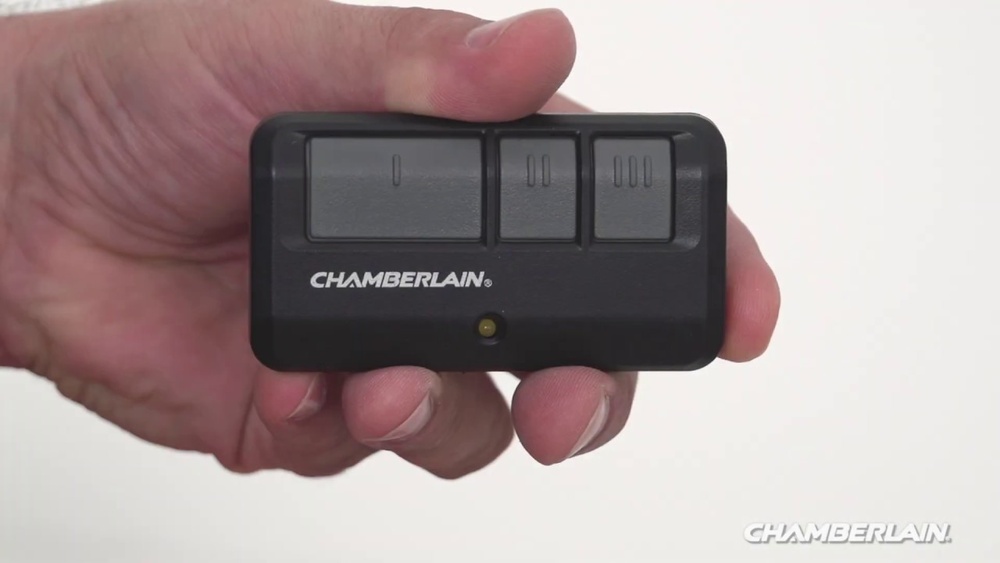
Example: Programming A Chamberlain 953ev Remote
- Locate the yellow Learn button on your opener.
- Press and release the Learn button (LED glows).
- Within 30 seconds, press and hold the remote button.
- Release when the opener lights blink.
Tip: If you have more than one door, repeat the process for each button.
Programming A Chamberlain Keypad
A keypad lets you open the door with a code. Useful if you don’t want to carry a remote.
Step 1: Locate The Learn Button
- Same as before—find the Learn button on your opener.
Step 2: Prepare The Keypad
- Clear existing codes: Press and hold the and # keys until the keypad stops flashing.
Step 3: Enter Programming Mode
- Press and release the Learn button (LED comes on).
- Within 30 seconds, enter your 4-digit code on the keypad.
- Press ENTER.
Step 4: Test Your Code
- Wait 30 seconds.
- Enter your code again and press ENTER.
- The garage door should open or close.
Tip: Choose a code that’s easy to remember but not easy for others to guess (avoid 1234 or your address).
Reprogramming Or Erasing All Keypad Codes
If you move into a new home or lose a remote, you may want to erase all codes.
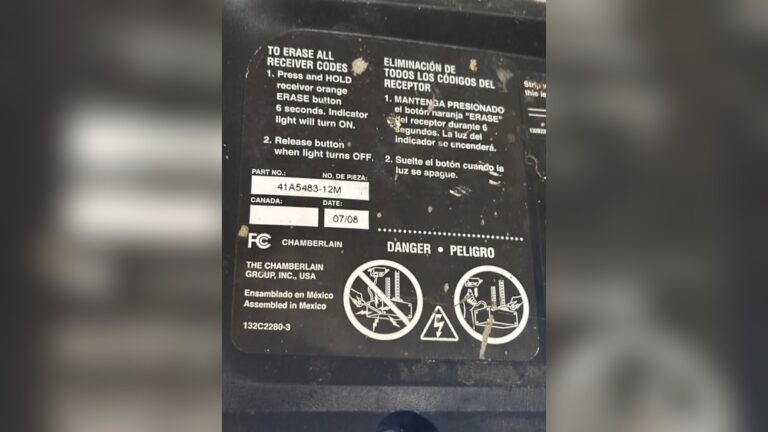
- Hold the Learn button for 6-10 seconds until the LED goes out. This erases all remotes and keypads.
- Program remotes and keypads again as needed.
Programming Smart Features (wi-fi Models)
Some Chamberlain openers connect to your Wi-Fi and smartphone app (MyQ).
Step 1: Download The Myq App
- Go to the App Store or Google Play.
- Download and install Chamberlain MyQ.
Step 2: Set Up Wi-fi
- On your opener, press the Wi-Fi setup button (usually next to Learn).
- The LED blinks blue.
- In the app, follow the steps to connect to your home Wi-Fi.
Step 3: Add Your Device
- The app will ask for your garage door opener details.
- Once connected, you can open or close your garage from anywhere.
Non-obvious insight: If your Wi-Fi signal is weak in the garage, use a Wi-Fi extender. This solves most app connection problems.
Common Programming Problems And Solutions
Even with simple steps, things can go wrong. Here’s how to solve typical issues:
Remote Not Working After Programming
- Check if the remote battery is fresh.
- Make sure you pressed the Learn button quickly, not holding it too long.
- Confirm the remote is compatible (see Learn button color table).
- Remove any nearby LED bulbs—they can cause interference.
Keypad Doesn’t Respond
- Try moving closer. Some walls block signals.
- Wait a minute and try your code again.
- Reset the keypad: Hold and # until lights stop flashing.
Wi-fi Connection Fails
- Check your Wi-Fi password is correct.
- Place your router closer to the garage.
- Restart your opener and app.
Opener Beeps Or Flashes But Doesn’t Work
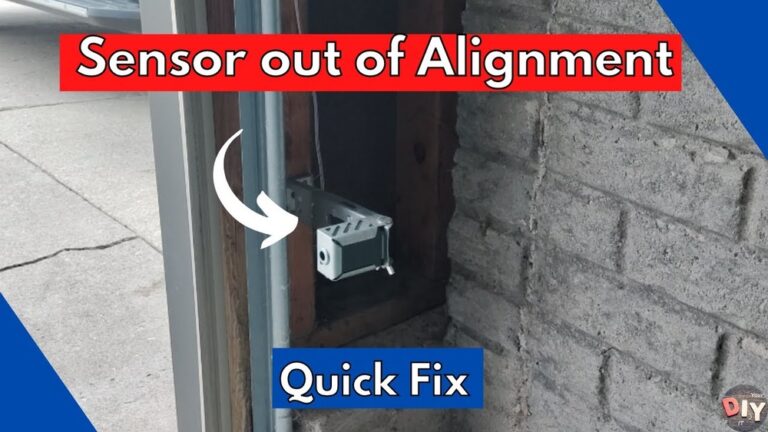
- This often means a safety sensor is blocked or misaligned.
- Check for any objects or dirt near the sensor.
Credit: www.youtube.com
Chamberlain Opener Compatibility Guide
Choosing the right remote or keypad matters. Here’s a quick comparison of popular options and their features.
| Model | Compatible Learn Button | Number of Buttons | Special Features |
|---|---|---|---|
| 953EV | Yellow, Purple, Red/Orange, Green | 3 | Works with most Chamberlain openers since 1993 |
| 940EV Keypad | Yellow, Purple, Red/Orange, Green | Keypad | Backlit, easy code change |
| MyQ Smart Control | Yellow (Wi-Fi models) | App-based | Remote monitoring, smart home integration |
Important: Always check your opener’s model number and Learn button color before buying accessories.
Practical Tips For Easy Programming
Programming a Chamberlain garage door opener gets easier with a few smart tricks:
- Write down your remote’s code and location for future reference.
- Program all remotes and keypads in one session—saves time if you ever reset the opener.
- Label each remote (for example: “Car #1,” “Car #2”) with a sticker.
- Replace remote batteries every 2–3 years to avoid sudden failures.
- Store your instruction manual in a safe place, or take a photo of the Learn button placement.
Hidden insight: Many people forget that their car’s built-in garage door button (HomeLink) can also be programmed using the same steps. Check your car manual for the exact process.
Credit: support.chamberlaingroup.com
Programming Multiple Remotes Or Keypads
You can program up to 12–20 remotes (depending on model) and a few keypads. Here’s how to avoid mix-ups:
- Program one remote at a time.
- Test each remote before moving to the next.
- If adding a new remote, you don’t need to erase old ones—just follow the Learn button process.
Warning: If you press and hold the Learn button too long, you’ll erase all remotes. Only tap it once for adding a new device.
Quick Troubleshooting Table
If something doesn’t work, check this table for fast help.
| Problem | Likely Cause | Solution |
|---|---|---|
| Remote not working | Dead battery, wrong programming, interference | Replace battery, reprogram, remove LED bulbs |
| Keypad won’t program | Signal blocked, wrong code, keypad needs reset | Move closer, reset keypad, try again |
| Wi-Fi won’t connect | Weak signal, wrong password | Move router, check password, restart devices |
| All remotes stopped working | Learn button held too long (codes erased) | Reprogram each remote/keypad |
When To Call A Professional
Sometimes, even after trying everything, your opener won’t program. Call a professional if:
- The Learn button does not light up or is damaged.
- The opener makes strange noises or doesn’t move at all.
- The door reverses every time you try to close it.
Non-obvious insight: If your home has power surges, your opener’s memory can be wiped. Surge protectors help prevent this.
Frequently Asked Questions
How Many Remotes Can I Program To One Chamberlain Garage Door Opener?
Most Chamberlain openers allow up to 12–20 remotes and a couple of keypads. Check your model’s manual to find the exact number.
Can I Program A New Remote Without The Old One?
Yes. You only need access to the Learn button on the garage door opener. Old remotes are not required for adding new ones.
What Should I Do If I Forget My Keypad Code?
If you forget your code, reset the keypad by following the programming steps. You may need to erase all codes from the opener and reprogram both remotes and keypads.
Why Won’t My Remote Work From Far Away?
Remotes usually work up to 50–100 feet. Walls, metal objects, or interference from LED bulbs can reduce range. Try changing the remote battery or moving closer to test.
Where Can I Find Official Chamberlain Programming Guides?
Visit the official Chamberlain Support website for manuals, videos, and troubleshooting help.
Programming your Chamberlain garage door opener is simpler than you might think. With the right steps, even a beginner can set up remotes, keypads, and smart features in less than 30 minutes. Remember to check your Learn button color, work safely, and keep your codes secure.
If you ever get stuck, use the troubleshooting tips or visit the official Chamberlain support page for more help. Your garage door will be working smoothly in no time, giving you both convenience and peace of mind.