Programming a Genie garage door opener can feel confusing if you have never done it before. But with the right steps and clear instructions, almost anyone can set up their remote or keypad. This guide is designed for beginners. You’ll learn simple, step-by-step methods to program your Genie opener, what tools you need, and how to solve common problems. You’ll also see real examples, easy-to-read tables, and quick tips to make the process smooth.
Whether you want to add a new remote, reset your system, or connect a wireless keypad, you’ll find everything you need right here.
Understanding Genie Garage Door Openers
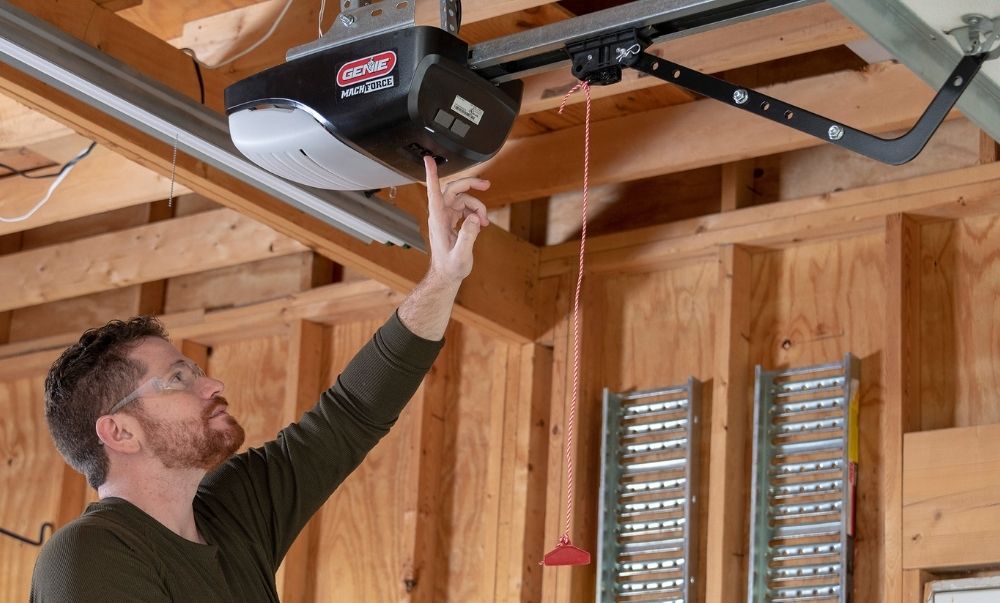
Before starting, it helps to know the basics. Genie is a leading brand in garage door openers, known for reliability and security. Most Genie models use a “learn” button system. This button is usually on the motor unit inside your garage.
There are different types of Genie openers:
- Chain drive
- Belt drive
- Screw drive
All of them follow a similar process for programming remotes and keypads.
Main Parts You’ll Work With
- Motor unit: The main box attached to your ceiling.
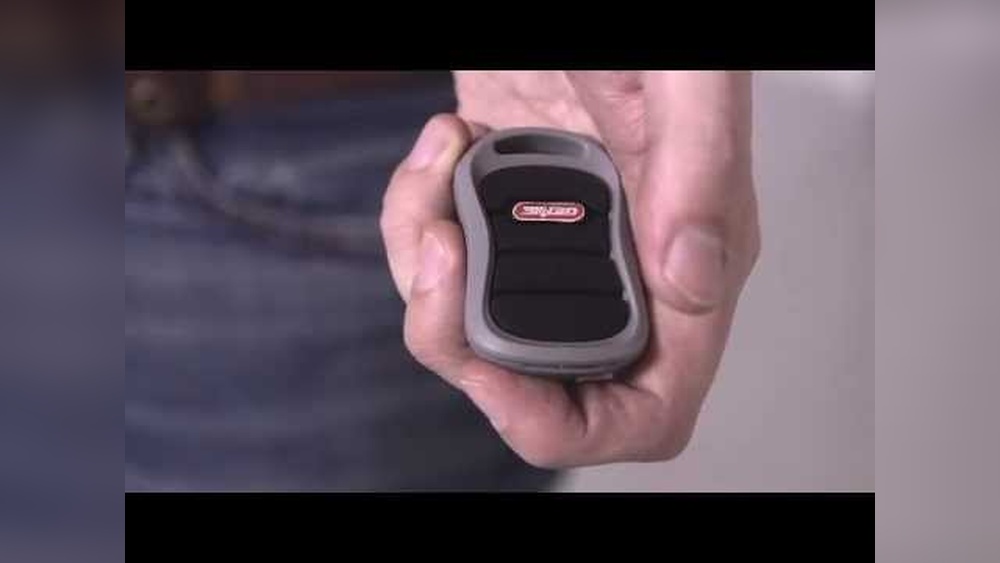
- Remote control: The hand-held device that opens/closes the door.
- Wireless keypad: A device mounted outside your garage.
- Learn button: Often colored (red, purple, green, yellow), usually found near the motor’s antenna wire.
What You Need Before Starting
Programming doesn’t require special tools. But a few things make it easier:
- Ladder (for reaching the motor unit)
- Your Genie remote control or keypad
- A flashlight (garages can be dark)
- Your opener’s manual (if you have it)
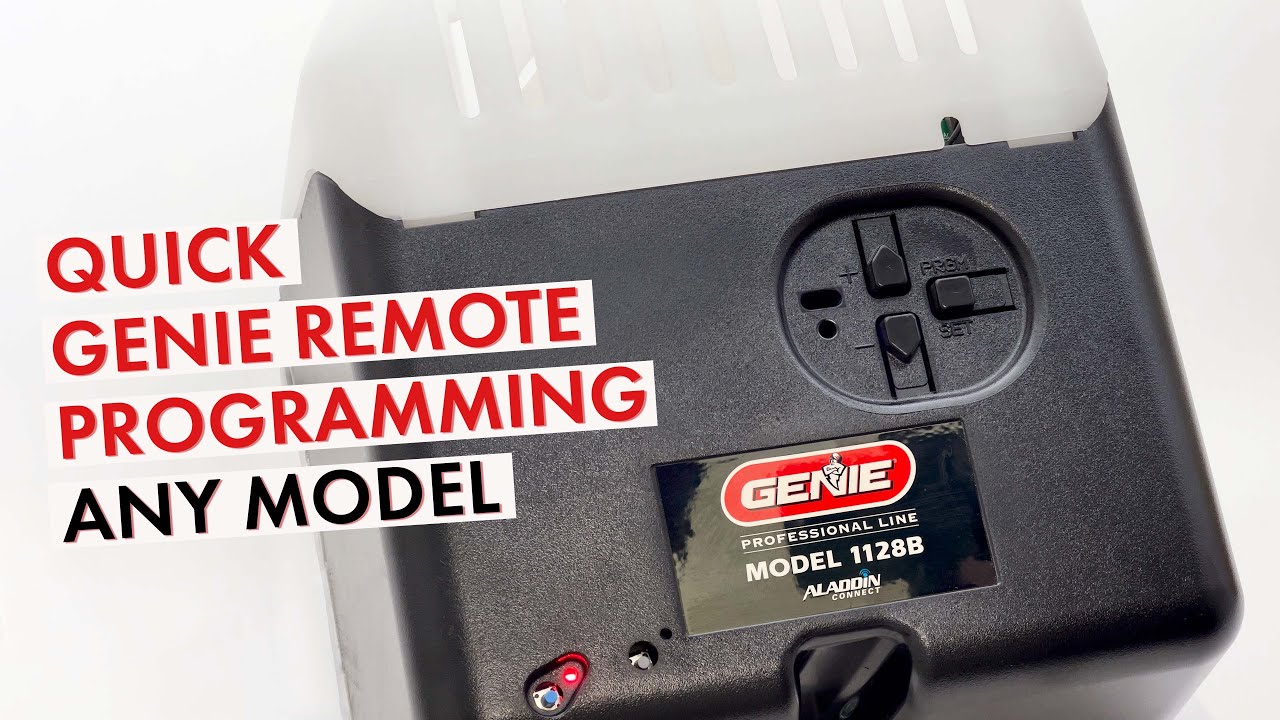
Always check the model number of your Genie opener. This can be found on the motor unit or in the original paperwork. Different models may have small differences in programming steps.
Credit: store.geniecompany.com
How To Program A Genie Remote Control
Programming a remote is the most common task. Here’s a quick guide for beginners.
Step-by-step Programming
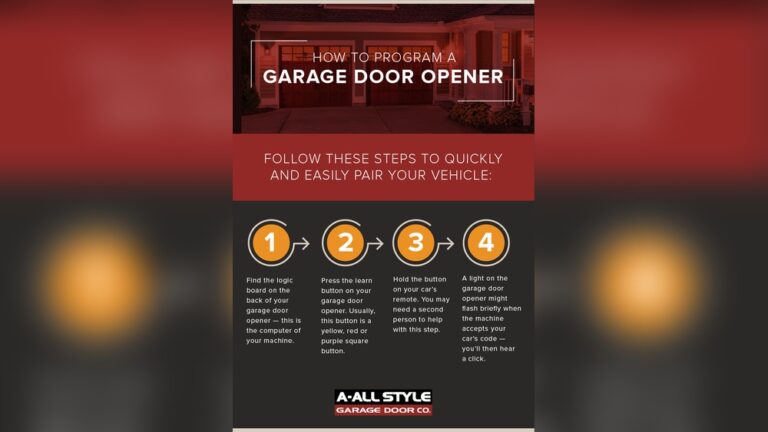
- Find the Learn Button
- Use your ladder to reach the motor unit.
- Look for a colored button labeled “Learn Code” or just “Learn”.
- Prepare the Remote
- Hold your Genie remote.
- Make sure it has fresh batteries.
- Activate Programming Mode
- Press and release the Learn button on the motor. An LED light will start blinking, showing it’s ready.
- Sync the Remote
- Within 30 seconds, press the button on your remote you want to program.
- Hold the button until the garage door opener light blinks or you hear a click.
- Test the Remote
- Press the programmed button on your remote.
- The garage door should open or close.
Example
If you have a Genie 3053 model, the Learn button is purple. After pressing it, you have 30 seconds to press the remote button.
Programming Multiple Remotes
You can program up to 7 remotes on most Genie openers. Repeat the steps above for each remote.
Common Mistakes
- Not pressing the remote button in time (within 30 seconds)
- Using weak or dead batteries
- Trying to program from too far away (stay within 5 feet)
How To Program A Genie Wireless Keypad
A wireless keypad lets you open your garage without a remote. You just enter a PIN code outside your garage.
Step-by-step Programming
- Find the Learn Button on the opener’s motor.
- Set a PIN on the Keypad
- Enter your desired 4-digit PIN.
- Press the Program or Up/Down button on the keypad.
- Sync with the Opener
- Press the Learn button on the motor unit (LED will blink).
- Within 30 seconds, enter your PIN on the keypad, then press the Up/Down key.
- The opener will respond by moving the door or blinking its light.
- Test the Keypad
- Wait 30 seconds, then enter your PIN again to make sure it works.
Real-world Example
If your keypad is a Genie GK-R, you would press “3”, “5”, “7”, and then “Program” to set a PIN. Then follow the steps above.
Resetting A Genie Garage Door Opener
Sometimes you need to reset your opener, especially if you lose a remote or move into a new house.
How To Erase All Codes
- Hold the Learn button for about 10 seconds.
- The LED light will go off, erasing all remotes and keypads.
- You now need to reprogram any remotes or keypads you want to use.
When To Reset
- After a break-in
- When buying a home
- If remotes stop working
Troubleshooting Programming Problems
If your Genie opener is not responding, don’t panic. Most issues are easy to fix.
Common Issues And Solutions
- Remote not working: Try replacing batteries, repeat programming steps, or move closer.
- Keypad not working: Reset the keypad, set a new PIN, or check for interference.
- Learn button not responding: Check power supply, or unplug and plug back in.
Quick Troubleshooting Table
| Problem | Possible Cause | Solution |
|---|---|---|
| Remote won’t program | Dead batteries | Replace batteries |
| Keypad not syncing | Wrong PIN format | Reset and use 4 digits |
| No LED on motor | No power | Check power supply |
| Opener beeps but doesn’t move | Safety sensor blocked | Clean sensors |

Credit: heritagedoor.com
Genie Models And Learn Button Colors
Different Genie models use different Learn button colors. This color tells you the programming method and compatible remotes.
| Model Series | Learn Button Color | Remote Type |
|---|---|---|
| ChainMax, SilentMax | Purple | G3T, G1T |
| StealthDrive | Green | GITR-3 |
| Excelerator | Red/Orange | AT85P |
| Older models | Black | AT90 |
Tip: Always check your opener’s manual or the Genie website if you’re not sure which remote to buy.
Genie Programming Vs. Other Brands
If you’ve used other brands (like Chamberlain or LiftMaster), Genie’s programming is a bit different. Here’s a quick comparison:
| Brand | Programming Button Location | Max Remotes | Keypad Setup |
|---|---|---|---|
| Genie | Motor unit, near antenna | 7 | Set PIN, sync to opener |
| Chamberlain | Back of motor unit | 5 | Set PIN, learn button |
| LiftMaster | Side/back of motor | 8 | Set PIN, learn button |
Safety Tips For Programming
Programming a Genie opener is safe, but always keep these rules in mind:
- Never stand under the door while testing.
- Keep remotes out of children’s reach.
- If the door moves unexpectedly, unplug the opener and check for obstructions.
- Always use a sturdy ladder.
Non-obvious Insights For Beginners
Many people miss these small but important details:
- Remote Button Order Matters: If your remote has multiple buttons, you can program each for different doors (if you have more than one opener).
- Distance Is Key: Stay within 5 feet of the opener during programming. Walls and cars can block signals.
- Keypad Battery: Wireless keypads also need batteries. If programming fails, try replacing them.
- Rolling Code Technology: Most Genie remotes use rolling code for security. After programming, each press sends a new code to prevent hacking.
- Programming Lockout: If you press the Learn button too many times in a row, the opener may lock you out for a few minutes. Wait and try again.
Real-life Scenario Example
Imagine you just moved into a new home with a Genie opener, but the previous owner didn’t leave any remotes. Here’s what to do:
- Buy a compatible Genie remote from a hardware store.
- Reset the opener by holding the Learn button for 10 seconds.
- Follow the programming steps above.
- If you want extra security, program a new keypad with your own PIN.
This ensures only you can access the garage.
When To Call A Professional
Most programming tasks are DIY-friendly. But call a technician if:
- The motor unit is too high or hard to reach.
- The opener light stays off, even with power.
- The door moves erratically or not at all.
- You see exposed wires or broken parts.
A professional can fix wiring, motor, or sensor problems safely.
Maintenance Tips After Programming
Keep your opener working smoothly with these simple steps:
- Change remote and keypad batteries once a year.
- Clean safety sensors with a soft cloth every few months.
- Lubricate the garage door chain or screw drive as recommended in your manual.
- Test the door’s auto-reverse feature monthly (place a block under the door and close it; the door should reverse).
Keeping Your Opener Secure
Security is important. Here’s how to make sure only trusted people can access your garage:
- Set a unique, hard-to-guess PIN on keypads.
- Erase all codes if you lose a remote.
- Don’t share your PIN with anyone you don’t trust.
- Check for new firmware or security updates on the Genie website.
Tip: For more details on Genie openers, visit the official Genie website.
Credit: www.youtube.com
Frequently Asked Questions
How Do I Find The Learn Button On My Genie Opener?
The Learn button is usually on the back or side of the motor unit, near the antenna wire. It may be colored purple, green, red, or black. Use a flashlight to see it clearly.
Can I Program A Genie Remote Without A Ladder?
If your opener is mounted high on the ceiling, a ladder is needed. Some newer Genie models let you use a wall console to enter programming mode, but most require reaching the motor unit.
How Many Remotes Can I Program To A Genie Opener?
Most modern Genie openers support up to 7 remote controls. Older models might allow fewer. If you reach the limit, you must erase all codes and reprogram.
Why Isn’t My Genie Remote Working After Programming?
Common reasons include dead batteries, being out of range during setup, interference from metal objects, or a full memory (too many remotes stored). Reset the system and try again.
What Should I Do If I Lost My Remote?
Erase all codes from the opener using the Learn button. Buy a compatible Genie remote and follow the programming steps. This keeps your garage secure.
Programming a Genie garage door opener doesn’t have to be stressful. By following these simple steps and tips, you can quickly set up your remotes and keypads. Always keep your system secure, maintain it regularly, and don’t hesitate to call a professional for complex issues. With a little patience, your Genie opener will give you reliable performance for years.