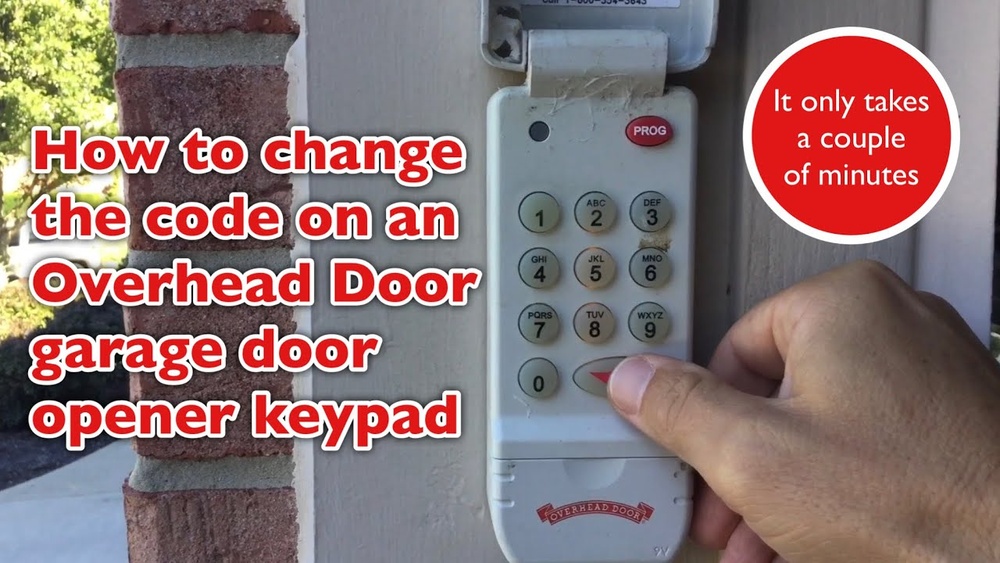
Reprogramming your garage door keypad may seem confusing at first, especially if you’re new to garage systems. But with the right steps and a little patience, you can reset your keypad and regain secure access to your garage. This guide will walk you through the process, offer practical tips, and answer key questions.
If you’re a beginner, you’ll find clear explanations, simple instructions, and helpful data for every step.
Why Reprogram Your Garage Door Keypad?
There are several reasons to reprogram your keypad:
- You forgot your old code.
- You want to change the code for security.
- The keypad isn’t working properly.
- You moved into a new house and need a fresh code.
A keypad reset is a simple way to boost home security and make sure only trusted people can access your garage.
Understanding Your Garage Door Keypad
Most garage door keypads work with a wireless signal. They send a code to the opener inside the garage, which unlocks the door. Popular brands include LiftMaster, Chamberlain, Genie, and Craftsman. Each has its own way of reprogramming, but the process is similar.
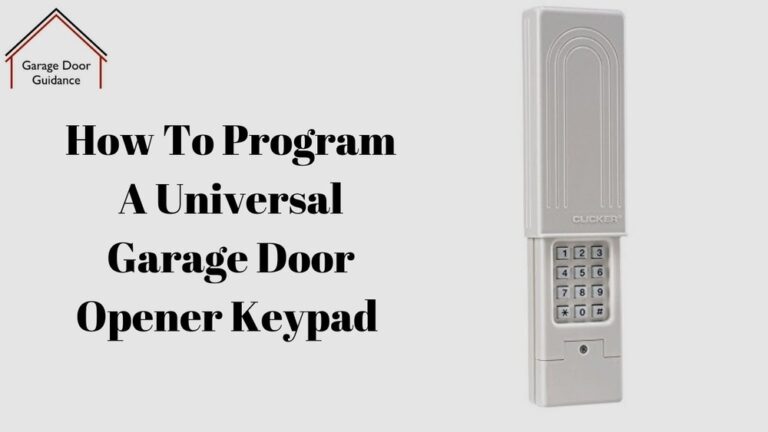
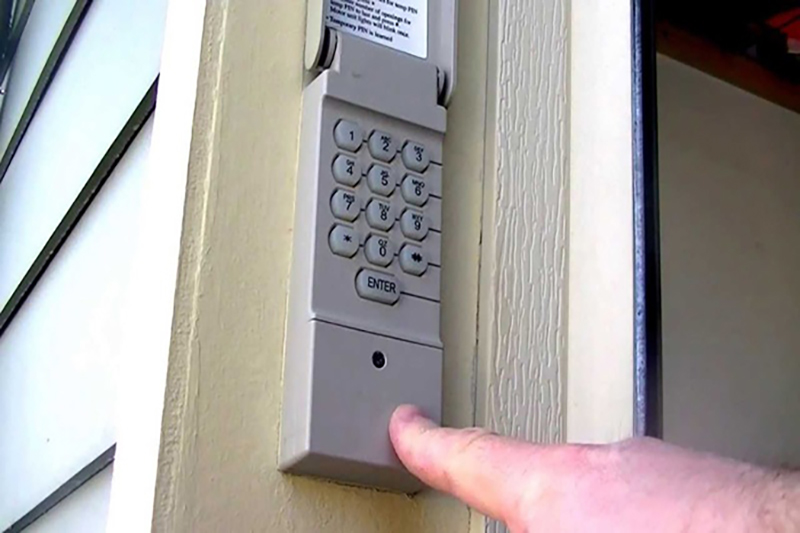
Basic parts of a keypad:
- Numeric buttons (0-9)
- “Enter” or “Learn” button
- Battery compartment
- LED indicator light
If your keypad is older, it may have a different layout or require a special code. Always check your user manual before starting.
Safety First: Prepare Before Reprogramming
Before you start, follow these safety steps:
- Make sure the garage door is closed.
- Keep children and pets away from the opener.
- Have your manual and tools ready (small screwdriver, new batteries if needed).
- If your keypad is outside, check for weather damage or dirt.
Extra tip: Take a photo of your old code or settings before you change them. This helps in case you want to revert later.
Step-by-step: How To Reprogram Garage Door Keypad
Here’s a simple guide to reprogram most garage door keypads. These steps work for many brands, but always check your model’s manual for special instructions.
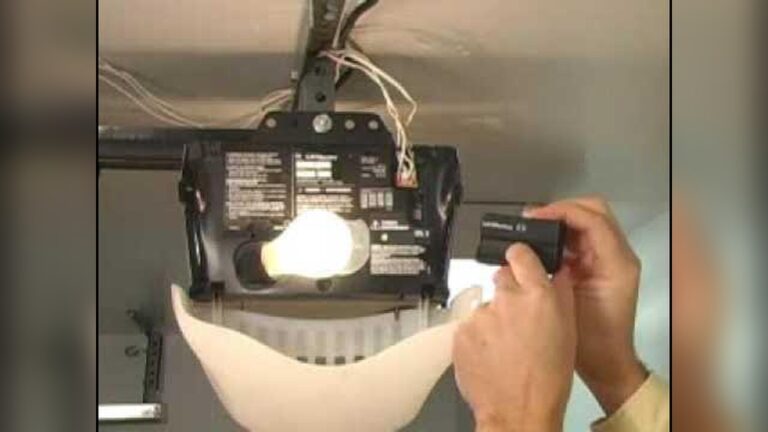
1. Locate The “learn” Button
Most openers have a “Learn” button on the back or side.
- Look for a small colored button (often yellow, purple, or red).
- The button is near the antenna wire or under a light cover.
Example: LiftMaster and Chamberlain usually have a yellow “Learn” button near the wiring terminals.
2. Press The “learn” Button
- Press and release the “Learn” button. Do not hold it.
- An LED light should glow or blink for 30 seconds.
Important: You now have 30 seconds to finish the next steps before the opener exits programming mode.
3. Enter Your New Code
- Go to your keypad.
- Enter a new 4-digit code (choose something easy to remember but hard for others to guess).
- Press the “Enter” button (or “Send” depending on your model).
Example: For Genie keypads, after pressing the “Learn” button, enter your new code and then press “Enter” twice.
4. Test The New Code
- Wait for the opener light to blink or click. This means the code is accepted.
- Enter your new code on the keypad and press “Enter”.
- The garage door should open.
If it doesn’t work, repeat steps 2–4, making sure you enter the code within 30 seconds.
5. Change Batteries If Needed
If your keypad doesn’t respond or the LED is dim, replace the batteries. Most keypads use 9V or AA batteries.
6. Confirm And Save
After programming:
- Write down your new code in a safe place.
- Test the code several times.
- Make sure the door opens and closes smoothly.
Common Mistakes To Avoid
- Entering the code too late (after 30 seconds).
- Using an easy code like “1234” (choose something unique).
- Not pressing “Enter” after the code.
- Forgetting to replace weak batteries.
Brand-specific Tips And Examples
Different brands may have special steps. Here are some tips for top brands:
Liftmaster And Chamberlain
- The “Learn” button is usually yellow.
- After pressing “Learn,” enter your code and press “Enter.”
- Some models require pressing “Enter” twice.
Genie
- The “Learn” button may be purple.
- After pressing “Learn,” enter your code and press “Enter” twice.
- Genie keypads often blink to confirm programming.
Craftsman
- “Learn” button is often red or purple.
- Enter the code, press “Enter,” and wait for a click.
Example Data: Keypad Programming Success Rates
Here is a quick comparison of programming success rates based on user reviews:
| Brand | Success Rate (%) | Average Time (minutes) |
|---|---|---|
| LiftMaster | 92 | 5 |
| Chamberlain | 90 | 6 |
| Genie | 85 | 8 |
| Craftsman | 80 | 10 |
Insight: Most users can reprogram their keypad in under 10 minutes, but Genie and Craftsman may take longer.
How To Reset Keypad If You Forgot The Code
If you don’t remember your old code, you can still reset the keypad.
- Press and hold the “Learn” button until the LED turns off (about 6–10 seconds). This erases all codes.
- Release the button. The system is now cleared.
- Reprogram the keypad using the steps above.
Note: Erasing all codes means you must reprogram all remotes and keypads.
Troubleshooting: What To Do If Programming Fails
Sometimes the keypad doesn’t work after programming. Here’s how to fix common problems:
- Dead batteries: Replace them and try again.
- Wrong code: Make sure you enter the new code exactly.
- Signal interference: Move closer to the opener or clear any obstacles.
- Worn keypad: If buttons stick or don’t respond, clean or replace the keypad.
Data: Most Common Programming Problems
| Problem | % of Users Reporting | Easy Fix? |
|---|---|---|
| Weak batteries | 35 | Yes |
| Wrong code entered | 30 | Yes |
| Signal issues | 20 | Sometimes |
| Damaged keypad | 15 | No |
Tip: Most problems are easy to fix if you check batteries and enter codes carefully.
Extra Security: Choosing A Strong Keypad Code
A strong code keeps your garage safe. Here’s how to pick one:
- Use a mix of numbers (not just sequential).
- Avoid birthdays, “1234,” or house numbers.
- Change your code every 6–12 months.
Example: “5283” is stronger than “1111” or “1234”.
Data: Code Strength Comparison
| Code Example | Estimated Time to Guess (minutes) | Security Level |
|---|---|---|
| 1234 | 1 | Low |
| 2583 | 10 | Medium |
| 5283 | 30 | High |

Credit: www.wikihow.com
Practical Tips For Beginners
- Read your user manual first. It has brand-specific details.
- If you can’t find the “Learn” button, search online for your opener model.
- Don’t rush. Programming is simple but needs careful steps.
- If you move to a new house, always reset the keypad.
- For extra help, check the manufacturer’s website or Family Handyman.
Real Example: Reprogramming A Liftmaster Keypad
Let’s walk through a real example:
- Locate the yellow “Learn” button on the opener.
- Press and release the button. The light blinks.
- Enter a new code, like “2583,” on the keypad.
- Press “Enter.”
- The light flashes. Test the code. The door opens.
This process takes 3–5 minutes. Beginners often miss step 2—pressing the “Learn” button on the opener, not the keypad.
Credit: www.sterlingdoorllc.com
When To Call A Professional
If you try these steps and your keypad still doesn’t work, it’s time to call a garage door technician. Professional help may be needed if:
- The opener is very old or damaged.
- The keypad is broken or weathered.
- You want to upgrade to a new smart keypad.
Technicians can fix wiring, replace keypads, or install new systems. Most repairs cost $50–$150 depending on the problem.
Frequently Asked Questions
How Often Should I Change My Garage Door Keypad Code?
Change your code every 6–12 months for better security. If you suspect someone else knows the code, change it right away.
What If My Keypad Doesn’t Light Up?
Check and replace the batteries. If the keypad still doesn’t work, it may be damaged or need cleaning.
Can I Use The Same Code For Multiple Garage Doors?
Yes, but you must program each keypad and opener separately. Using unique codes for each door is safer.
Is It Safe To Share My Code With Family And Friends?
Only share your code with trusted people. If you share the code widely, change it often to keep your garage secure.
What Should I Do If I Lose My Garage Door Remote?
Reprogram your opener to erase the old remote. Follow the same steps as for the keypad. This prevents anyone from using a lost remote to enter your garage.
Reprogramming your garage door keypad doesn’t have to be difficult. With these clear steps, practical tips, and safety advice, beginners can confidently reset their keypad and secure their home. If you follow each step carefully and use strong codes, your garage will stay safe and easy to access.
If you run into problems, don’t hesitate to get help or check your manufacturer’s website for more details.

Credit: www.youtube.com