How A Garage Door Remote Works
A garage door remote makes life easier. With one press of a button, you open or close your garage door from your car or home. But have you ever wondered how this small device controls a heavy, motorized door? Understanding how a garage door remote works can help you use it better and fix small problems yourself. This guide explains the technology, the process, and common issues in simple words.
What Is A Garage Door Remote?
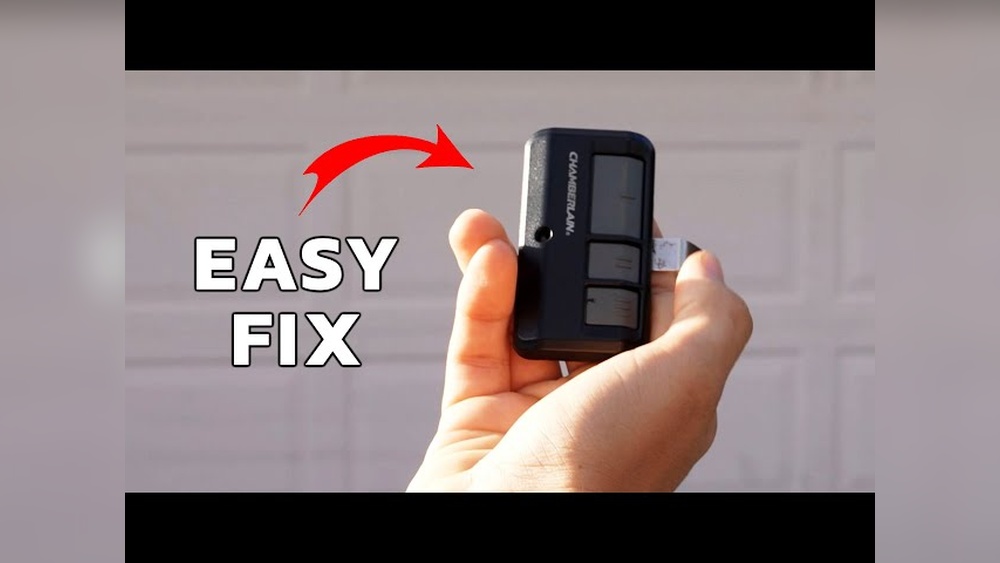
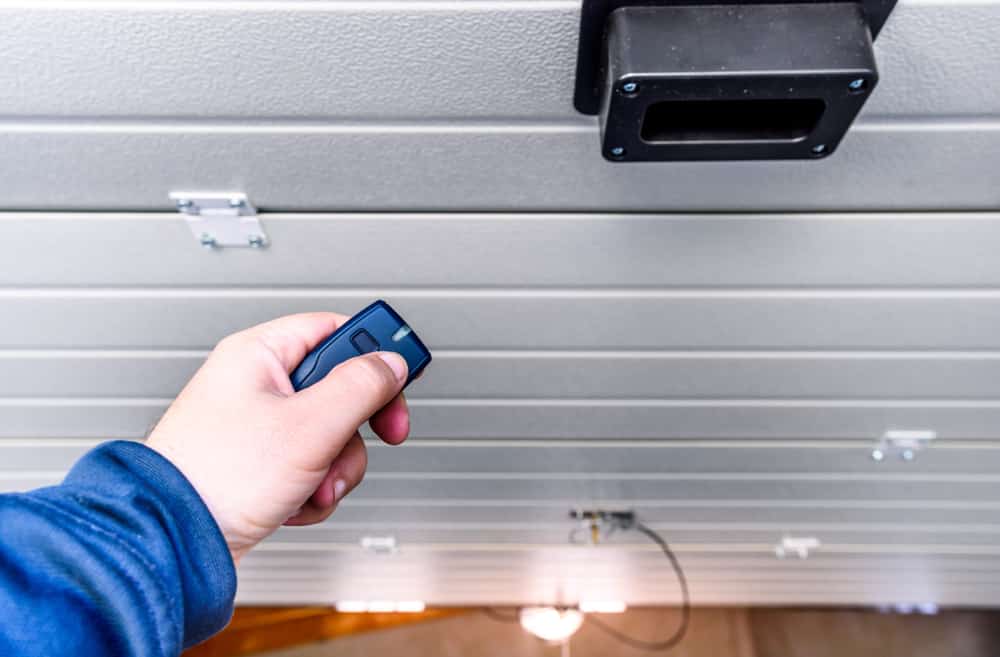
A garage door remote is a handheld device that sends a signal to your garage door opener. The opener is the motorized unit attached to your garage ceiling. When the opener gets a signal, it moves the door up or down.
Most remotes are small, battery-powered, and have one or more buttons. Some newer remotes are built into cars. Others are part of smart home systems and can be controlled with a phone app.
The Main Parts Of A Garage Door Remote
To understand how a garage door remote works, it helps to know its main parts:
- Button(s): Sends the command.
- Battery: Powers the remote.
- Circuit board: Creates the signal.
- Radio transmitter: Sends the signal using radio waves.
- Casing: Protects the electronics.
The garage door opener (receiver) has its own parts:
- Antenna: Receives the signal.
- Circuit board: Decodes the signal.
- Motor: Lifts or lowers the door.
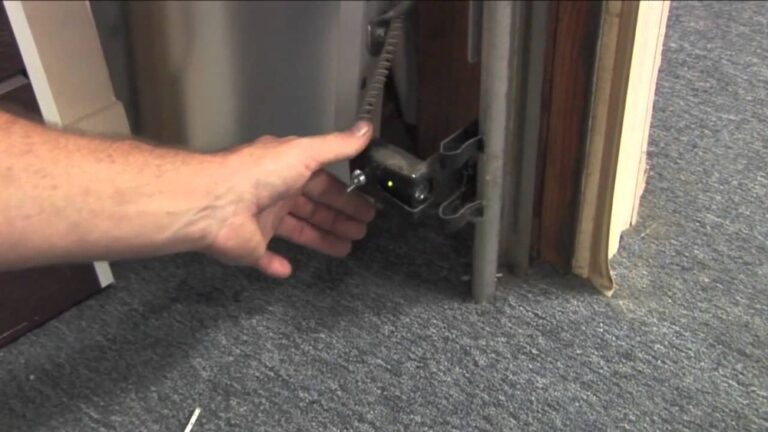
- Safety sensors: Prevent the door from closing on objects.
How Does The Remote Communicate With The Opener?
When you press the button on your remote, it sends a radio signal. This signal uses a specific frequency, most often 315 MHz or 390 MHz in the US.
Here’s a simple step-by-step example:
- Press the button on the remote.
- The remote’s transmitter sends a coded radio signal.
- The opener’s antenna receives the signal.
- The opener’s circuit board checks if the code matches.
- If it matches, the opener starts the motor.
- The garage door opens or closes.
It takes less than a second for this process to happen.
Fixed Code Vs Rolling Code Technology
Not all remotes work the same way. There are two main types of coding technology:
Fixed Code Remotes
- Use a simple, unchanging code.
- Older systems (before 1993) use this.
- Code is set with small switches (DIP switches) inside the remote and opener.
- Less secure—someone with the same code can open your door.
Rolling Code Remotes
- Change the code each time you use the remote.
- Most remotes after 1993 use this for better security.
- The remote and opener share a special algorithm.
- Even if someone records your code, it will not work next time.
Here’s a comparison for quick reference:
| Feature | Fixed Code | Rolling Code |
|---|---|---|
| Security | Low | High |
| Year Introduced | Before 1993 | After 1993 |
| Setup | DIP switches | Programming button |
| Code Changes | No | Yes |
Insight: Rolling code technology is now standard because it reduces the risk of your remote being copied by thieves.
Frequency And Range: How Far Does It Work?
Garage door remotes use radio frequencies to work. In the US, the most common are 315 MHz and 390 MHz.
- Typical range: 50–150 feet (15–45 meters), depending on obstacles and battery strength.
- Obstacles: Walls, cars, and electronic devices can block or weaken the signal.
- Weather: Rain or snow may slightly reduce range.
Example: If your remote only works very close to the garage, the battery may be weak or there might be interference from other electronics.
Here’s a quick look at frequencies used:
| Brand | Frequency | Notes |
|---|---|---|
| Chamberlain/LiftMaster | 315 MHz, 390 MHz | Rolling code |
| Genie | 315 MHz, 390 MHz | Rolling & fixed code models |
| Craftsman | 315 MHz, 390 MHz | Usually rolling code |
How To Program A Garage Door Remote
Programming means connecting your remote to your garage door opener so they “know” each other. The exact steps depend on your opener, but most use a similar process.
Basic steps:
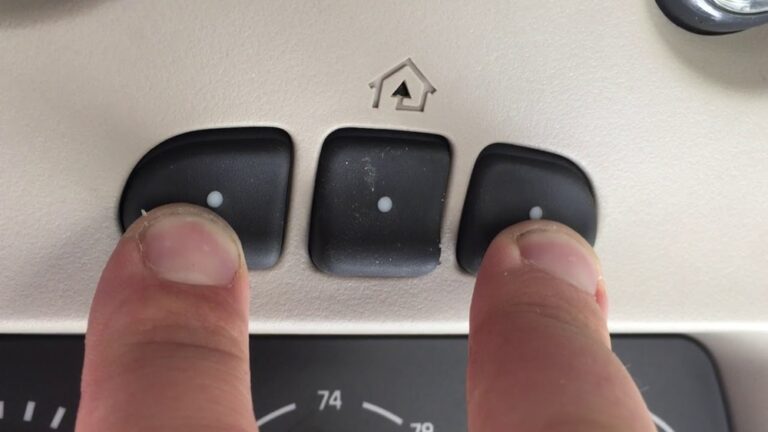
- Find the “Learn” button on your garage door opener (usually on the back or side of the unit near the antenna).
- Press and release the “Learn” button. A light will usually turn on.
- Within 30 seconds, press your remote’s button (the one you want to use).
- The opener’s light may blink or you’ll hear a click. This means it worked.
Tip: If you have multiple remotes, repeat the process for each one.
Insight: Some remotes can control more than one door—each button can be programmed to a different opener.
Safety Features In Modern Remotes
Safety is a big part of modern garage door systems. Here are some features you may notice:
- Safety sensors: Use invisible light beams to stop the door if something is under it.
- Auto-reverse: If the door hits something, it goes back up.
- Lock modes: Some openers let you lock out all remotes for extra security.
- Temporary codes: Some keypads let you create a code that only works once or for a short time.
Practical Example: If you have kids or pets, safety sensors are important. They prevent the door from closing if something crosses the path.
Common Problems And Simple Fixes
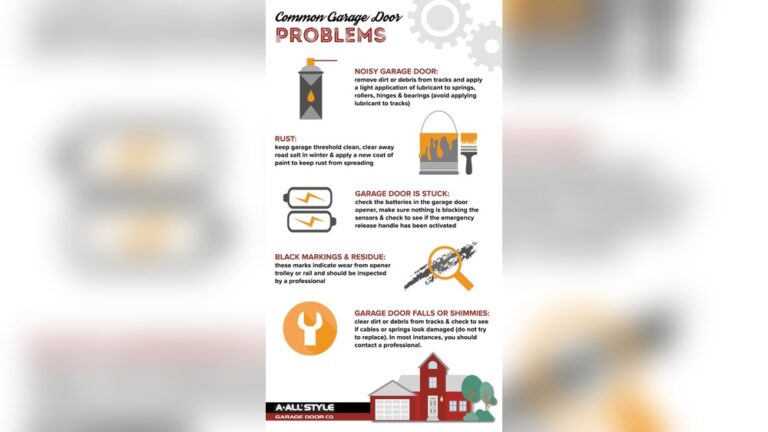
Even the best remotes have problems sometimes. Here are common issues and how to solve them:
- Remote does not work at all
- Check or replace the battery.
- Make sure you are within range.
- Reprogram the remote.
- Check for blocked signal (metal doors, walls, or interference).
- Remote works only up close
- Weak battery.
- Antenna on opener might be damaged or missing.
- Try moving other electronic devices away from the opener.
- Door opens by itself
- Possible stuck button.
- Someone nearby may have the same fixed code (older systems).
- Rolling code remotes almost never have this problem.
- One remote works, others don’t
- Dead battery in the non-working remote.
- That remote needs to be programmed again.
Pro tip: Always keep spare batteries. Most use common types like CR2032 or 9V.

Credit: www.amazon.com
Smart Garage Door Remotes
Technology is changing how we use garage doors. Today, smart garage door openers let you control your door with a smartphone or even voice commands.
- Wi-Fi enabled: Connects to your home network.
- App control: Open or close your door from anywhere.
- Notifications: Get alerts if your door is left open.
- Integration: Many work with Amazon Alexa, Google Assistant, or Apple HomeKit.
Example: With a smart opener, you can let a delivery person drop a package in your garage even when you are not home.
Important Note: Smart openers add convenience but require a secure Wi-Fi network to prevent hacking.
How To Choose The Right Garage Door Remote
If you need a new remote, here’s what to consider:
- Compatibility: Check your opener’s brand and year. Not all remotes work with all openers.
- Number of buttons: If you have more than one garage door, pick a remote with multiple buttons.
- Security: Choose rolling code technology for safety.
- Range: A higher range is better for large driveways.
- Ease of programming: Some remotes are much simpler to program than others.
Mistake to avoid: Buying a universal remote without checking compatibility. Always check your opener’s model number first.
Credit: precisiondoorfresno.com
Real-world Data: How Often Remotes Fail
- About 1 in 8 remotes will stop working each year, often due to battery issues.
- Over 60% of remote failures are caused by old batteries or poor contact.
- Around 30% of users report range problems, usually because of interference or low battery.
Tip: If your remote is older than 5 years, consider replacing it for better security and performance.
Environmental Impact And Recycling
Garage door remotes are usually powered by small batteries. These should not go in the trash.
- Recycle batteries at a local electronics store or recycling center.
- Some remotes contain small electronic chips—recycling helps reduce e-waste.
Practical tip: Remove batteries if you are throwing away an old remote.
Interesting Facts You Might Not Know
- The first wireless garage remote was used in World War II to control bombs!
- Most US homes with a garage have at least two remotes.
- Some universal remotes can control up to four garage doors.
Non-obvious insight: If your neighbor’s remote opens your door, you likely have an old fixed code system. Upgrade for safety.
Frequently Asked Questions
How Do I Know If My Garage Door Remote Uses Rolling Code?
Look at the year your opener was made. Most units made after 1993 use rolling code. If you see a “Learn” button instead of small switches, it is likely rolling code. You can also check the manual or the manufacturer’s website.
Can Someone Hack My Garage Door Remote?
It is very hard to hack a rolling code remote. Old fixed code remotes are much less secure. For best safety, always use a rolling code or smart opener. For more about security, visit the Wikipedia page on garage door openers.
What Battery Does My Garage Door Remote Use?
Most common batteries are CR2032 (coin cell) or 9V. Check your remote’s back cover or manual for the exact type. Always use the same voltage.
Why Does My Remote Work Sometimes But Not Always?
This is often a sign of a weak battery or interference. Try replacing the battery first. If the problem continues, check for new electronic devices or Wi-Fi routers near your garage.
How Can I Improve My Remote’s Range?
Make sure the opener’s antenna is pointing down and not damaged. Replace the battery. Move any large metal objects or electronic devices away from the opener. If range is still poor, consider a new remote or opener.
A garage door remote is a small device, but it uses smart technology to make your life simpler and safer. Now that you understand how it works, you can use it with more confidence, fix small problems, and make smart choices when buying or upgrading.
Whether you stick with a classic remote or switch to a smart system, knowing these basics keeps your home safer and more convenient.

Credit: www.youtube.com