Programming your garage door opener to your car can seem tricky at first. Many people feel unsure about where to start, especially if they have never done this before. But once you know the basic steps, it becomes much easier.
In fact, learning how to program a garage door opener to your car is a useful skill. It saves time, increases convenience, and helps keep your home secure. This guide will walk you through the process, explain common mistakes, and share practical tips so you can get your garage door opener working with your car quickly and safely.
Understanding Garage Door Opener Compatibility
Before starting, it’s important to check if your car and garage door opener are compatible. Most modern cars have built-in HomeLink or other universal transmitter systems. These systems work with many garage door openers made after 1993. Older cars or garage openers may need special adapters.
- HomeLink is found in many cars from brands like Ford, Toyota, Honda, BMW, and Mercedes-Benz.
- Garage door openers made before 1993 often lack “rolling code” technology, which is important for security.
- If your garage door opener uses a fixed code, you may need an extra receiver or adapter.
Here’s a quick comparison of compatibility features:
| Car Feature | Compatible Garage Opener | Notes |
|---|---|---|
| HomeLink | Rolling Code (after 1993) | Most modern openers |
| Universal Transmitter | Fixed/rolling code | May need adapter for older openers |
| No built-in transmitter | Any opener | Use remote only |
Non-obvious insight: Some European cars require special frequency adapters for US garage door openers. Always check your car’s manual for details.
Gathering What You Need
You’ll need a few things before you start:
- Your car’s owner’s manual
- The original garage door opener remote
- Access to the garage door opener unit (usually mounted on the ceiling)
- A ladder if the opener is out of reach
Most programming steps require both the remote and the opener unit, so keep them nearby. If you don’t have the remote, contact the opener manufacturer for a replacement.
Step-by-step Programming Guide
Follow these steps to program your garage door opener to your car. The process is similar for most brands, but always check your manuals for small differences.
1. Clear Previous Settings (if Needed)
If your car’s transmitter has been programmed before, clear it first.
- Hold down the two outside buttons on the car transmitter for 10 seconds.
- The indicator light will blink, showing the memory is cleared.
- Release the buttons when done.
2. Position Yourself For Programming
Sit in your car, parked outside the garage. Keep your remote and owner’s manual close.
3. Press And Hold The Desired Button
- Choose the button you want to use for your garage door.
- Press and hold this button and the remote button at the same time.
- Hold both until the car’s indicator light changes from slow to fast blinking (usually 20–30 seconds).
Practical tip: If the light doesn’t blink, try moving the remote closer to the transmitter. Sometimes, distance can affect signal strength.
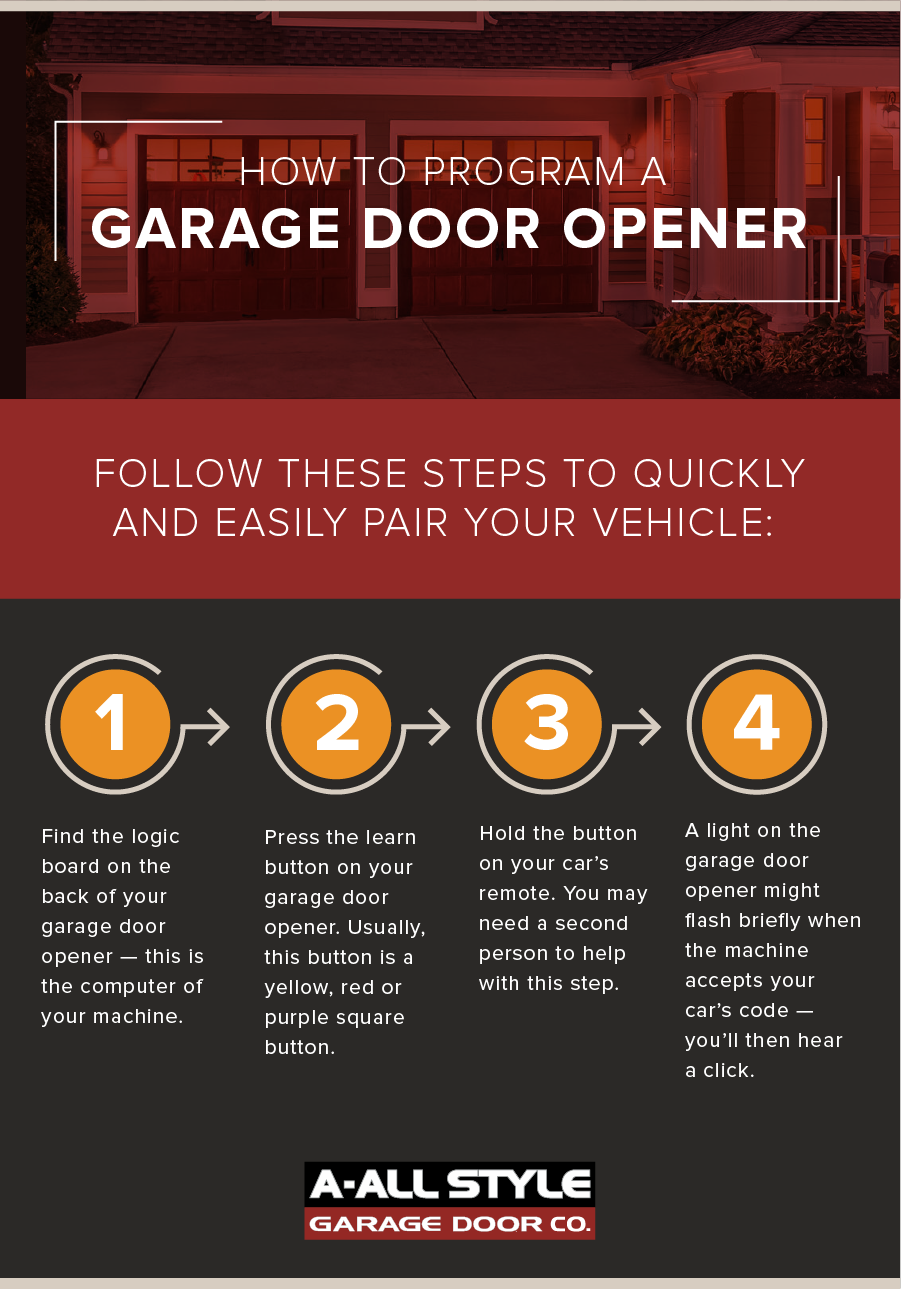
4. Program The Garage Door Opener
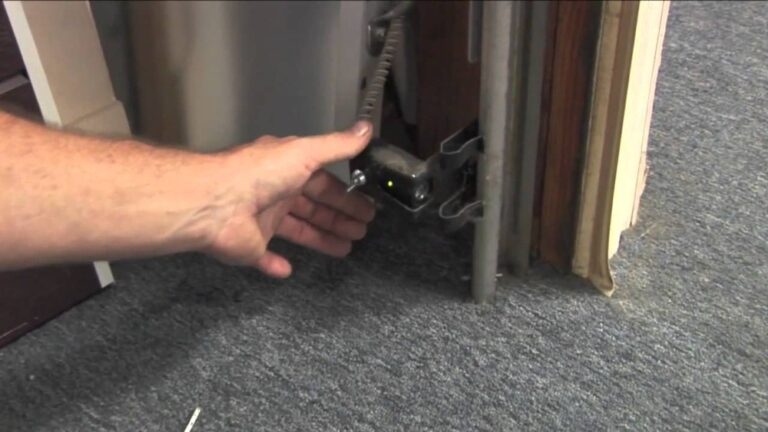
- Go to the garage door opener unit (use a ladder if needed).
- Find the “Learn” or “Smart” button. Usually, it’s behind a small cover.
- Press and release the “Learn” button. You’ll see a light blink.
5. Complete Programming In Your Car
- Within 30 seconds of pressing “Learn,” return to your car.
- Press the programmed button in your car for 2–3 seconds.
- The garage door should move (open or close). If not, repeat steps 3–5.
6. Test Your System
- Press the car button again to check if the door responds.
- Try from different distances to confirm the signal works.
Example: If you drive a Toyota Camry with HomeLink, follow these same steps. If your opener is from Chamberlain or LiftMaster, the process is nearly identical.
Non-obvious insight: Some newer cars require the ignition to be ON during programming, but not running. Check your manual to avoid mistakes.
Common Problems And Solutions
Sometimes programming doesn’t work the first time. Here’s what usually goes wrong:
- Remote battery is weak: Replace the battery before starting.
- Incorrect timing: You must press the car button within 30 seconds of the “Learn” button.
- Wrong frequency: Some cars and openers use different frequencies. If so, buy a compatible adapter.
- Obstructions: Metal objects or thick walls can block the signal. Try programming outside the garage.
If programming fails, reset and try again. If problems continue, contact your car dealer or garage opener manufacturer.
Safety Tips For Programming
Programming is safe, but accidents can happen if you’re not careful.
- Always park your car outside the garage during programming.
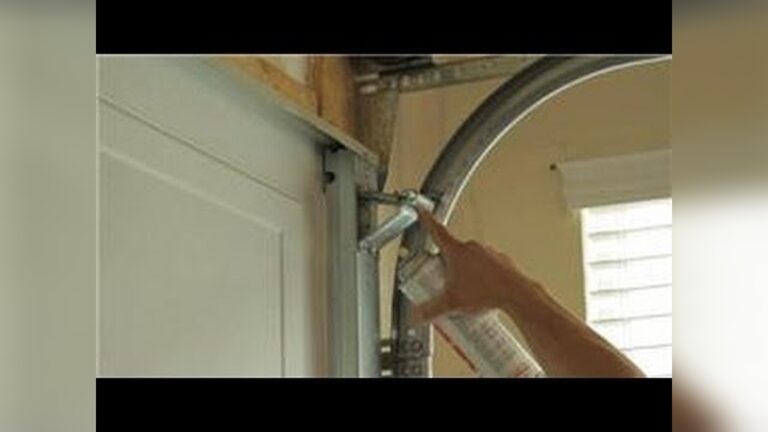
- Use a sturdy ladder if reaching the opener unit.
- Keep children and pets away while testing the door.
- Never program while the door is moving.
Practical data: According to the Consumer Product Safety Commission, about 30,000 garage door injuries happen in the US every year. Most are caused by improper use or falling doors.
Advanced Features: Multiple Doors And Remote Access
Many homes have more than one garage door. You can program each door to a different button in your car.
- For two doors, use two separate buttons on the car’s transmitter.
- Repeat the programming steps for each door.
- Label the buttons if you forget which door they control.
Some garage door openers offer remote access using smartphone apps. Brands like Chamberlain and LiftMaster allow you to open/close doors from anywhere. You’ll need Wi-Fi in your garage and a compatible opener.
Here’s a quick comparison of remote access features:
| Feature | Basic Opener | Smart Opener |
|---|---|---|
| Car Programming | Yes | Yes |
| App Control | No | Yes |
| Alerts | No | Yes |
| Multiple Doors | Yes | Yes |
Example: With a smart opener, you get alerts if your garage door opens unexpectedly. This adds security for your home.
Garage Door Opener Brands: What To Know
Different brands have slightly different programming steps. Here’s a quick overview:
- Chamberlain/LiftMaster: Use “Learn” button, easy for most cars.
- Genie: May require holding the “Learn” button longer.
- Craftsman: Similar to Chamberlain, but check for unique button placements.
- Raynor: Often uses “Learn” button, but older units may need a remote.
Most brands now follow standard rolling code protocols. If your opener is very old, consider upgrading for better security.
Programming Without A Remote
If you lost your remote, some garage door openers let you use a keypad or wall control. Here’s how:
- Find the “Learn” button on the opener.
- Enter the desired code on the keypad.
- Press the “Learn” button, then enter the code again.
- The opener will blink, confirming programming.
If your car’s transmitter is not working, use the keypad until you get a new remote.
Non-obvious insight: Some cars allow programming using dealer equipment, especially if you don’t have the remote. Ask your dealer for help.

Credit: www.youtube.com
Garage Door Opener Programming Data
Here’s practical data on success rates and time needed:
| Task | Average Time | Success Rate (First Try) |
|---|---|---|
| Programming with remote | 10–15 minutes | 80% |
| Programming without remote | 20–30 minutes | 60% |
| Programming multiple doors | 20–25 minutes | 75% |
Most people finish programming in less than 20 minutes. Reading the manual carefully improves your chances of success.
Expert Tips For Smooth Programming
- Read both the car and garage opener manuals before you start.
- Replace remote batteries for best signal.
- Write down which button controls each door.
- Check for compatibility before buying a new car or opener.
- Program during daylight for better visibility.
Example: If your car is a 2018 Honda Accord, HomeLink is built-in. Follow steps above, and use the manual for model-specific details.
Credit: www.allstyledoor.com
When To Get Professional Help
If you try programming several times and it fails, consider professional help. Experts can solve frequency problems, replace damaged remotes, or upgrade old openers. It’s usually affordable—professional programming costs $50–$100.
Professional help is also needed if you have:
- An opener older than 1993
- A car imported from outside the US
- Signal interference from nearby devices
For more details, visit the official HomeLink site: HomeLink.
Frequently Asked Questions
Can I Program My Garage Door Opener To Any Car?
Most modern cars with HomeLink or universal transmitters can be programmed. If your car is older, you may need a separate remote or adapter. Always check the car and opener manuals for compatibility.
How Long Does It Take To Program A Garage Door Opener To A Car?
On average, it takes 10–15 minutes. If you have multiple doors or an older system, it may take longer. Reading instructions carefully speeds up the process.
What Should I Do If Programming Doesn’t Work?
Try these steps:
- Replace the remote battery.
- Clear previous settings and restart.
- Check for signal interference.
- Contact your dealer or manufacturer for help.
Is It Safe To Program My Garage Door Opener Myself?
Yes, it’s safe if you follow instructions and safety tips. Always park outside, use a sturdy ladder, and keep children away. Don’t program while the door is moving.
Can I Program Multiple Garage Doors To My Car?
Yes. Most cars allow you to use separate buttons for each door. Repeat the programming steps for each opener and label the buttons for easy use.
Learning how to program your garage door opener to your car saves time and brings more convenience to your daily life. With the right steps, tools, and tips, even beginners can do it quickly and safely. If you face trouble, don’t hesitate to seek help or check your manuals again.
Modern technology makes garage access easier than ever—so enjoy the benefits of seamless entry to your home.

Credit: www.youtube.com