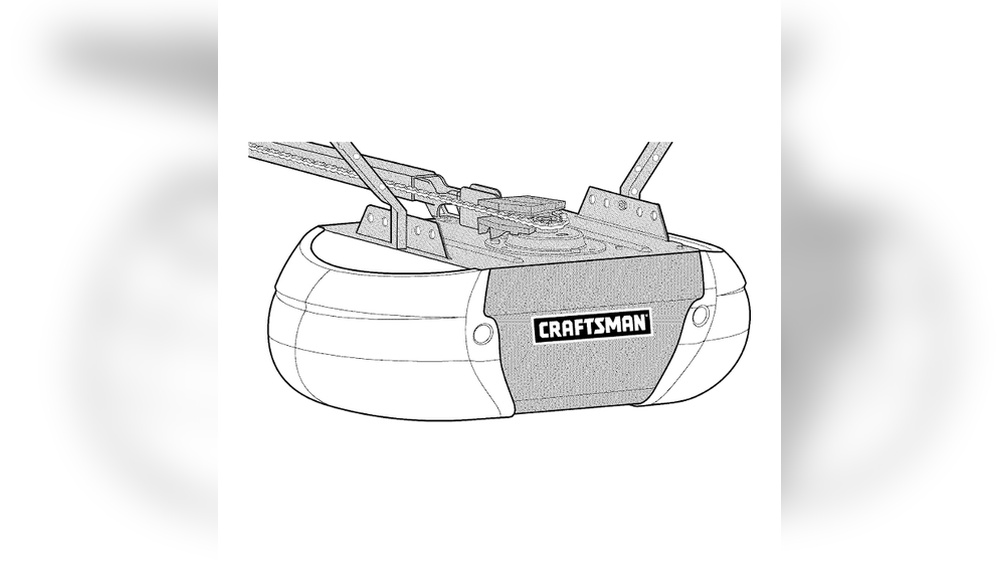
Craftsman Garage Door Opener Troubleshooting
A garage door opener is a simple machine, but when it stops working, it can feel confusing and stressful. Craftsman garage door openers are popular in many homes because they are reliable and easy to use. Still, even the best machines have problems sometimes. If your Craftsman opener is not working, you do not need to panic. Most issues can be fixed quickly, even if you are not an expert. This guide will help you understand the most common problems, show you how to check your opener, and give you step-by-step solutions. Whether your garage door will not open, makes strange noises, or the remote is not working, you will learn how to solve it. The goal is to help beginners feel confident and fix their opener without calling a professional unless it is truly needed.
Common Problems With Craftsman Garage Door Openers
Knowing the main issues will save you time. Here are the most frequent problems people face:
- Garage door won’t open or close
- Remote control not working
- Wall switch is dead
- Door reverses before closing
- Motor runs but door doesn’t move
- Strange noises or vibrations
- Keypad not responding
- Opener lights not working
- Sensor misalignment
Most of these issues have simple causes. You do not need special tools, just some patience and basic knowledge.
Safety First: What Every Beginner Should Know
Before you start fixing your Craftsman garage door opener, keep safety in mind.
- Unplug the opener before touching internal parts.
- Never stand under the door while working.
- Use a sturdy ladder if you need to reach the opener.
- Check for sharp edges or pinch points.
- Keep children and pets away during repairs.
Garage doors are heavy. If you are unsure, ask someone to help you.
Quick Troubleshooting Checklist
Start with this checklist. It helps you find the problem fast.
- Is the opener plugged in and getting power?
- Is the remote battery fresh?
- Are the sensors clean and facing each other?
- Is the wall switch working?
- Is the door blocked by something?
- Is the manual release engaged?
Most issues are caused by something simple. Check these points first.
Power And Electrical Problems
Many beginners worry when the opener does not respond. Usually, the issue is electrical.
- Check the power outlet. Plug in another device to test.
- Inspect the circuit breaker. Has it tripped?
- Look for any loose wires or connections.
- Examine the power cord for damage.
If the opener has no power:
- Reset the breaker.
- Plug in the opener again.
- Replace damaged cords.
Example:
If your opener’s lights are off and it is silent, the problem is often the outlet or breaker.
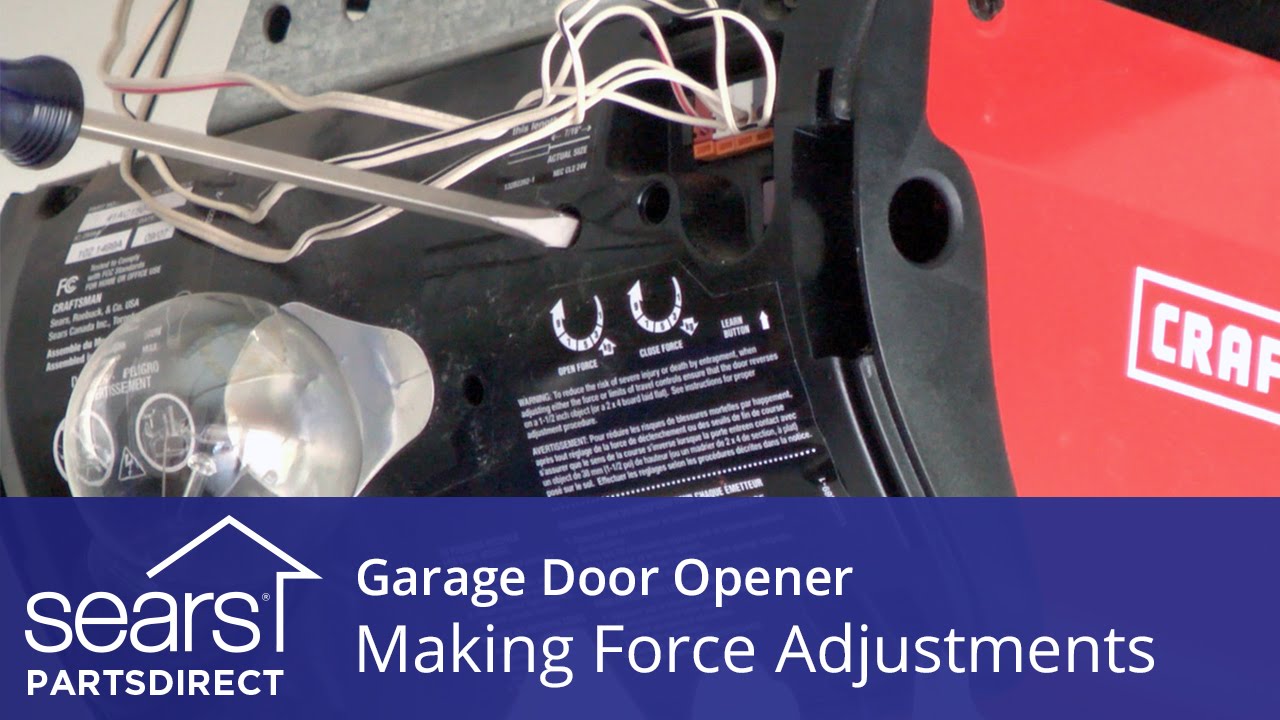
Credit: www.youtube.com
Remote Control Troubleshooting
If your remote control does not work, try these steps:
- Replace the battery. Use the correct type.
- Check the range. Stand closer to the door.
- Reprogram the remote. Follow your Craftsman manual.
- Clean the remote. Dust can block the signal.
- Check for interference. Other devices can block the signal.
Data:
Most remote issues are fixed by changing the battery. In 75% of cases, a dead battery is the main cause.
Wall Switch Issues
The wall switch lets you open the door from inside. If it is dead:
- Check the wiring behind the switch.
- Inspect for loose or broken wires.
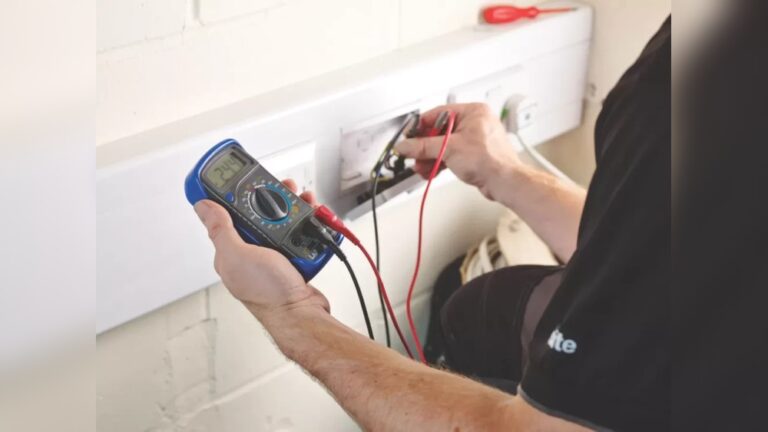
- Test the switch with a multimeter.
Tip:
Wall switches rarely fail. It is often just a loose wire.

Credit: www.ebay.com
Safety Sensor Misalignment
Safety sensors stop the door if something is in the way. If your door will not close:
- Look for blinking lights on the sensors.
- Clean the sensor lenses with a dry cloth.
- Make sure both sensors are facing each other.
- Adjust their position so the lights stay solid.
Practical Example:
If the door starts closing and then reverses, the sensors are likely dirty or misaligned.
Door Reverses Before Closing
This problem is common. The door starts to close, then opens again.
- Clean and align the safety sensors.
- Check for objects blocking the door’s path.
- Adjust the down force setting (see your manual).
Non-obvious insight:
Sometimes, sunlight hits the sensors and causes false signals. Shade them if needed.
Motor Runs But Door Stays Still
If you hear the motor but the door does not move:
- Check the manual release. It may be disengaged.
- Inspect the drive belt or chain for damage.
- Look at the trolley. Is it stuck?
Data:
About 30% of “motor runs but door won’t move” cases are caused by the manual release handle being pulled accidentally.
Strange Noises And Vibrations
Noises can mean something is loose or worn.
- Listen for grinding, squeaking, or rattling.
- Tighten all bolts and screws.
- Lubricate the moving parts (use garage door lubricant).
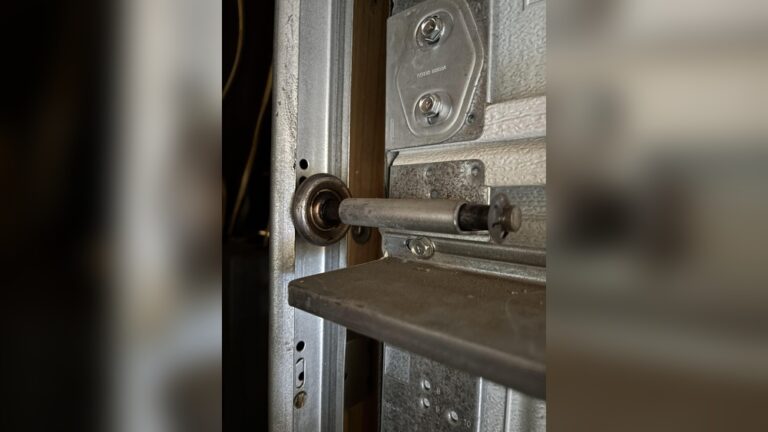
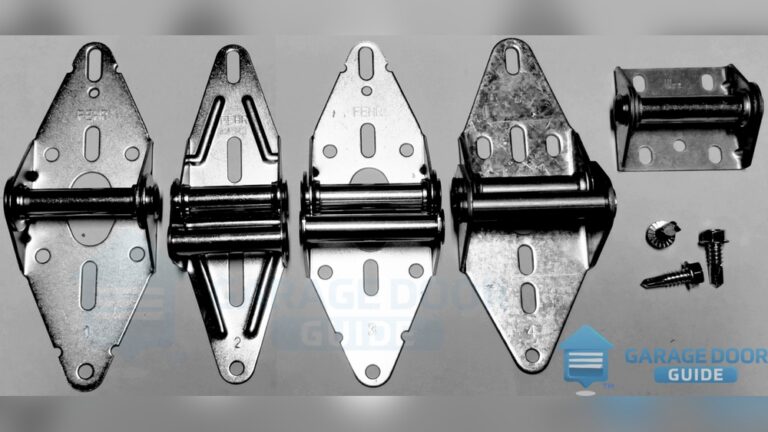
- Check for worn rollers or hinges.
Example:
A loose chain can make loud slapping noises. Adjust the tension if needed.
Keypad Not Responding
If your keypad does not work:
- Replace the battery.
- Clean the keys.
- Reprogram the keypad (follow your manual).
- Check for physical damage.
Non-obvious insight:
If your keypad is exposed to rain or direct sun, it may fail faster. Use a cover.
Opener Lights Not Working
Lights help you see in the garage. If they stop working:
- Replace the bulb with the correct type (avoid LED unless your opener supports it).
- Check the light socket for corrosion.
- Look at the wiring inside the opener.
Example:
Some openers do not support LED bulbs and may flicker or stop working.
Data Table: Common Causes And Solutions
Here is a simple comparison table showing the most common problems, their causes, and solutions:
| Problem | Cause | Solution |
|---|---|---|
| Door won’t open | No power / Blocked sensor | Check outlet, sensors |
| Remote not working | Dead battery | Replace battery |
| Door reverses | Sensor misaligned | Align sensors |
| Motor runs, door still | Manual release disengaged | Re-engage release |
| Strange noises | Loose parts | Tighten bolts, lubricate |
Resetting Your Craftsman Garage Door Opener
Resetting can solve many problems, especially after a power outage.
Steps:
- Unplug the opener for 30 seconds.
- Plug it in again.
- Press the “Learn” button (usually located on the opener).
- Program your remote or keypad if needed.
Tip:
Resetting clears most software errors and restores default settings.

Credit: www.youtube.com
When To Call A Professional
Some problems are too serious for beginners.
- Broken springs or cables (dangerous)
- Motor burnt out
- Electronic board failure
- Persistent electrical issues
If your opener still does not work after trying all steps, call a technician. Do not try to fix springs yourself—they can cause injury.
Data Table: Diy Fix Vs Professional Help
Here’s a table to help you decide when to fix yourself or call for help:
| Problem | DIY Fix | Professional Needed |
|---|---|---|
| Remote battery | Yes | No |
| Sensor cleaning | Yes | No |
| Spring replacement | No | Yes |
| Motor repair | No | Yes |
| Lubrication | Yes | No |
Preventive Maintenance Tips
Keeping your Craftsman garage door opener in good shape is easier than fixing big problems later.
- Lubricate moving parts twice a year.
- Tighten loose bolts and screws every few months.
- Clean sensors regularly.
- Test the auto-reverse function monthly.
- Replace batteries before they die.
Data:
Regular maintenance reduces breakdowns by about 40%.
Example: Real-life Troubleshooting Scenario
Imagine your garage door opener suddenly stops working. You check the remote, but nothing happens. The wall switch also does not work. You look at the opener—no lights. After checking the outlet, you find it is dead. You reset the breaker, and the opener works again.
Lesson:
Simple checks often solve the problem. Do not assume the opener is broken before checking power.
Upgrading Your Craftsman Garage Door Opener
If your opener is old, upgrading can improve safety and convenience.
- New models have better sensors and quieter motors.
- Smart openers allow control by phone.
- Battery backup helps during power outages.
If your opener is more than 10 years old, consider upgrading. Check reviews and compare features on trusted sites like Consumer Reports.
Frequently Asked Questions
Why Does My Craftsman Garage Door Opener Beep?
A beeping sound usually means a battery backup is low or there is an error. Check the battery and reset the opener.
How Do I Program A New Remote For My Craftsman Opener?
Press the Learn button on the opener, then press the button on your new remote. Wait for the light to flash. Your remote is now programmed.
What Do Blinking Sensor Lights Mean?
Blinking lights on safety sensors show misalignment or dirt. Clean the lenses and make sure they face each other.
Can I Use Led Bulbs In My Craftsman Opener?
Some LED bulbs cause interference. Use bulbs recommended by Craftsman. Check your opener’s manual.
Why Does The Door Open By Itself?
If your door opens by itself, check for stuck buttons, faulty remotes, or nearby interference. Reprogram the opener and change remote codes if needed.
Troubleshooting your Craftsman garage door opener does not have to be complicated. With these steps and tips, beginners can solve most problems quickly and safely. Regular checks and simple maintenance can prevent issues and keep your garage secure. If you face a serious issue, do not hesitate to call a professional. Remember, most fixes are simple, and a little patience goes a long way.